Music Menu
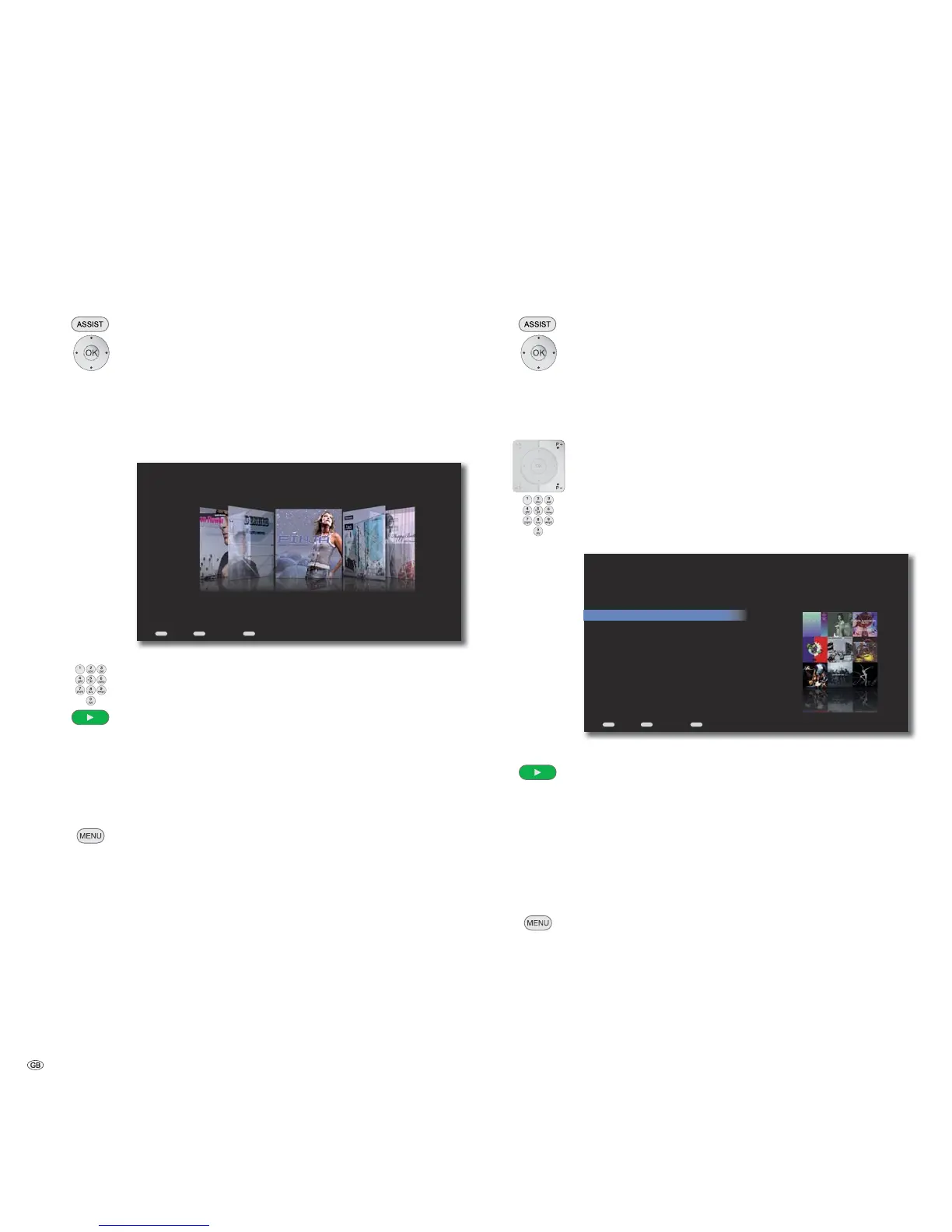
Covers
You can have a graphic display of the albums available in the Mediacenter filtered
according to Genres (genres).
Call up Main Menu.
Select option Music.
Confirm OK.
Select option Covers.
Confirm OK.
Select desired Genre.
Confirm OK.
END
MENU
ASSIST
Back Options Home
Finja
Avenue
All Albums
Select desired Album.
Enter the first alphabet using the numeric keys in the remote
control (as in SMS) to find the searched word.
Add album to the automatic playlist (the previous automatic
playlist is replaced), display menu Now Playing and start play-
ing the first title
or
Confirm OK.
Select title.
Select MENU option for selected title (page 37).
➠ For albums, which contain Tracksof various artists, the
Mediacenter makes an independent entry for every artist in
the list of albums.
Genres
You can have a list of the music available in the Mediacenter displayed sorted
according to genres.
Call up Main Menu.
Select option Music.
Confirm OK.
Select option Genres.
Confirm OK.
An alphabetically sorted list of available Genres is displayed.
P+ / P- Scroll up/down in the list.
Enter the first alphabet using the numeric keys in the remote
control (as in SMS) to find the searched word.
Select desired Genres.
END
MENU
ASSIST
Genre
Back Options Home
All
Pop
Rock
Soundtrack
Select desired Album.
Add album to the automatic playlist (the previous automatic
playlist is replaced), display menu Now Playing and start play-
ing the first title
➠ For eclectic of all genres, all available titles (up to 1000) are
added to the Automatic playlist by pressing the Play
button.
or
Select title.
Select MENU option for selected title (page 37).
- 40



 To Next Page