Preparation
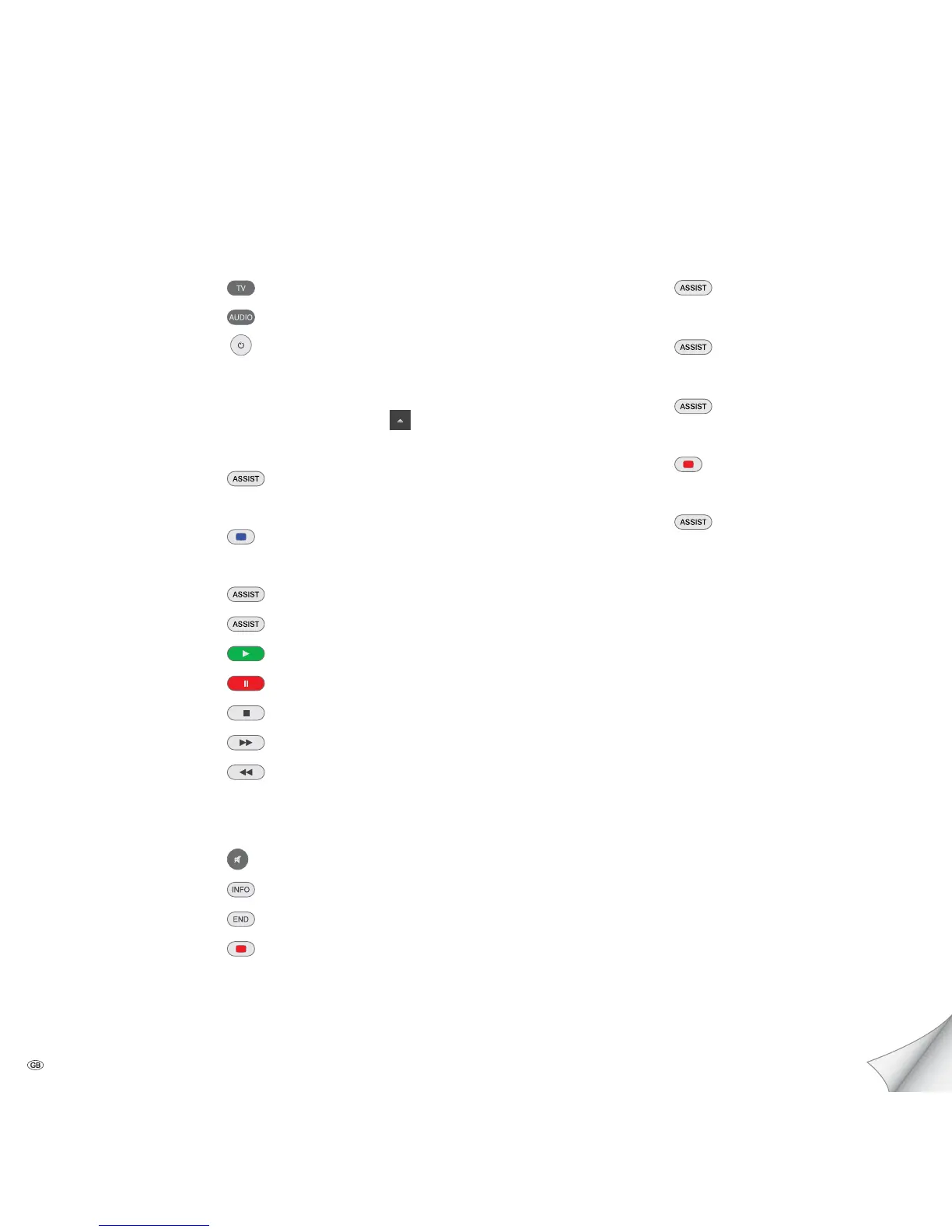
TV operation remote control
Mediacenter remote control
Switch device on/off
Insert disk Insert disk in the slot-in disk drive on
the right side
Eject disk Operating panel on the device
Operating modes
Main Menu
Menu selection OK
Settings Menu
Play
DVD/CD player - DVD/CD player - Select title
Music - Music - Category - Select media
Play
Pause
Stop
Forward (press several times)
Backward (press several times)
Next/Previous Chapter P+/-
Volume V+/-
Sound on / Mute
Detailed information/DVD title menu
Close/ go back in menu
Menu Now Playing
Radio
FM radio
- Radio - FM radio -
Stations by Name - select radio station
Internet radio
- Radio - Internet radio -
Category - Select radio station
DVB radio - Radio - DVB radio -
Select station
Screen off/on
Audio CD Import
CD Import - DVD/CD player - Import -
CD import
Brief Instructions for Individual Mediacenter / DR+
Please unfold this page.
- 2



 To Next Page