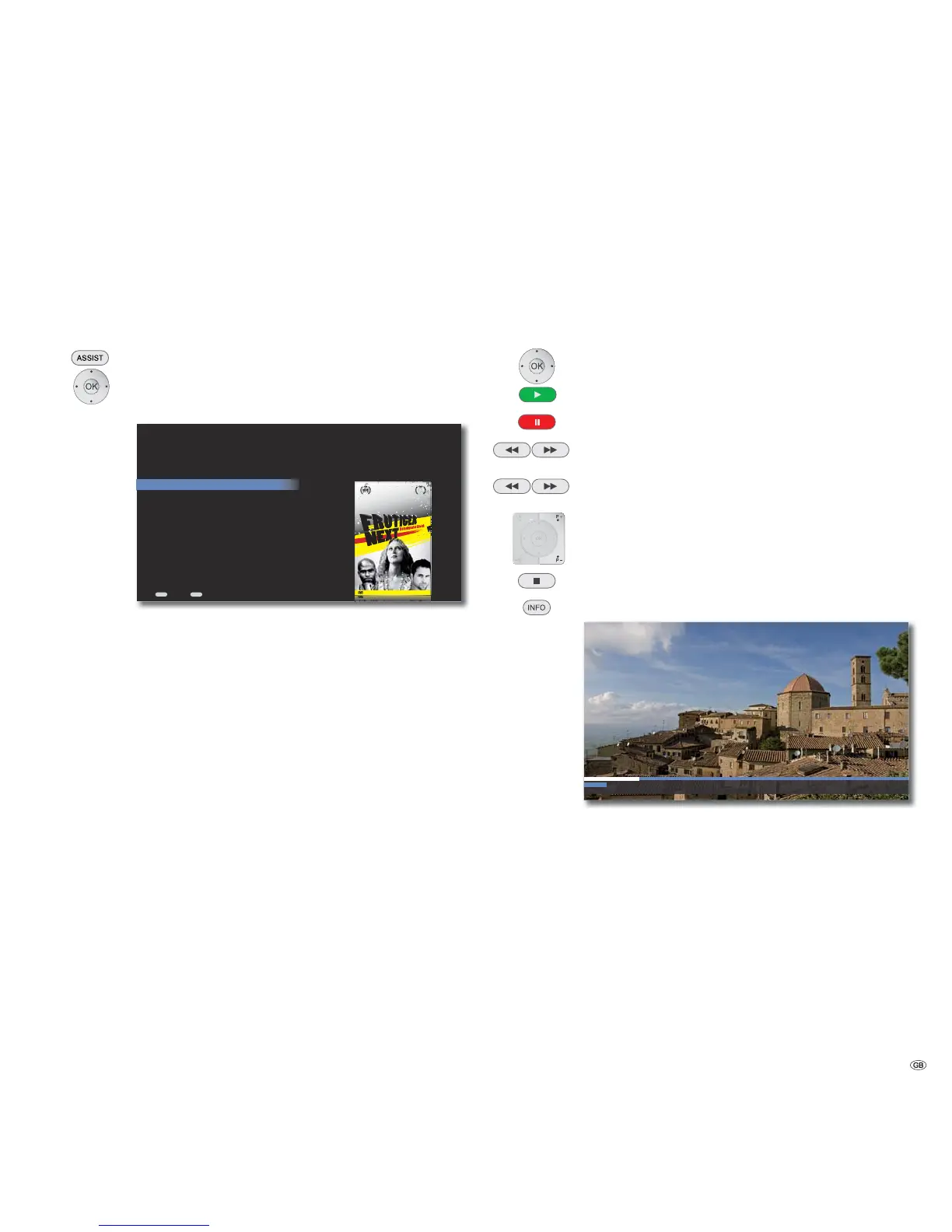
Play DVD
Read Disc
The Mediacenter tries to identify the disc as soon as the DVD is read. The disc will
be identified by Internet based media recognition services (e.g. the Gracenote ®).
If the query is successful, Covers as well as possible additional information about
the disc is displayed. Otherwise, the data can also be entered manually.
Call up Main Menu.
Select option DVD/CD player.
Confirm OK.
ASSIST
Em zzril ulla adit praesti ncilit incip et praestrud digna faciliquat lam, si. Dit am dipis adit etuerci liquisi. Olorperos eugiat. Em irit wis acilla aliqui bla augueri
ADR IAN FRUT IGER
A FILM BY CLAUDE GARAMOND
MAX MIEDINGER
suzanna licko
Em zzril ulla adit praesti ncilit incip et praestrud digna faciliquat lam, si. Dit am dipis adit etuerci liquisi. Olorperos eugiat. Em irit wis acilla aliqui bla augueri
)9(5+
6--0*,
-034-,:;0=(3
END
Resume
Play Disc
DVD Menu
DVD History
Eject
Edit Movie
DVD/CD Player
Back Home
Resume The play of the inserted disc can be continued from
the last location
Play Disc Start the play of the DVD from the beginning
DVD Menu The menu of the video DVD is displayed
DVD History An overview of last 100 DVD titles played back with
the Mediacenter are displayed.
Eject The inserted DVD is ejected
Edit Movie The menu Film info appears. Title and Covers
information can be edited manually
➠ If the disc is identified after inquiring from the databases in the Internet,
the media information and if necessary, the cover is shown in the menu
DVD/CD Player. If no appropriate information is found, the media informa-
tion can also be entered manually (page 36).
DVD Play
Depending upon the DVD, the playback starts automatically or a disc menu is
displayed. Follow the instructions on the screen or follow the documentation
with the disc.
A menu may appear on the screen.
Select title
OK Start play.
Pause Stop play. To continue play, press again.
Press briefly: Select chapter up/down.
/
Press for a long time: Keep pressed for a long time to increase
the playback speed.
/
P+ / P- Select chapter up/down.
Stop End play.
Display DVD title menu
Title: 1 Chapter: 2 Subtitle: -- 73 min. of 112 remaining
In the title menu you can - providing the DVD currently being
played back supports this - set a selection of options, such as
Title / Chapter selection or Subtitles.
Select option.
Set option.
Confirm OK.
➠ The password must be entered when the parental control level of the disc is
higher than the one set for the Movie Ratings (see Movie Ratings on
page 29).
35 -



 To Next Page