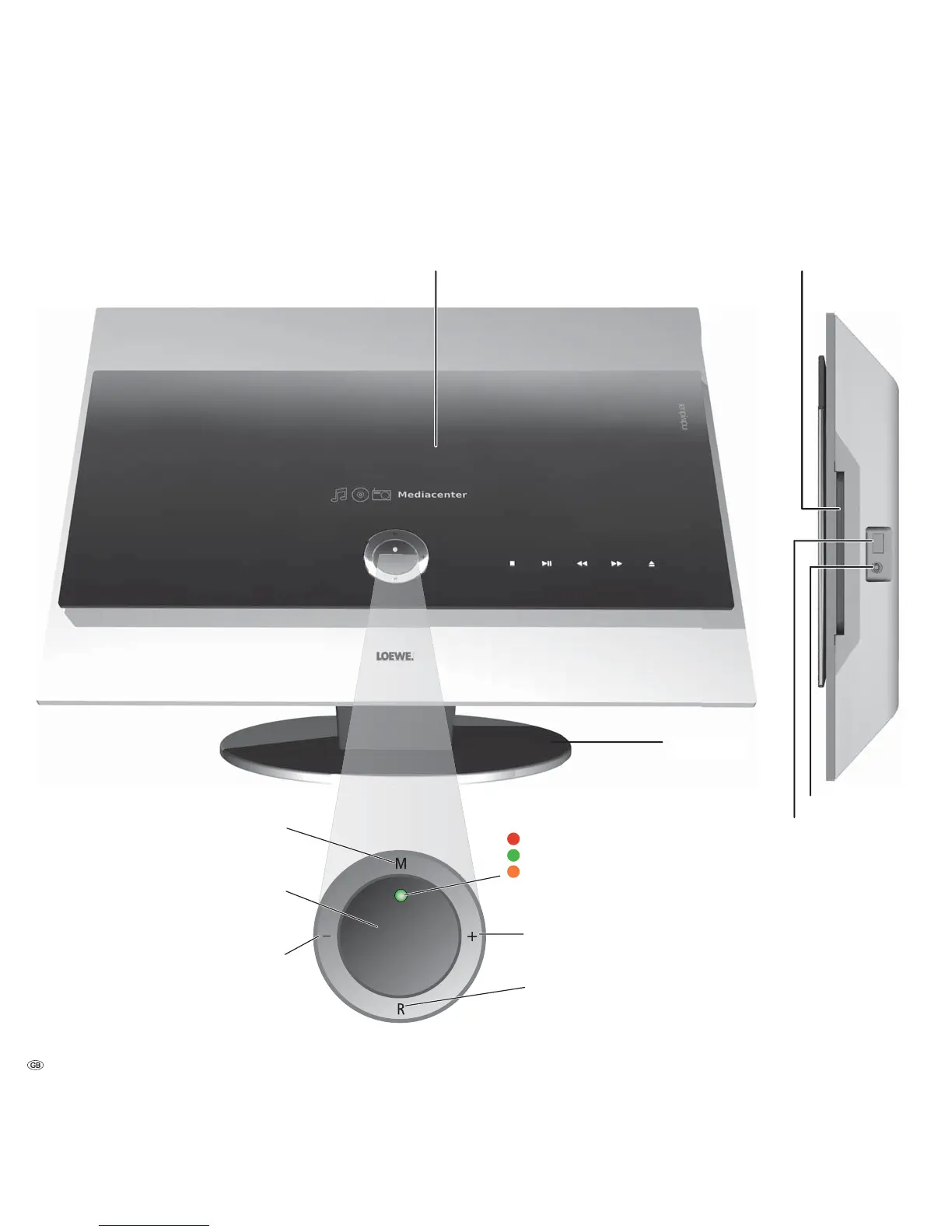
Front / Side view
Button +:
Volume up
On/Off button:
Switching on from standby mode
Switching off in the standby mode
Button – :
Volume down
LED indicator:
= Standby (readiness)
= Operate
= Mediacenter in active Standby
(server functionality is guaranteed)
Button R:
Radio on
From standby mode switch on the radio
in menu: downwards
Button M:
Select source
source in menu: upwards/downwards
- 6
Device display
Table base
CD/DVD Drive
Headphones socket
USB socket



 To Next Page