Radio Operation
Internet Radio
With the Mediacenter you can hear Internet Radio from a large number of radio
stations with different genres, if the device is connected to the Internet through
broadband connection (page 19). For convenient use of this service, we recom-
mend that you register you Mediacenter with the Loewe Support Portal. You can
then create and administer your own Internet Radio.
Listening to Internet Radio
Call up Main Menu.
Select option Radio. Confirm OK.
Select option Internet Radio. Confirm OK.
Select desired category. Confirm OK.
Select desired Internet radio station.
Confirm OK.
END
ASSIST
Home
Lokal UK
Favorites
Countries
Genre
New Stations
Popular Stations
Internet Radio
Back
Local UK Internet radio stations in your region
Favourites Your personal favourites, which you can administer
on your own via Loewe support portal in the field
of Internet radio (page 47). You can also create
favourites saved in the Mediacenter from the menu
item Add to Favorites.
The individual stations can be deleted from favourites
via Options - Remove from Favourites
Countries Internet radio stations through a regional selection
Music settings Internet radio stations sorted according to Genres
(genre)
New radio stations Recently introduced stations
Popular radio stations Popular Internet radio stations
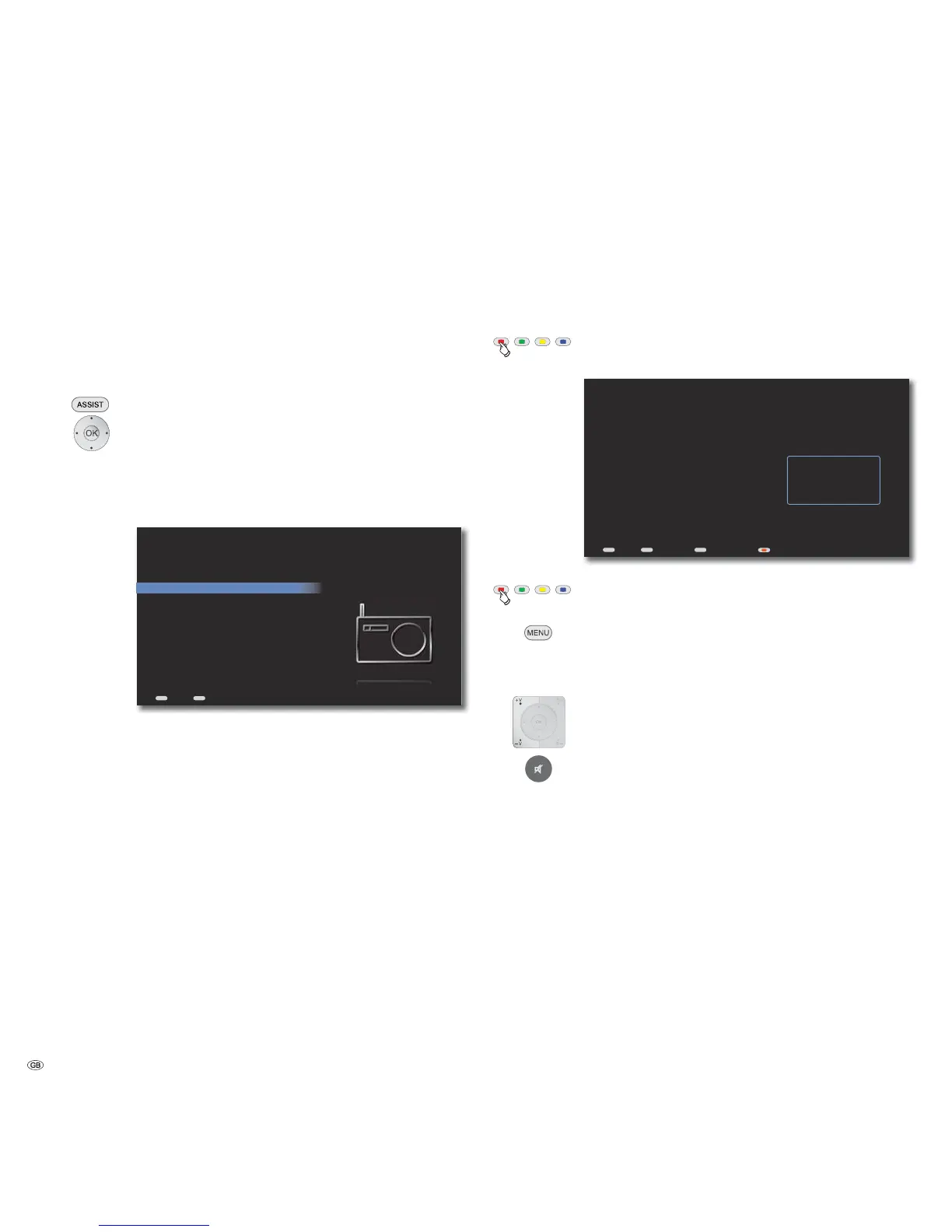
Now Playing - Internet radio
In the menu Now playing - Internet radio the station name as well as other
information (title, artist and station logo), if available, is displayed for the Internet
radio station currently being played back.
Call up Now Playing from any menu
(except with Screen Off/On option).
END
MENU
ASSIST
Home
Station
90.00 MHz / RADIO 1
Artist
Brazil
Song
Samba
Now Playing - Internet Radio
Back Options Screen Off/On
Provider Logo
Screen off/on.
Call up Options menu.
Add to Favorites The selected station is added to your Favorites
Cancel Close menu
V+ / V- Volume up / down.
Sound on / Mute.
➠ The categories and Internet radio stations may differ depending upon the
location and application.
- 46



 To Next Page