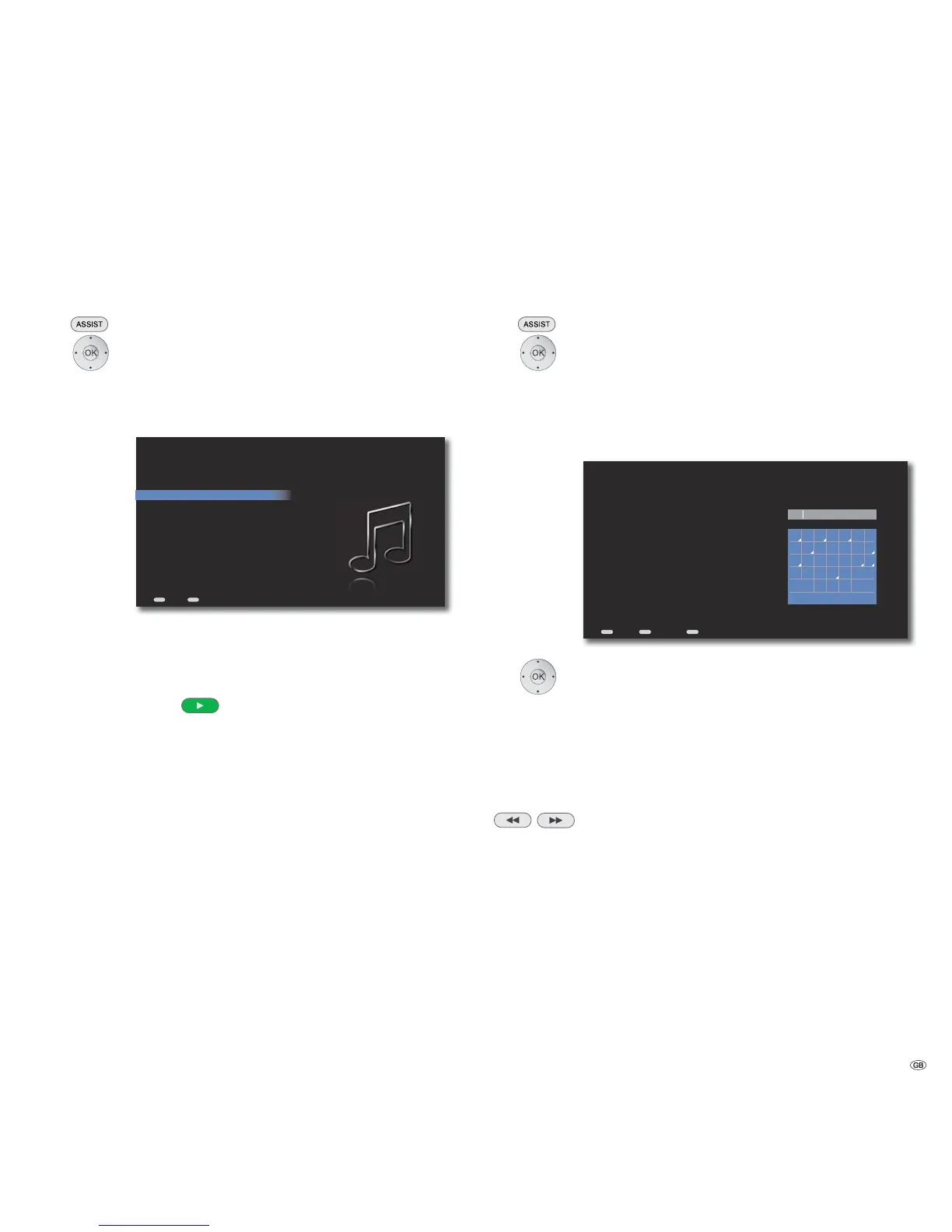
Music Menu
Music Options
In the menu Music options, you can make the settings for the playback and man-
age the media information related to your music collection.
Call up Main Menu.
Select option Music.
Confirm OK.
Select Options.
Confirm OK.
ASSIST
END
Music Options
Back Home
Shuffle Off
Repeat Off
Playback behavior
Edit Music
Identify Unknown Music
Shuffle Switch the Shuffle of the selected title on or off
Repeat Switch the automatic repetition of the selected title
on or off
Playback behaviour Set the play options for the activation of the PLAY
and OK buttons.
Edit music The media information of the digital audio files can
be edited
Identify Unknown Unknown music will be identified by the Gracenote ®
Music
media recognition service
Search
You can specifically search for artists, albums and titles of the music available in
the Mediacenter.
Call up Main Menu.
Select option Music.
Confirm OK.
Select Search.
Confirm OK.
Select option Artists, Album or Track.
Confirm OK.
END
ASSIST
MENU
abcde
f
g
hijkl
m
n
opqrs
t
u
vwxyz
<1>
S
S
S
S
anduse to select alternate characters
Up to Heaven
North from here
He
Space
Other
Delete
Clear
Search Music By Track
Back Options Home
Select alphabets / digits / function.
Capital Letters in uppercase
Small Letters in lowercase / special characters
Other Special characters
Space. Spaces
</> Select a digit between 0-9
Delete Delete a character to the left of the cursor
Clear Completely delete the input field
Select special characters for fields marked with a white triangle.
/
Confirm OK.
On entering alphabets/digits, the successful hits are shown
immediately on the left side.
➠ Entries, in which the string appears in the middle of the
expression, are also found.
Press several times to make selection in the hit list.
Select desired result.
41 -



 To Next Page