Start-up
Connections
When you operate the Mediacenter as a standalone solution (page 15), use this
option to set which speakers are connected.
➠ Call up menu as under “ Sound components“.
Select option Connections.
Confirm OK.
Select desired option.
Confirm OK.
Front speaker Set to No or cut-off frequency between 10 ... 200 Hz
Center Speaker Set to No or cut-off frequency between 10 ... 200 Hz
Surround Speakers Set to No or cut-off frequency between 10 ... 200 Hz
Subwoofer Set to No or Yes.
Move Back in the menu.
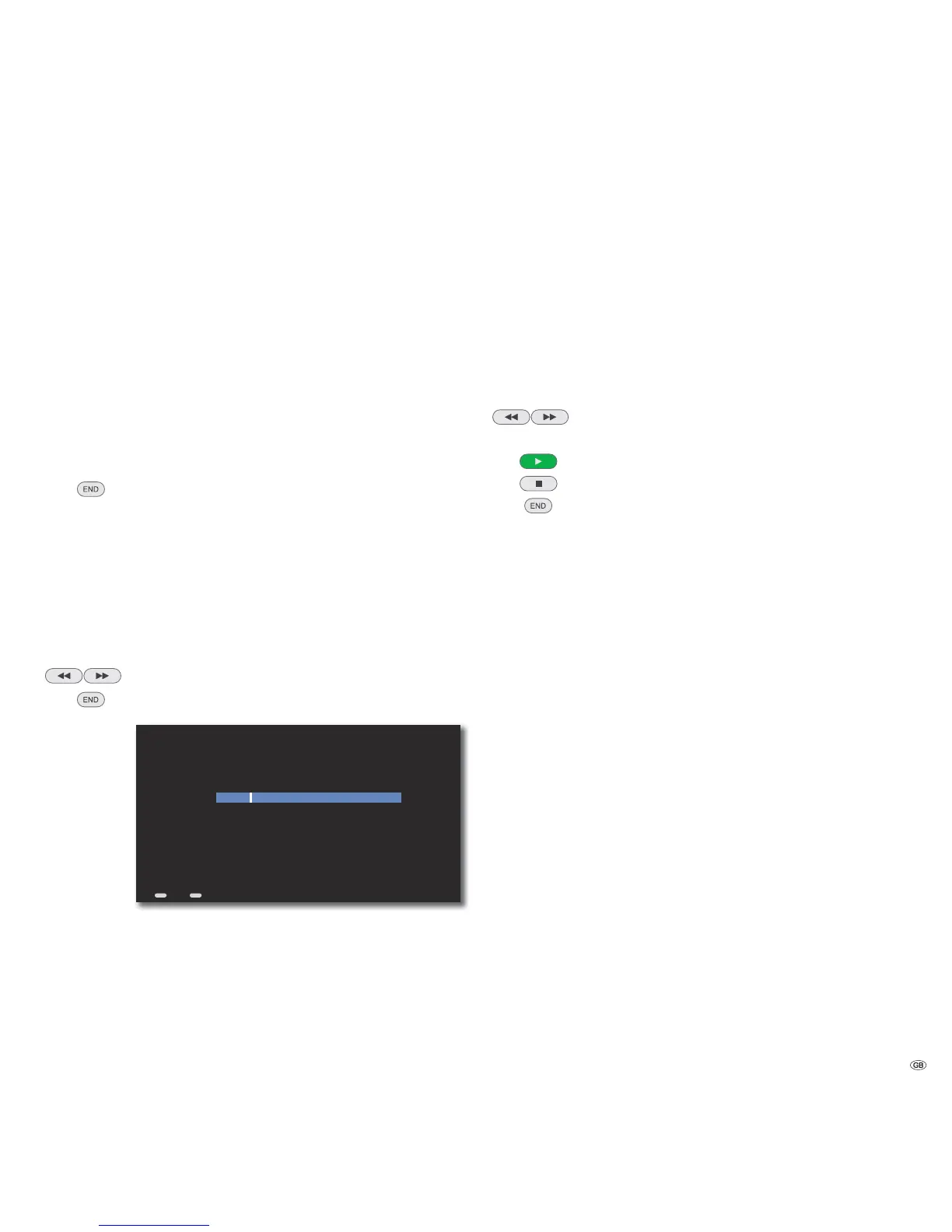
Distances
When you operate the Mediacenter as a standalone solution (page 15), use this
option to set the distance of the speakers from the listening position.
➠ Call up menu as under “ Sound components“.
Select option Distances.
Confirm OK.
Select speaker.
Confirm OK.
Set distance between 0.10 m ... 10.00 m.
/
Move Back in the menu.
ASSIST
END
S
S
S
S
1.90
0,10 m 10,00 m5,00 m
Change Value
Distance
Adjust the Distance to this Speaker...
Back Home
Level
When you operate the Mediacenter as a System amplifier (page 15), you can set
each speaker such that it is heard at the same volume at your listening position.
➠ Call up menu as under “ Sound components“.
Select option Level.
Confirm OK.
Select speaker.
Confirm OK.
Set volume level between -12 dB ... +12 dB.
/
Start automatic playing of speakers.
Stop automatic playing of speakers.
Move Back in the menu.
Restore defaults
You can reset all settings related to the sound components to the factory set values.
➠ Call up menu as under “ Sound components“.
Select option Restore defaults.
Confirm OK.
Select option Yes / No.
27 -



 To Next Page