Radio Operation
Stations by Names/Frequency
You can select the saved radio stations from a stations list sorted according to
names or radio station frequencies.
Call up Main Menu.
Select option Radio.
Confirm OK.
Select option FM radio.
Confirm OK.
Select option Stations by Name or Stations by Fre-
quency .
Confirm OK.
Select desired Radio station.
Confirm OK.
END
MENU
ASSIST
RADIO 1
RTL
SKY
MTV
ANTENNE
Home
Stations by Name
Back Options
V+ / V- Volume up / down.
Sound on / Mute.
P+ / P- Scroll radio stations list backward/forward.
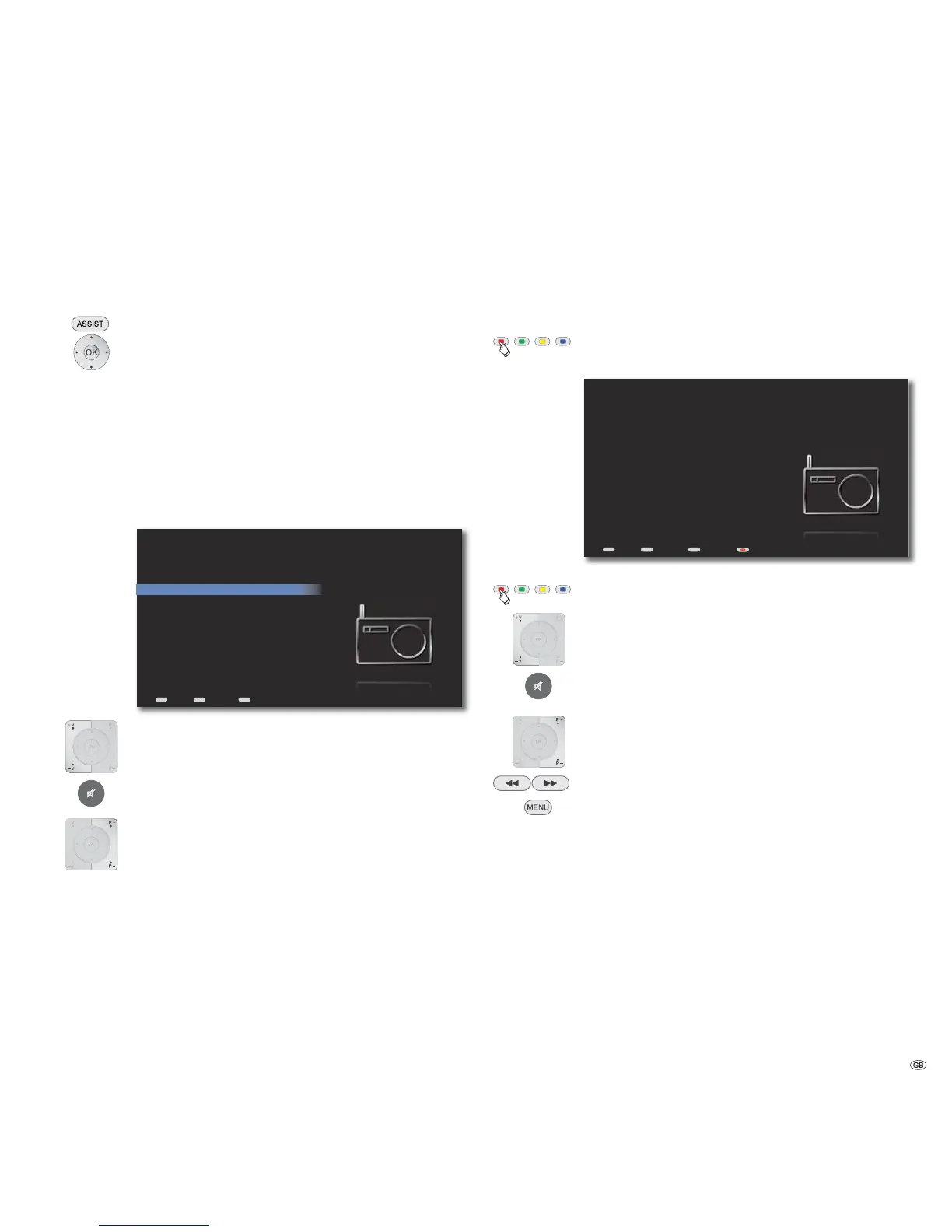
Now Playing - FM Radio
In the menu Now Playing - FM radio the radio station frequency, station name
as well as other available information (via RDS), if any, is displayed for the radio
station currently being played back.
Call up Now Playing from any menu
(except with Screen Off/On option).
END
MENU
ASSIST
Startseite
Station
90.00 MHz / RADIO 1
Information
Radio Eins
Now Playing - FM Radio
Back Options Screen Off/On
Screen off/on.
V+ / V- Volume up / down.
Sound on / Mute.
P+ / P- Call up next/previous radio station.
FM fine setting up/down.
/
Call up Options menu.
Save station Permanently save changes (rename station... or FM
fine setting)
Delete Station The selected station is deleted from the radio station
list
Cancel Close menu
45 -



 To Next Page