Start-up
HDMI Settings
For the HDMI interface to the TV set, a few parameters can be set for the optimum
operation.
Call up Main Menu.
Select Settings option.
Confirm OK.
Select option Video.
Confirm OK.
Select option HDMI IN.
Confirm OK.
Audio delay Setting the audio delay
(for e.g. lip-synchronised sound transmission)
between 0 - 250 ms with
/ .
Switch Auto/. Play on/off of the Auto-Play on the TV set with
/ .
Status Checks the HDMI connection with the TV set
Close menu.
Set Video Defaults
In this menu the video settings are reset to the factory set values.
➠ Call up menu as under “ TV Resolution“.
Select option Set Defaults.
Confirm OK.
The TV resolution is reset to 576i.
Parental Controls
In this menu you can set up a password to restrict the access to the “Settings“
menu as well as DVDs with Movie Ratings (legal protection for children and
young persons).
Call up Main Menu.
Select Settings option.
Confirm OK.
Select option Parental Controls.
Confirm OK.
Select option Password protection.
Confirm OK.
ASSIST
END
123
456
789
0
43659701
Delete
Clear Cancel Save
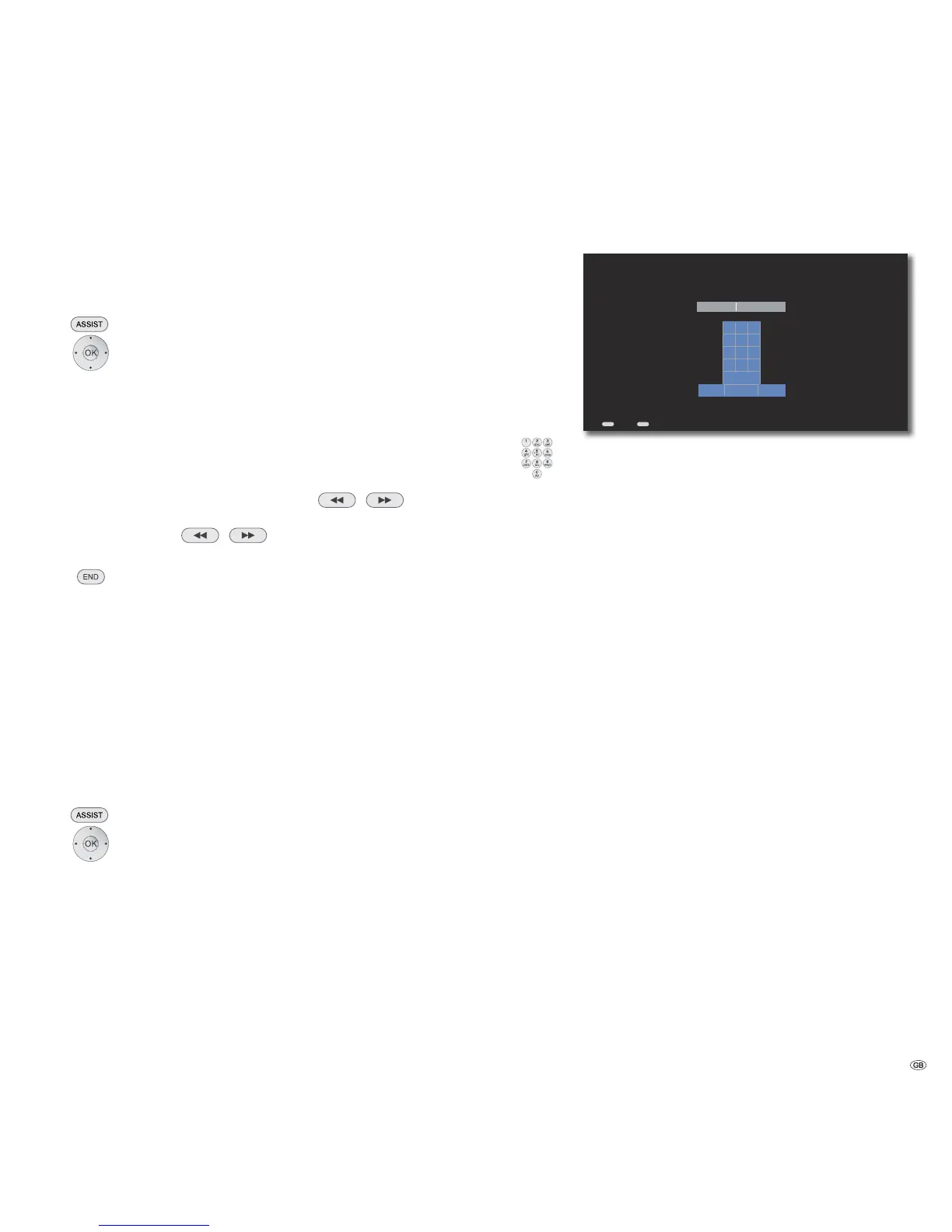
Enter a NUMERIC password with 4 to 8 digits...
Back Home
Select digits / function.
0-9 Select digits between 0-9
Delete Delete a character to the left of the cursor
Clear Completely delete the input field
Cancel Close menu without saving
Save Save entry and close menu
➠ To deactivate the password protection, select Clear and then
Save
Movie Ratings
This function limits play of DVDs that have an adult rating, providing the discs
have a corresponding code. For full play you are asked to enter the password.
➠ Call up menu as under “Parental Controls“.
Select option Movie Ratings.
Confirm OK.
Select required option.
Rating 0 The disc is played back completely
Rating 1 to 7 Only those scenes of the inserted disc are played
which comply with the assigned security level or with
a security level higher than this. Level “1“ has the
most play restrictions.
29 -


 To Next Page