Start-up
IP Address Type Manual
The network parameters be fixed manually (e.g. when there is no DHCP server in
your home network).
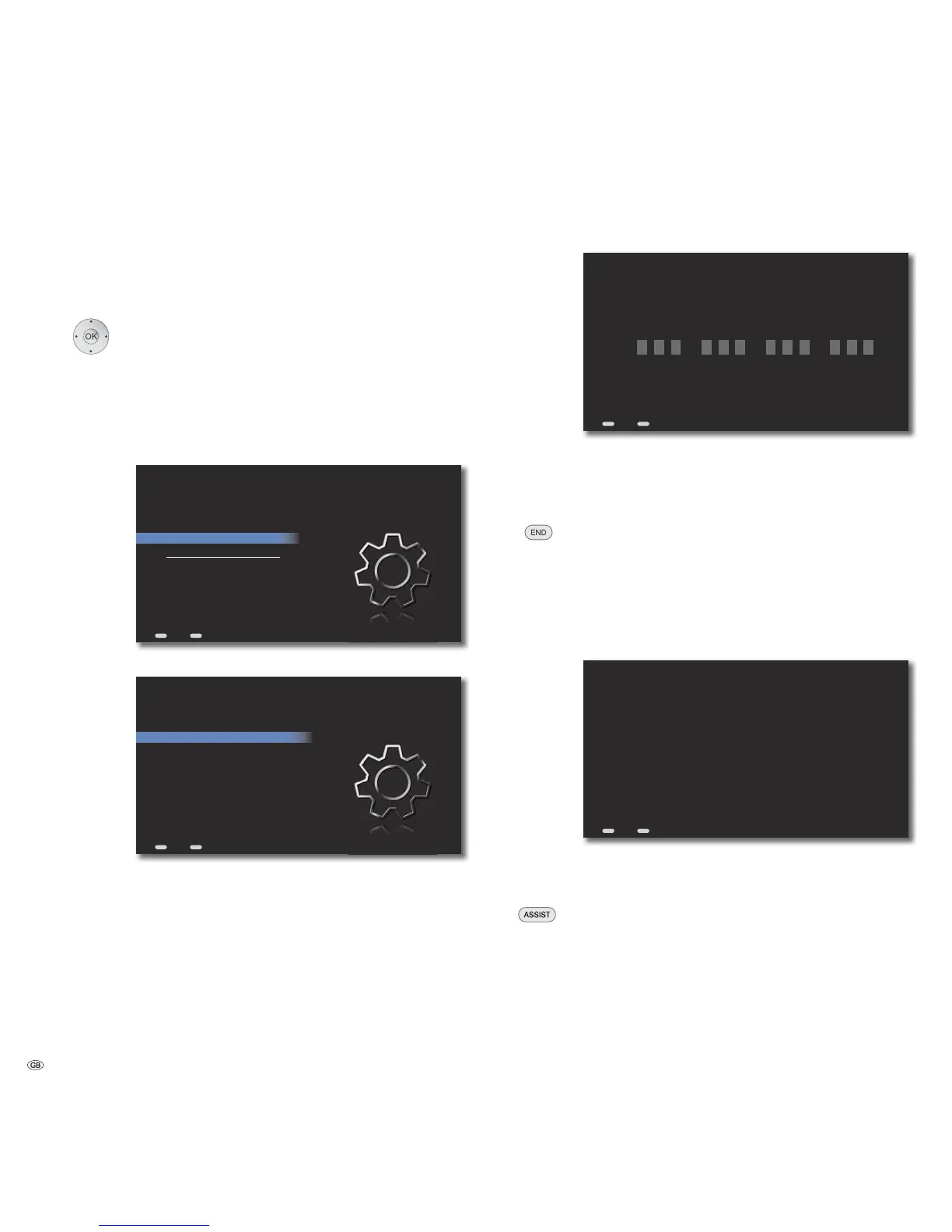
➠ Call up menu as under “Wireless network“.
Select Set Ethernet option.
Confirm OK.
Select IP address type option.
Press several times to set the Manual option.
Select option IP Address Settings.
Confirm OK.
ASSIST
IP-Address Type Manual
IP Address Settings
Test Settings
Current Ethernet Settings :
IP Address: 192.168.0.10
Gateway: 192.168.0.1
Subnet Mask: 255.255.255.0
DNS 1,2: 192.168.0.1, 192.168.1.1
Settings - Network - Ethernet
Back
END
Home
Select desired option, e.g. IP Address.
ASSIST
192.168.0.10
192.168.0.1
255.255.255.0
192.168.0.1
192.168.1.1
IP Address
Gateway
Subnet
DNS1
DNS2
Apply Settings
Settings - Network - Ethernet - Manuell
Back
END
Home
Confirm OK.
ASSIST
T
S
T
END
192.168.000.001
Enter an Ethernet IP Address
Back Home
Select digit.
Select position.
Confirm OK.
When all network parameters are set correctly:
Move Back in the menu.
Select Test settings option.
Confirm OK.
Now, an automatic test run starts, during which all settings
relevant for the flawless operation of the Mediacenter are
tested. A report is outputted on the screen during the
execution of the text.
ASSIST
END
Please wait...Test starting
Checking hardware configuration
MAC adress : 00:40:63:F9:95:73
Checking ethernet link...OK
Requesting dynamic interface configuration...OK
Determine subnet mask, DNS, route and IP addresses
Subnet mask : 255.255.0.0
DNS1 address : 192.168.0.1
DNS2 address : 192.168.1.1
Router address : 192.168.0.1
IP address : 192.168.0.10
Checking IP address...OK
Checking Router address...OK
Checking DNS addresses...OK
DNS lookup of w.openglobe.net...OK
DNS lookup of eCDDB.cddb.com...OK
Connecting to w.openglobe.net:80...OK
Determine external IP address
External IP address : 91.00.24.116
Checking time service...OK, Time is 08:04:26 (GMT)
Connecting to w.openglobe.net:443...OK
Connecting to w.openglobe.net:1755...OK
Connecting to w.openglobe.net:8000...OK
Connecting to eCDDB.cddb.com:8080...OK
Test completed
Test Settings
Back Home
The network setting is successfully complete when all tests are
over and indicate an OK status.
Scroll up/down the report.
Call up Main Menu.
- 20



 To Next Page