Start-up
Language Menu
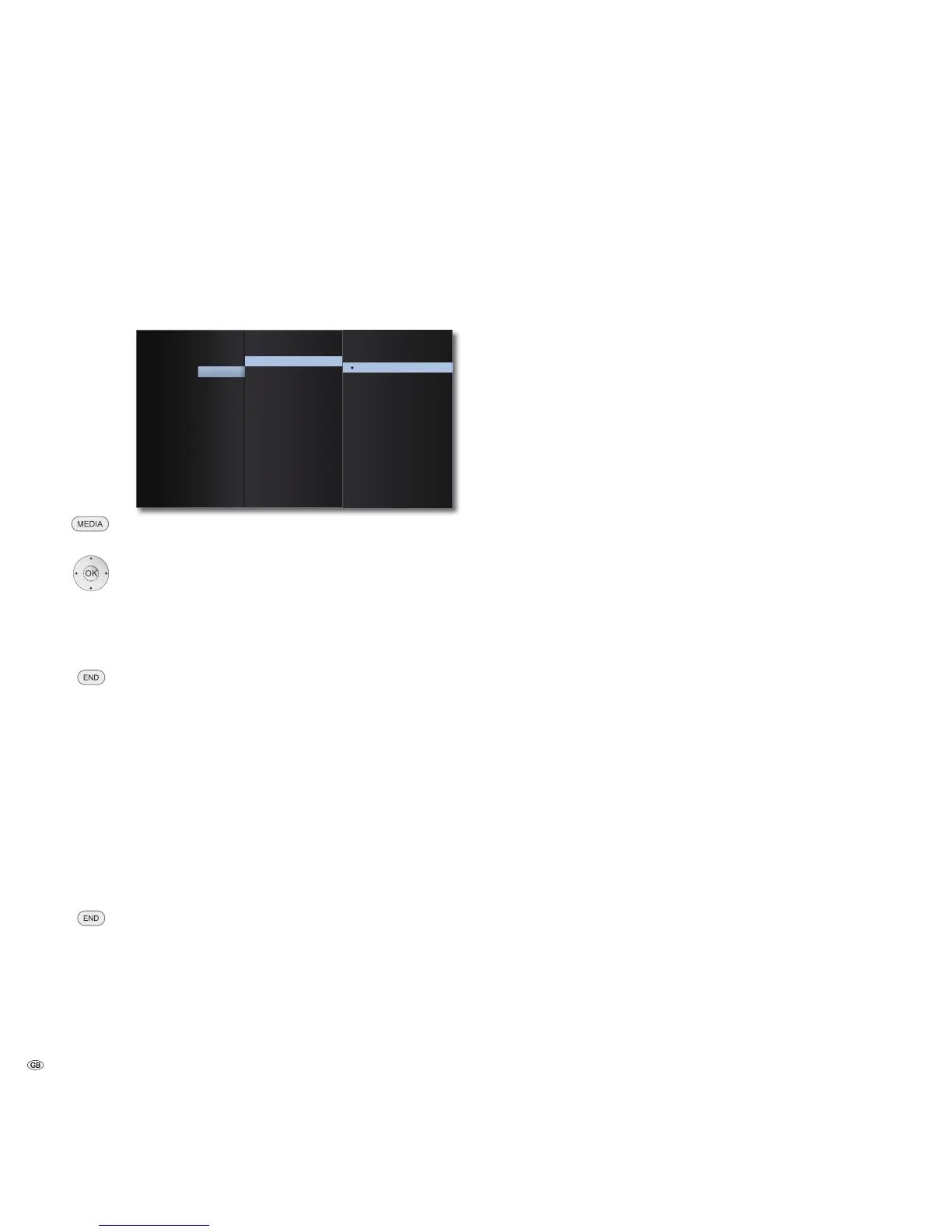
Your MediaVision 3D attempts to automatically set the correct menu language
via the HDMI-CEC connection to the same language as your Loewe TV set. You
can also set the required menu language manually.
'LVSOD\0HQX'LVSOD\
'LVF$XGLR$XGLR
'LVF6XEWLWOH
'LVF0HQX/DQJXDJH
(QJOLVK
)UDQ¨DLV
,WDOLDQR
(VSD²RO
1HGHUODQGV
'HXWVFK
'ROE\3/,,
/RFN
1HWZRUN
2WKHUV
Call up the Main Menu.
Select the Setup option.
Select the Language option. Press OK to confirm.
Select the Display Menu option.
Press OK to confirm.
Select the required language.
Press OK to confirm.
Close the menu.
Disc languages
Select a language for the menu, the sound and the subtitles of the disc. If a lan-
guage different to the "original" of the disc version is to be used, select this here
if available on the disc.
Select option Disc Menu, Disc Audio or Disc Subtitle.
Select desired option.
OFF Switch off disc subtitles
Original The original language of the disc is selected.
Other Select another language (page 44).
Press OK to confirm.
Close the menu.
- 18



 To Next Page