Playing discs
Playback in general
Your MediaVision 3D attempts to read the disc. During this
READING is shown in the display.
Depending on the medium, the playback starts automatically or
a Disc menu is displayed. Follow the instructions on the screen
or note the disc documentation.
Select title.
OK Start play.
Play Start / Continue.
Pause Stop play.
Press briefly: Next chapter.
Press briefly: Start of the chapter.
Press briefly 2x: Previous chapter.
Stop 2x End play.
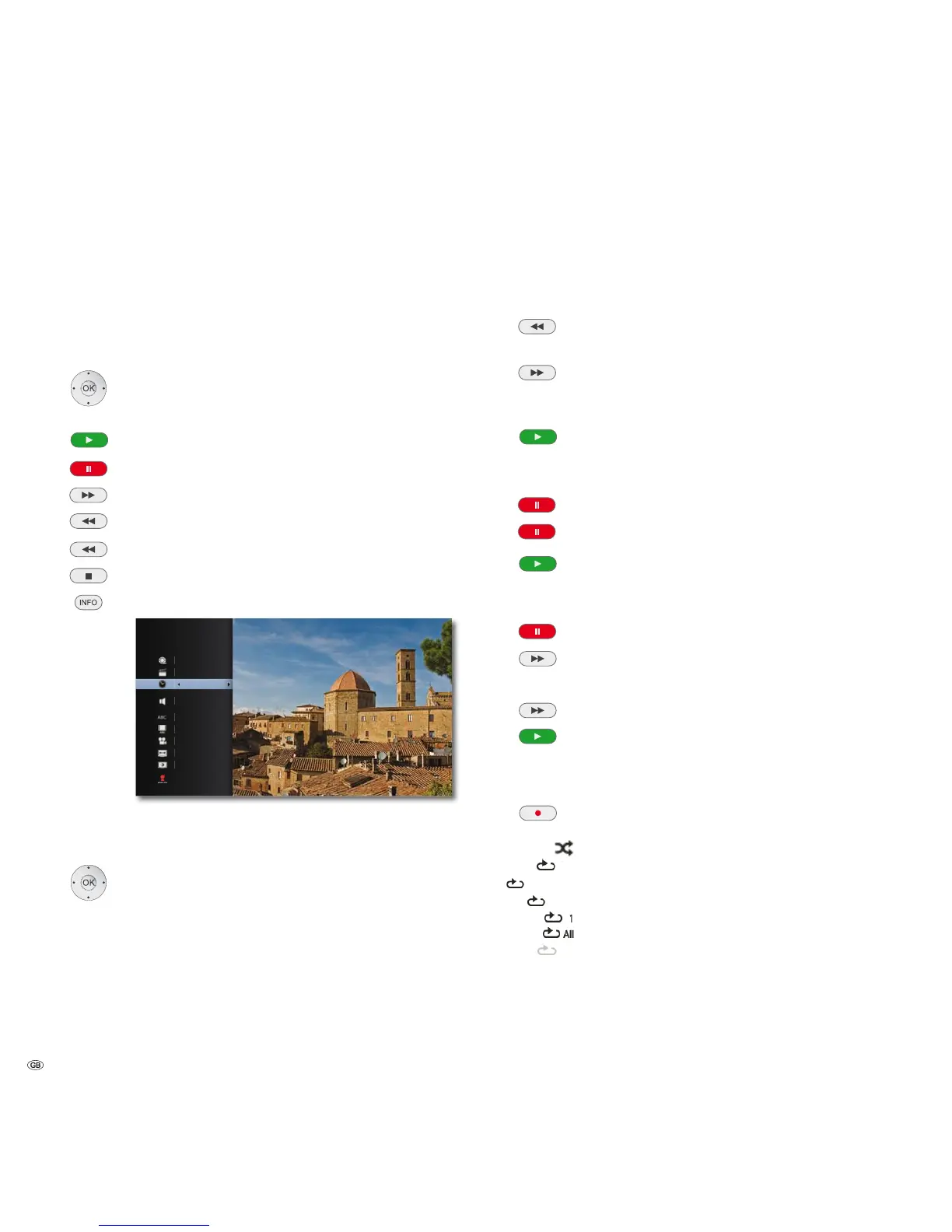
Display Title Menu DVD-V BD.
03
&+
2ULJLQDO
6WDQGDUG
7LPH
(QJOLVK
0RYLH,QIRUPDWLRQ
In the Title Menu you can - if this supports the disc currently
being played - set a selection of options, e.g. title / chapter
selection or subtitles (see also page 29).
Select option.
Set option.
Press OK to confirm.
➠ If the child protection level of the disc is set higher than that for the Movie
classification, the password must be entered (see Rating on page 22).
Searching
BD DVD-V DivX CD
Select the search direction and speed:
Press longer: Rewind. Increase the playback speed backwards
by pressing several times.
Press longer: Fast forwards. Increase the playback speed forwards
by pressing several times.
The speed and direction are indicated as an arrow.
Quit Search Mode and continue play.
Freeze frame and picture-for-picture playback
BD DVD-V DivX
Pause Stop play.
Press Pause again: Browse forwards by frames.
Resume play
Slow motion
BD DVD-V DivX
Pause: Stop play.
Press longer: Activate Slow Motion Mode during pause.
Select the slow motion speed:
1/16, 1/8, 1/4, 1/2 (forwards).
Quit Slow Motion Mode and continue play.
Repeat
BD DVD-V CD MP3
Press several times to select the type of repeat.
Random play
$%
Repeats the selected section (page 31)
Chapter Repeats the current chapter
Title Repeats the current title
Repeats the current track
Repeats all titles/tracks on the disc
2II
No repeat
- 28



 To Next Page