Start-up
Audio Menu
You can make various sound settings in the Audio Menu.
2ꊞ
2ꊞ
2ꊞ
2ꊞ
',*,7$/,1
PV
6SHDNHU6HWXS
/RXGQHVV
'5&1LJKW0RGH
:LUHOHVV6SHDNHUV
3UHDPSOLꊟHU
79,QSXW
+'$96\QF
$XGLR
/DQJXDJH
'LVSOD\
'ROE\3/,,
/RFN
1HWZRUN
2WKHUV
Call up the Main Menu.
Select the Setup option.
Select the Audio option.
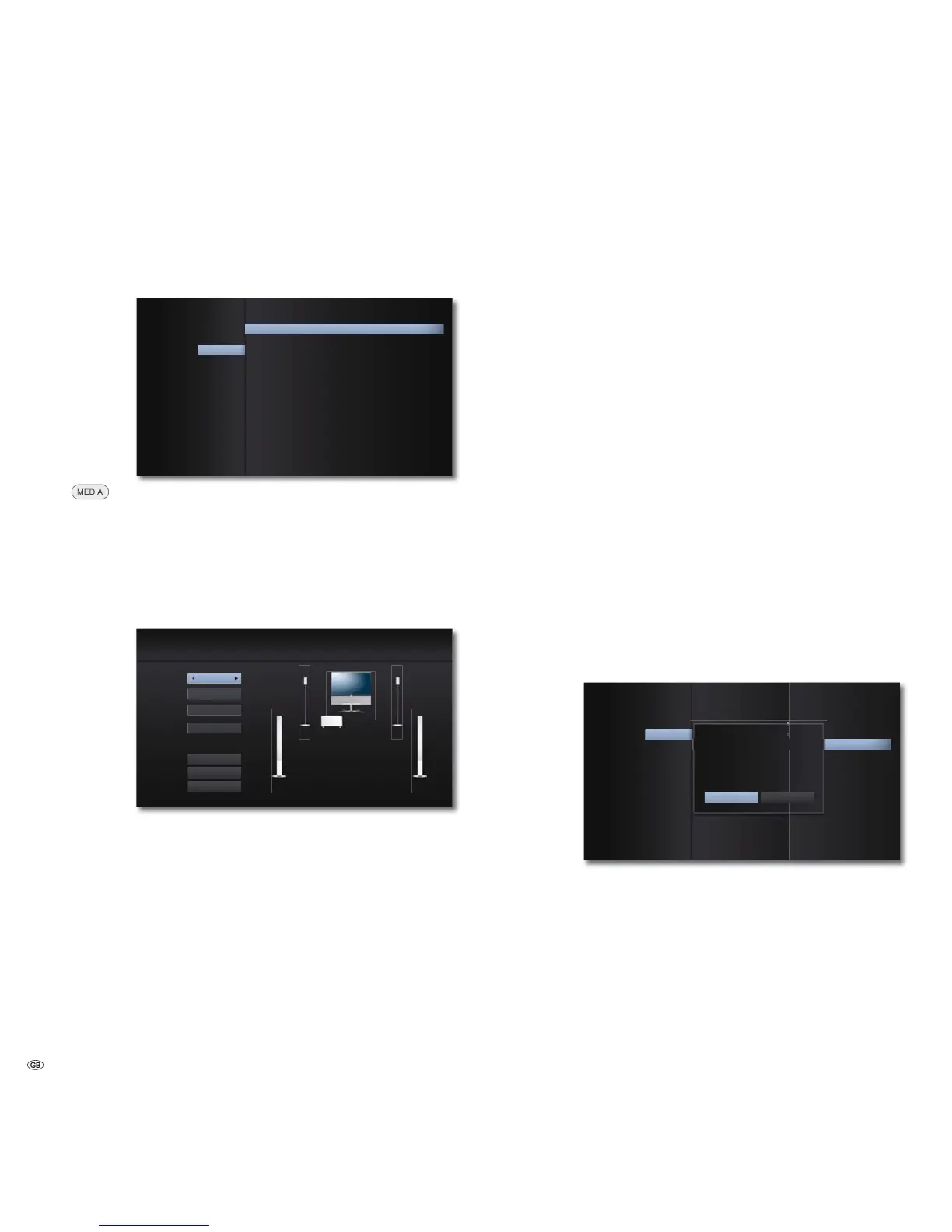
Speaker set-up
If you have connected a speaker system to MediaVision (page
11), you can make the necessary settings here.
Press OK to confirm.
)URQW/
+]
PIW
6SHDNHU6HWXS
6SHDNHU
9ROXPH
&RQQHFWLRQ
'LVWDQFH
7HVW
2.
&DQFHO
Select desired option.
Speaker Select the speaker to be set
Connection Select the limit frequency of the selected speaker
(see its technical data). To use the TV loudspeaker as
the centre loudspeaker, select the option Center (page
21) in the Speaker settings and select the option TV
in the Connection settings.
Volume Set the volume level of the selected speaker so that
you can hear it at the listening position with the same
volume as the other speaker
Distance Set the distance from the speaker to your listening
position
Test Switch on the test signal for setting the volume off/on
Confirm with OK.
Audio delay (HD AV Sync)
If you use the HDMI socket, you can set an audio delay (for e.g. lip synchronous
sound transmission).
Set a value between 0 and 300 ms (for the configuration
sown in page 11 set 100 ms).
DRC (Night Mode)
You can use the DRC function to limit the dynamics (in other words, the difference
between the loudest and quietest sounds). In this way, you can also play a Movie
with lower volume differences (e.g. at night).
Auto Select this option if you wish to play audio signals
with the coding Dolby True HD with reduced
dynamics
OFF Audio signals are played with the full dynamic range
ON Select this option if you wish to play audio signals
with the coding Dolby Digital or Dolby Digital Plus
with reduced dynamics
Wireless Speaker
A system interface Wireless Audio-Link is integrated in your MediaVision 3D.
You can use this to connect your compatible Loewe subwoofer to MediaVision 3D
without any annoying cables. This connection must be registered once.
Call up the Setup Menu.
Select the Audio option.
Select the option Wireless Speaker. Press OK.
$XGLR
/DQJXDJH
'LVSOD\
&DQFHO
2.
3DLULQJRI:LUHOHVV6SHDNHUV
6WDUWSDLULQJZLWK2.7KHQ\RXKDYHRQHPL
QXWHWRSUHVVSDLULQJEXWWRQDW\RXUVXEZRRIHU
WRFRQꊟUP
6SHDNHU6HWXS
'ROE\3/,,
/RFN
1HWZRUN
2WKHUV
Select the On option. Press OK to confirm.
You now have a minute time in which you can press the button
for the coupling mode for your compatible Loewe subwoofer. A
notice will appear if the registration is successful. If the registra-
tion is not successful, please try again and reduce the distance
between the subwoofer and MediaVision.
- 20



 To Next Page