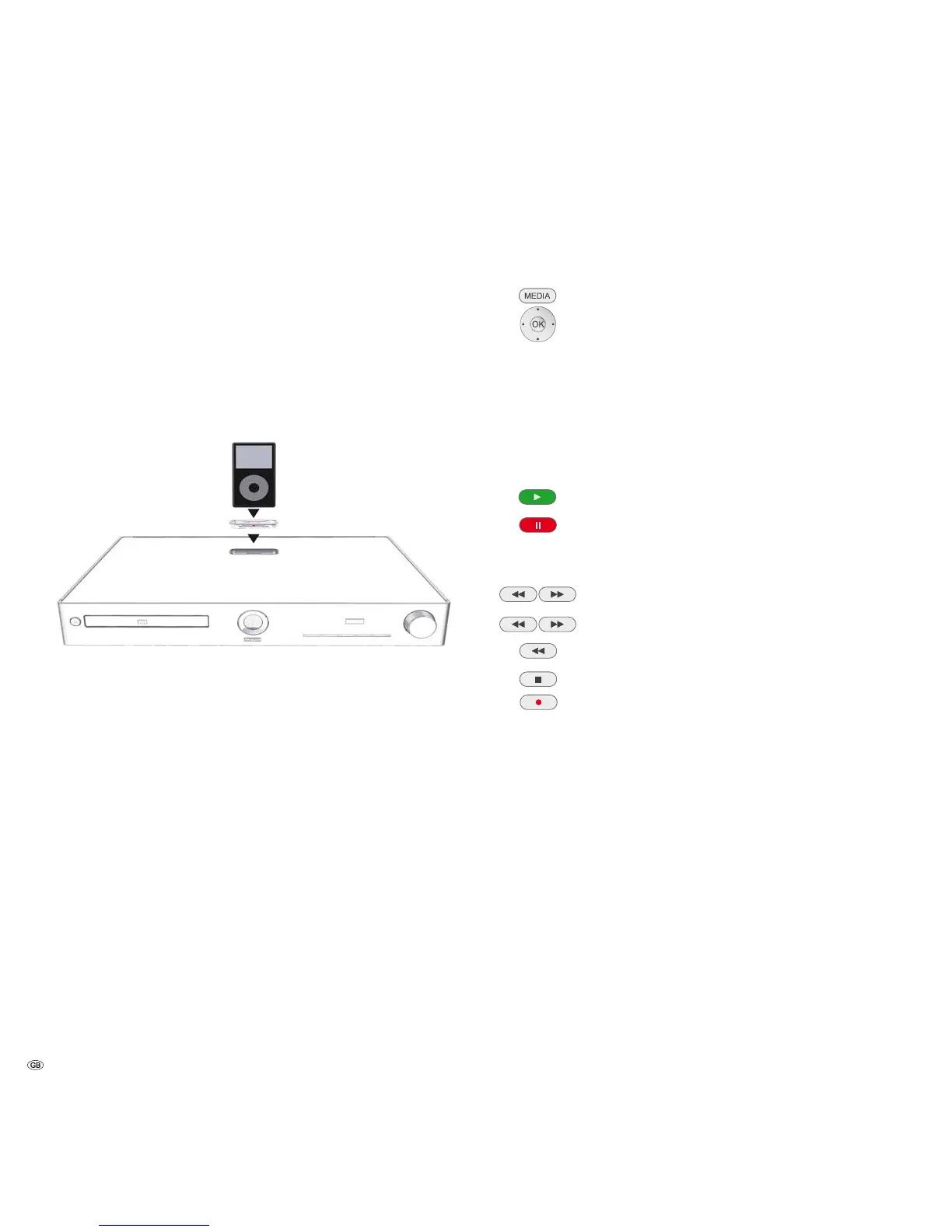
Playback from iPod
You can connect your Apple iPod to MediaVision allowing you to enjoy your music
with the highest quality of reproduction. Your MediaVision has an integrated
iPod dock. If MediaVision is switched on, the battery of the connected iPods will
be charged. You can find a list showing which Apple models are compatible with
MediaVision on page 45.
Connecting the iPod
Insert the dock adapter supplied with your iPod in the loading recess of the iPod
dock. Then place your iPod in the dock.
➠ Use the corresponding Apple Dock Adapter of your Apple iPod/iPhone to
avoid damaging your iPod plug.
➠ When inserting and handling the iPod in the dock, only apply gentle force
so as not to damage any sensitive plug-in connections.
iPod playback
Call up the Main Menu.
Select the Music option in the Main Menu.
Press OK to confirm.
A selection menu showing the various media sources appears.
SelectiPod.
Press OK to confirm.
Select desired option, e.g. Albums
Press OK to confirm.
Select desired Album.
Play Start / Continue.
Pause Stop play.
➠ For controlling the play of media files see the chapter "Play-
back in general" (page 28).
Press briefly: Select title up/down.
Press
longer: Search up/down.
Press briefly twice to return to the previous title.
Stop End play.
Select type of repeat (page 28).
➠ Depending on the software version, your iPod might not be able to be operated
via MediaVision. We recommend updating the software of your iPod to the
latest version.
➠ The compatibility with your iPod can vary depending on the model. For Apple
devices supported see page 45.
➠ Faults can occur depending on the iPod device.
➠ Do not disconnect your iPod from MediaVision until it is no longer being
accessed.
- 38



 To Next Page