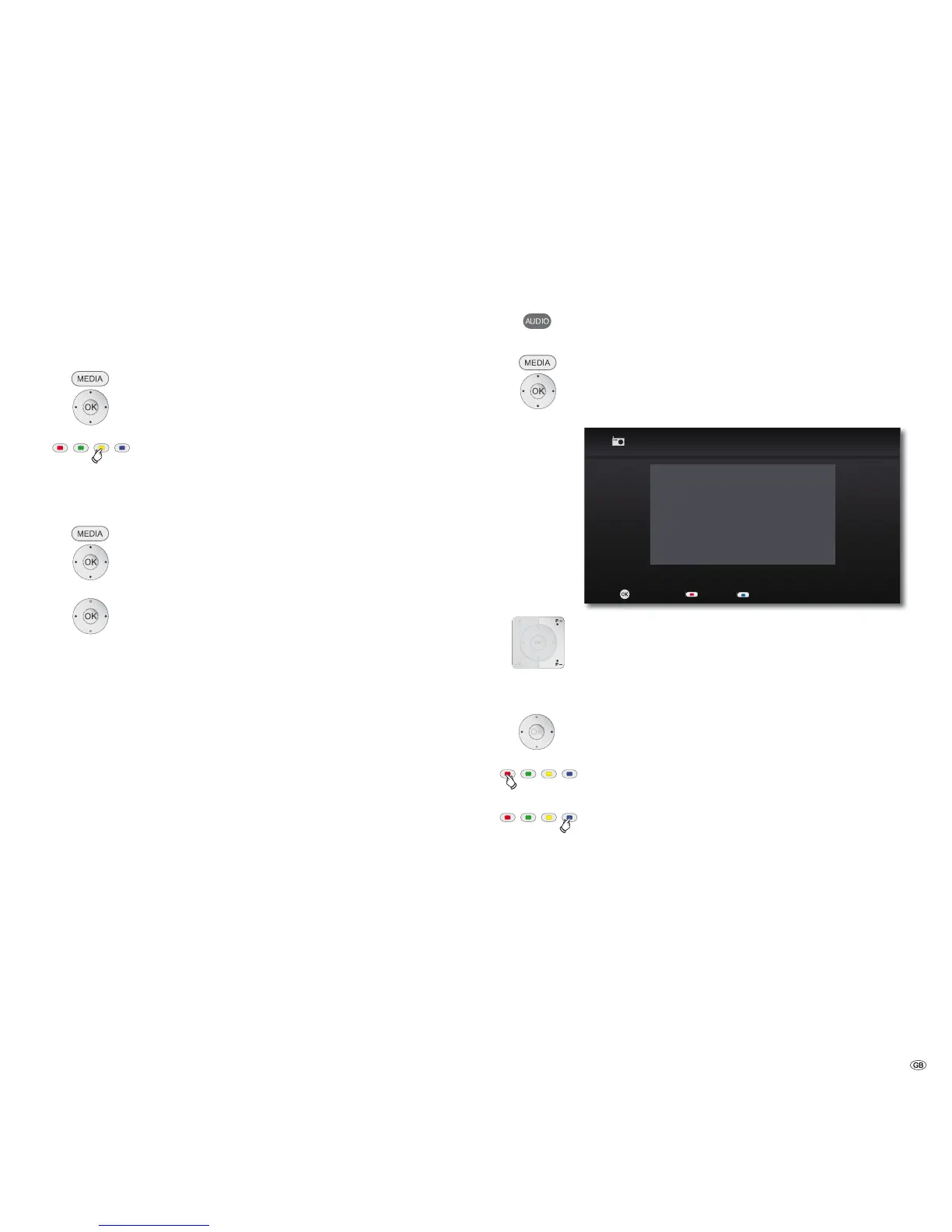
FM Radio
Setting the radio stations
You can save up to 50 FM radio stations.
➠ For a perfect radio reception, the unit must be connected to
a suitable FM Radio antenna (page 7).
Automatic search
Call up the Main Menu.
Select the FM Radio option in the Main Menu.
Press OK to confirm.
Press the yellow button for a longer period
The automatic search starts. All radio stations previously selected
are deleted and overwritten by new ones (max. 50 stations).
Manual search
Call up the Main Menu.
Select the FM Radio option in the Main Menu.
Press OK to confirm.
Press long: Start search backwards/forwards.
Press briefly: Set frequency incrementally.
Press OK to confirm.
The numerical display of the next free station memory flashes
briefly on the unit display.
If necessary, set desired station memory.
Press OK to confirm.
The current radio station is accepted in the selected station
memory.
Listening to the radio
Select saved radio station
Press and hold for FM Radio Mode
or
Call up the Main Menu.
Select the FM Radio option in the Main Menu.
Press OK to confirm.
0+]
3 3
OK
0RQR6WHUHR
6FUHHQRꊞRQ
&ODVVLF
6WDWLRQQDPH
6WRUH
)05DGLR
P+ / P- Radio station up/down.
Set radio station manually
Press briefly repeatedly: Set frequency incrementally.
Press longer: Search run.
Red button 6FUHHQ2))21 IURPFKDVVLV/[VRIWZDUH
V9.2 - a software update might be necessary for the TV set).
Blue button: Mono/Stereo
SRC sensor surface: select the source on the device (without
switching off the TV set).
39 -



 To Next Page