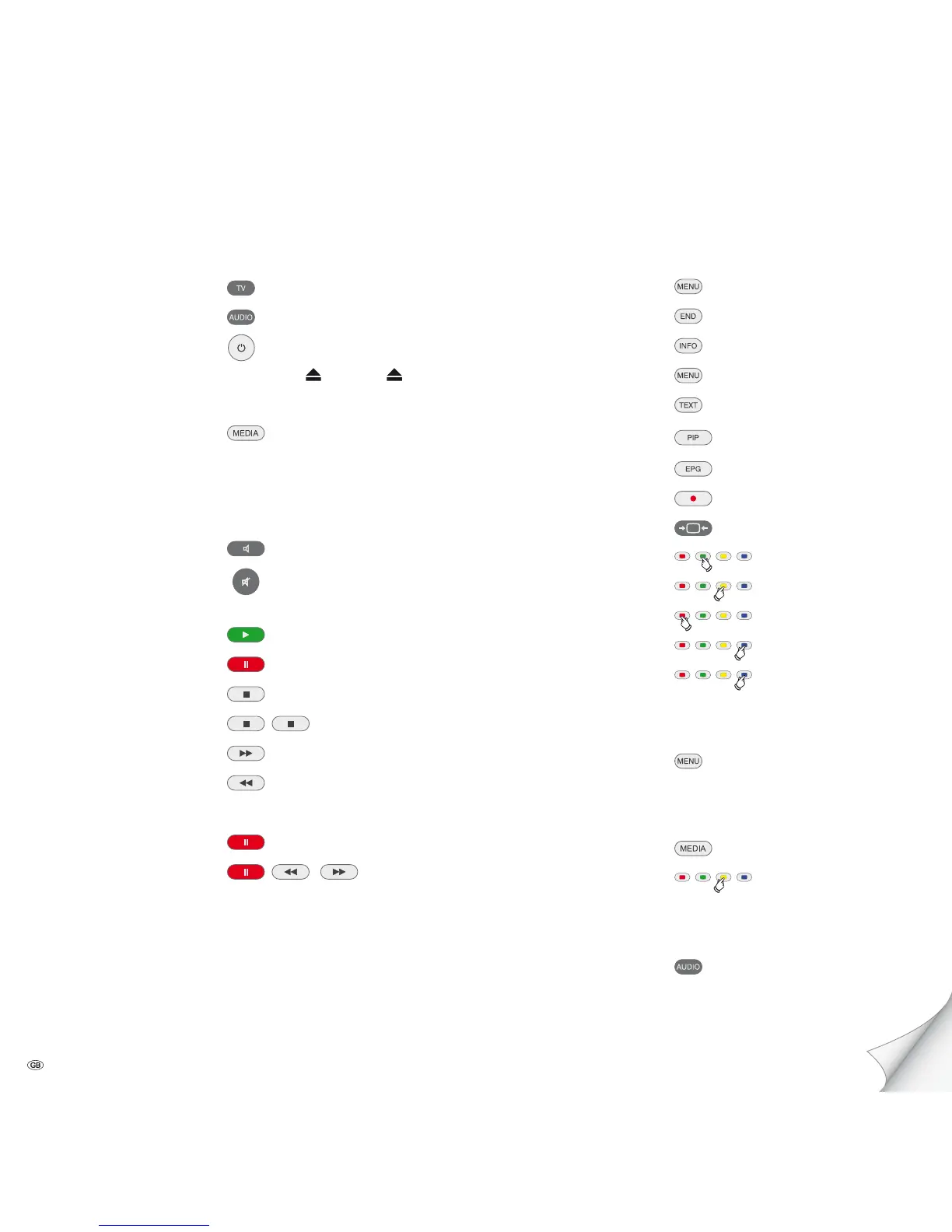
Preparation
TV Mode
MediaVision Mode press briefly
Switch device on/off
Insert disc Sensor button Insert disc
Operating modes
Select operating mode
Movie - Music - Photos -
Inputs - FM Radio - OK
Sound
Volume V+/-
Sound Mode
(press several times)
Sound mute/On
Playback
Playback
Pause
Stop (Continue)
Stop
Search forwards
press longer, then press several times
Search backwards
press longer, then press several times
Next/Previous chapter P+/-
Single image
(press several times)
Slow motion
/
press longer, then press several times
Other functions
Call up menu
Close menu
Title Menu
Pop-up menu (Blu-ray Disc™)
Disc Menu (DVD)
Source selection
Title recognition
Repeat (press several times) OK
Zoom Menu
Zoom out
Zoom in
Screen off/on (Music)
Set flag
Call up flag
long press OK
BD-LIVE™
Pop-up menu (Blu-ray Disc™)
Submenu/Menu BD-LIVE™
OK
Radio
FM Radio Mode
FM Radio OK
Station search
long press
Select station up/down. P+/-
Select source SRC
FM Radio Mode
long press
Brief instructions
Please unfold this cover page.
- 3



 To Next Page