Playing discs
Disc Menu
BD DVD-V
Some discs contains menus for setting e.g. the language for the Movie sound or
subtitles or selecting certain scenes. Accompanying Movie material can also be
available. These menus have individual layouts, depending on the disc.
Select Disc Menu DVD.
Select pop-up menu BD.
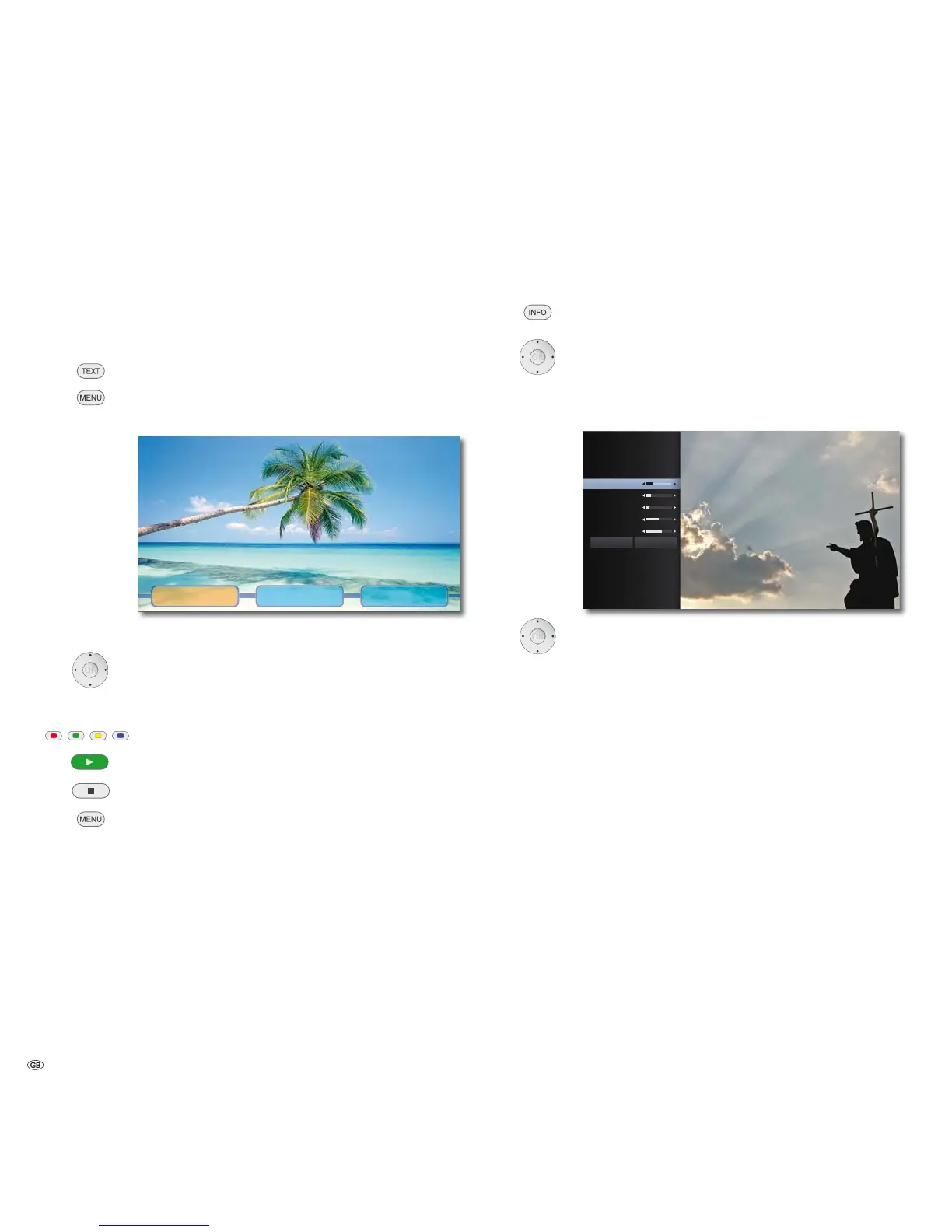
Example:
Scene selection ExtrasLanguage
➠ Depending on the disc, there might not be any such menu. This button will
not then have any function.
Select menu item.
Press OK to confirm.
It may be possible to select menu functions with the coloured
buttons.
Play Continue play DVD.
Quit Disc Menu DVD.
Quit pop-up menu BD.
Picture Mode
You can make various settings for the screen imaging during play.
Call up Title Menu during play.
Select Picture Mode option.
Select User settings option.
Press OK to confirm.
&RQWUDVW
%ULJKWQHVV
&RORU
6KDUSQHVV
1RLVH5HGXFWLRQ
3LFWXUH0RGH
'HIDXOW &ORVH
Select/Set options.
Contrast Set contrast
Brightness Set screen brightness
Colour Set colour saturation
Sharpness Set contour definition of the picture
Noise Reduction Set noise suppression
Default restore default settings
Close Save settings and quit menu
- 32



 To Next Page