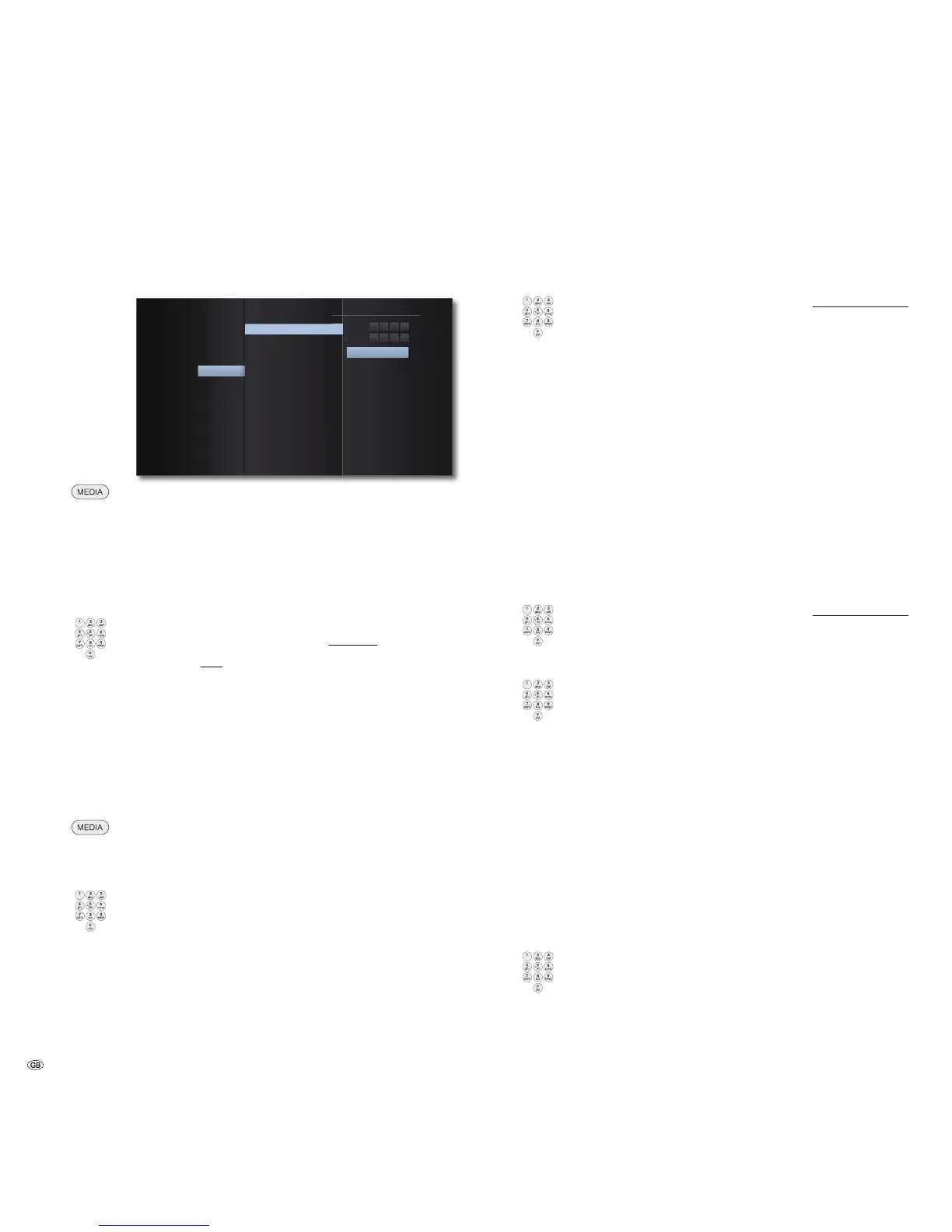
Start-up
Lock Menu
You can specify playback restrictions in the Lock Menu.
2.
3DVVZRUG
%OXUD\'LVF5DWLQJ
$UHD&RGH
'9'5DWLQJ
1HZ
9HULI\
'LVSOD\
$XGLR
/DQJXDJH
'ROE\3/,,
/RFN
1HWZRUN
2WKHUV
Call up the Main Menu.
Select the Setup option.
Select the option Lock.
Password set-up
Please set your personal password.
Select the option Password.
Select the option New.
Use the numerical buttons to enter a four-digit password.
Confirm the new password.
Press OK to confirm.
➠ If the entry is incorrect before you press OK, repeatedly press
to delete the numbers.
Resetting the password
If you have forgotten the password or wish to deactivate the password function,
you can reset it.
➠ Remove every medium (disc, USB) and close all menus.
Call up the Main Menu.
Select the Setup option.
Select the option Lock.
Select the option Password.
Use the numerical buttons to enter the code number (page 43).
The password protection is now deactivated. If necessary, set up
a new password, as described under "Password set-up".
DVD Rating
This function restricts the playback of DVDs with adult-only content, if these
contain a corresponding code. You will be prompted to enter the password to
play the content in full.
Select the option DVD Rating.
Press button.
Use the numerical buttons to enter the current four-digit
password.
Press OK to confirm.
Select desired option.
Cancel The disc is not played completely
Level 1 to 8 Only the scenes of the inserted discs corresponding
to the assigned security level or whose level value
is below this are played. Level "1“ has the most
playback restrictions
➠ Not all discs include a classification.
Blu-ray Disc Rating
This function restricts the playback of Blu-ray Discs™ with adult-only content, if
these contain a corresponding code. You will be prompted to enter the password
to play the content in full.
Select the option Blu-ray disc rating.
Press button.
Use the numerical buttons to enter the current four-digit
password.
Press OK to confirm.
Use the numerical buttons to enter the three-digit code for the
age rating (you can find this code on the Blu-ray Disc™ or on
the accompanying material.
Press OK to confirm.
255 The disc is played fully
0 to 254 Only the scenes of the inserted discs corresponding
to the assigned security level or whose level value
is below this are played. Code "0" has the most
playback restrictions
➠ Not all discs include a classification
Area Code
To utilise the playback restrictions for the discs, enter the area code for the relevant
country (for the list see page 44).
select option Area Code.
Press button.
Use the numerical buttons to enter the current four-digit
password.
Press OK to confirm.
Select the required code.
Press OK to confirm.
- 22



 To Next Page