WSDA
®
-2000 User Manual
allowed (0xFF00 through 0xFFFF). Additionally, the user must also define which data values the
WSDA should forward onto the bus for each given PGN and under which conditions.
To define which data to send for a given PGN, the user must specify the address of the wireless
node producing the data and the name of each data stream from that node which should be
forwarded onto the bus. If the user only wants to forward data when a certain condition is met, the
user may specify which data stream to use for the conditional (e.g. ch1), what condition to use (e.g.
is greater than), and the value for the comparison (e.g. 4.0). Otherwise, these fields may be left
blank. The wireless node must also be capable of producing the specified information and
configured to do so.
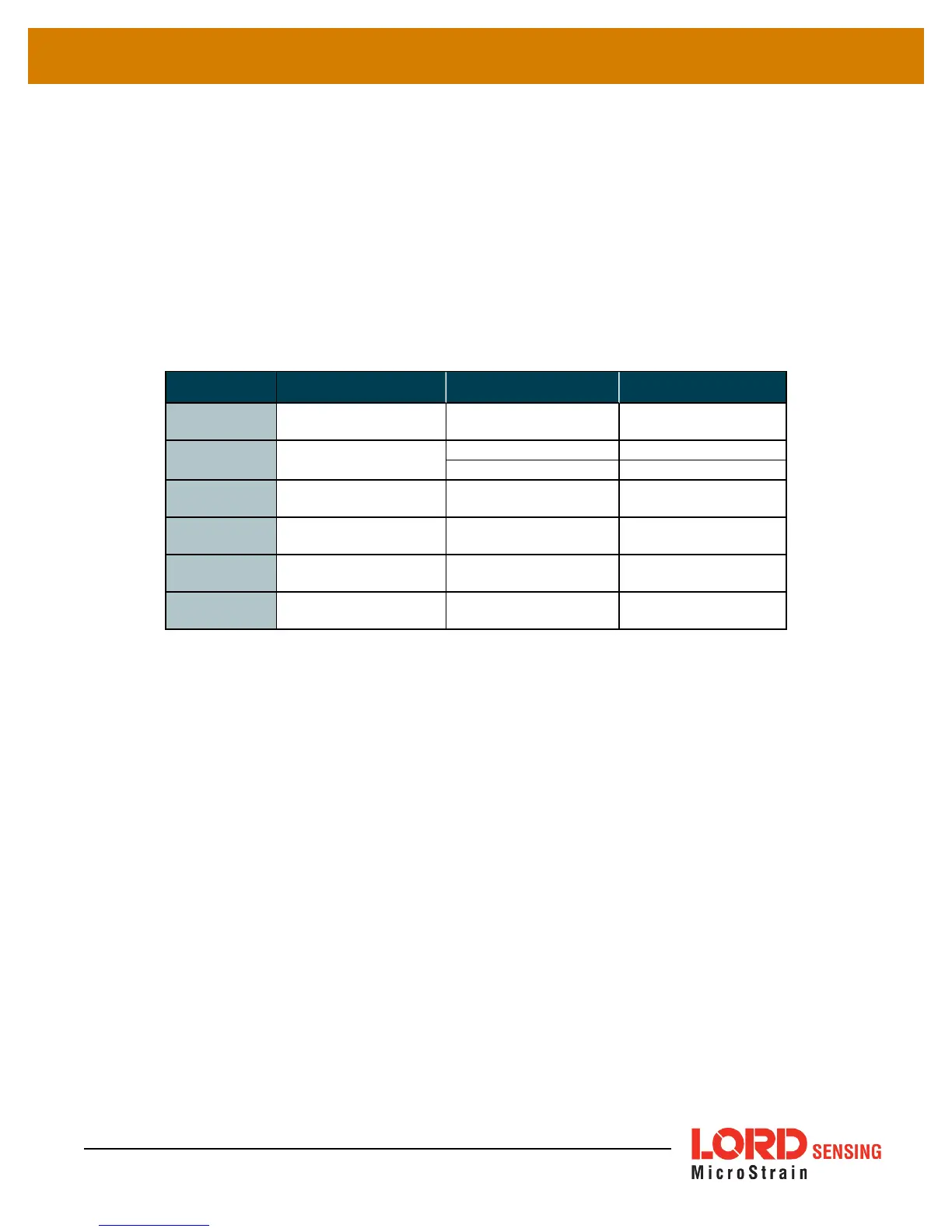
Field Description Format Range
PGN
SAE CAN J1939
header
hexadecimal 0xFF00 to 0xFFFF
Address
sensor node address
decimal 1 to 65534
hexadecimal 0x0001 to 0xFFFE
Payload
list of packet alias
values
text separated by
spaces
(example:ch1 ch2)
Ch Comp
channel for
conditional formula
text (example:ch1)
Condition
condition for
conditional formula
mathematical
operator
in range*, <, >, =, ≠
Value
threshold for
conditional formula
single precision
floating point
decimals within
format constraint
* For the "in range" option, the Value field is two values separated by a comma (ex. 4,5), ordered
fromleastto greatest. The values listed are included in the comparison.
Table 6 - Broadcast Message Configuration Fields
PGN: (Parameter Group Name) unique hexadecimal packet identifier
Address: is the numerical address of the sensor node the data to be sent is from. The node
address is assigned when the node is manufactured. The number is provided with the node
and displayed in SensorConnect when connected.
Payload: Payload are the data values to include in the packet. They are listed by name in the
sequence they will be sent. If the requested value cannot be found (for example, if the
nomenclature is wrong) the defined J1939 packet will not be sent.
See Data Alias Definitions
on page 29
for the payload nomenclature. The byte counts are defined in the packet
definitions which can be found on Github.
Ch Comp, Condition and Value: Use these fields to create a condition for which packets will
be sent onto the CAN bus. Ch Comp (Channel Compare) is the data source for the condition
formula, and the Condition and Value define what mathematical operation to apply to it.
25



 To Next Page