WSDA
®
-2000 User Manual
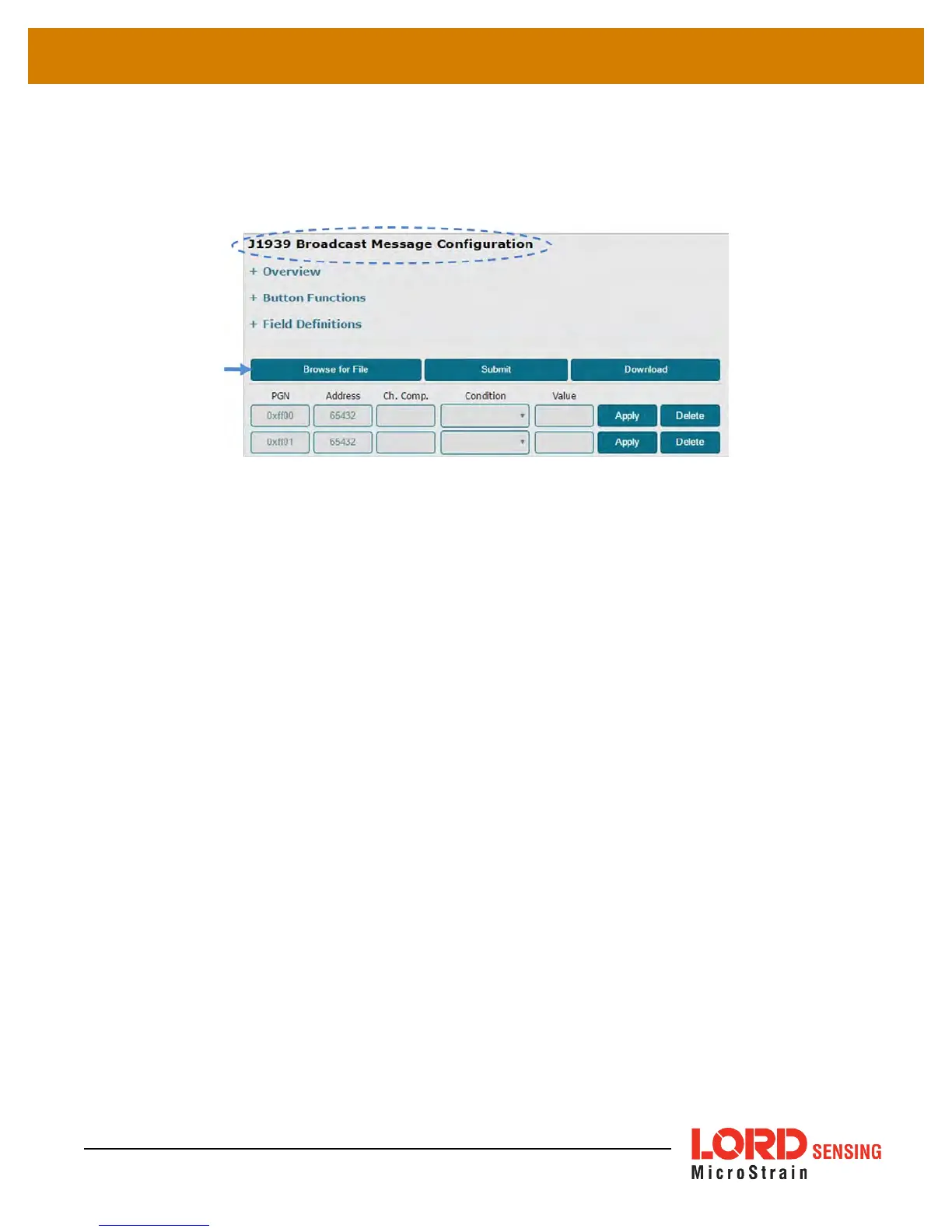
Once created, save the text file and then upload it to the gateway by clicking the Browse for File
button in the J1939 menu. Navigate to the file, click OK, and then click the Submit button to save the
configuration (
Figure 16 - Upload Configuration File
).
Figure 16 - Upload Configuration File
In the example below, ch1 and the value 1 are used to demonstrate the acceptable values for the
Condition syntax.
In range:
Condition = ch1:in:1,5
Equal to:
Condition= ch1:=:1
Greater than:
Condition = ch1:>:1
Less than:
Condition = ch1:<:1
Not equal to:
Condition = ch1:!=:1
Host Bus Integration
o
Destination Specific Messages:
With this message format, data packets received from the sensor nodes will be passed onto the
J1939 CAN bus as received. An integrity check is made before sending the packet over the bus,
but no other process is applied before wrapping the data in the J1939 protocol. The receiving
CANJ1939 must be capable of responding to Transport Protocal Connection Management
(TP.CM). Only one sensor data packet will be sent in each TP.CM exchange. To parse the data,
the destination will need to understand the LORD Sensing Wireless Sensor Networks Data
Communications Protocol, which is defined online at Github.
27



 To Next Page