2.2.2 Displaying time and date:
Press [“clock”] key.
The display shows:
After 15 seconds the photometer reverts to the previous
display automatically
or press [ ] key or [ESC].
2.2.3 User countdown
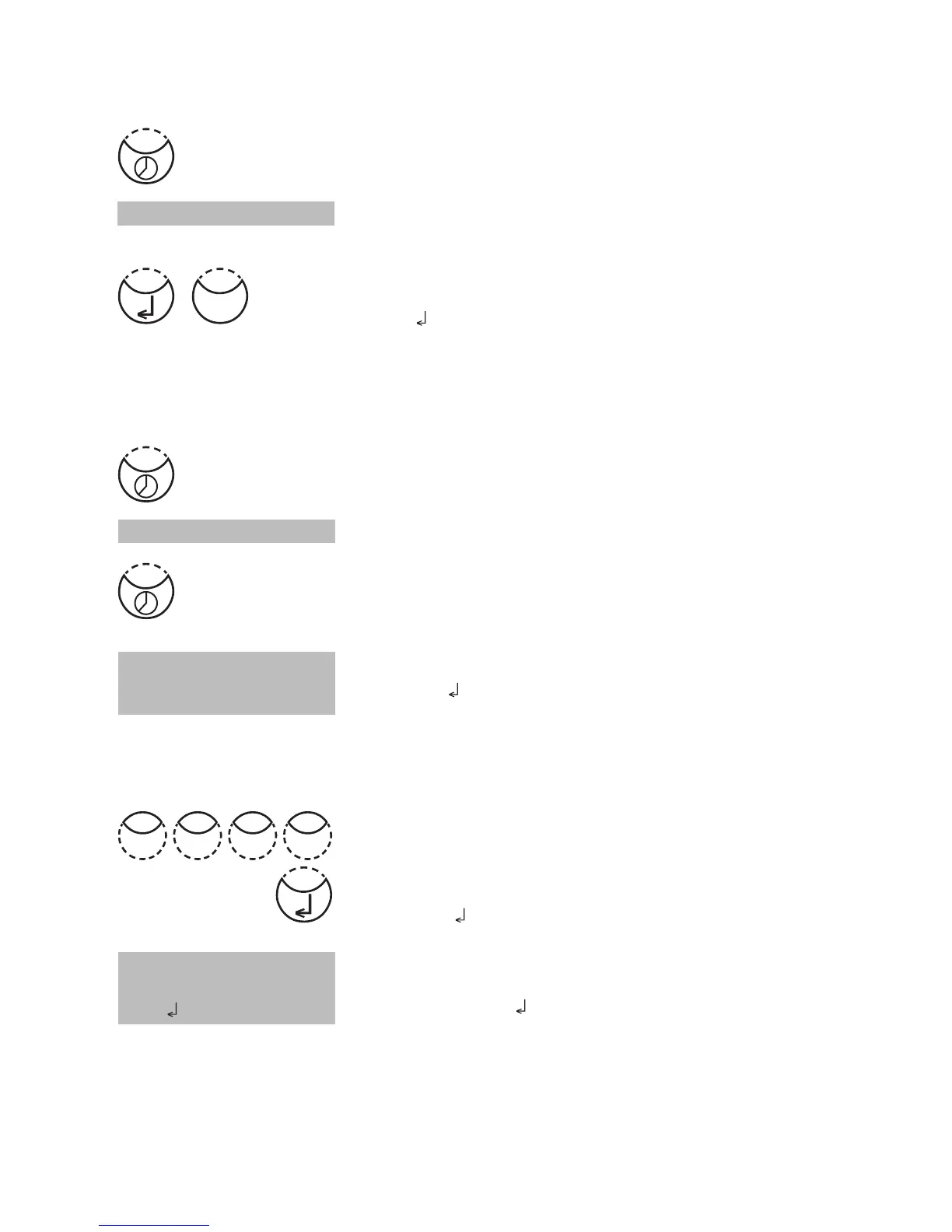
With this function the operator is able to define his own countdown.
Press [“clock”] key.
The display shows time and date:
Press [“clock”] key.
The display shows:
Either press [
] key to accept the last used user count-
down.
or
press any number key to start entering a new value
The entry comprises two digits each.
Enter minutes and seconds,
e.g.: 2 minutes, 0 seconds = [Shift] + [0][2][0][0].
Confirm with [ ] key.
The display shows:
Start countdown with [
] key.
After countdown has finished the photometer reverts to the
previous display automatically.
19.30.20 2009-06-15
Countdown
mm : ss
99 : 99
Countdown
02:00
start:
19:30:22 2009-06-15
Esc
0 02 0











 To Next Page