2.4.9 Instrument basic settings 2
Adjusting display contrast
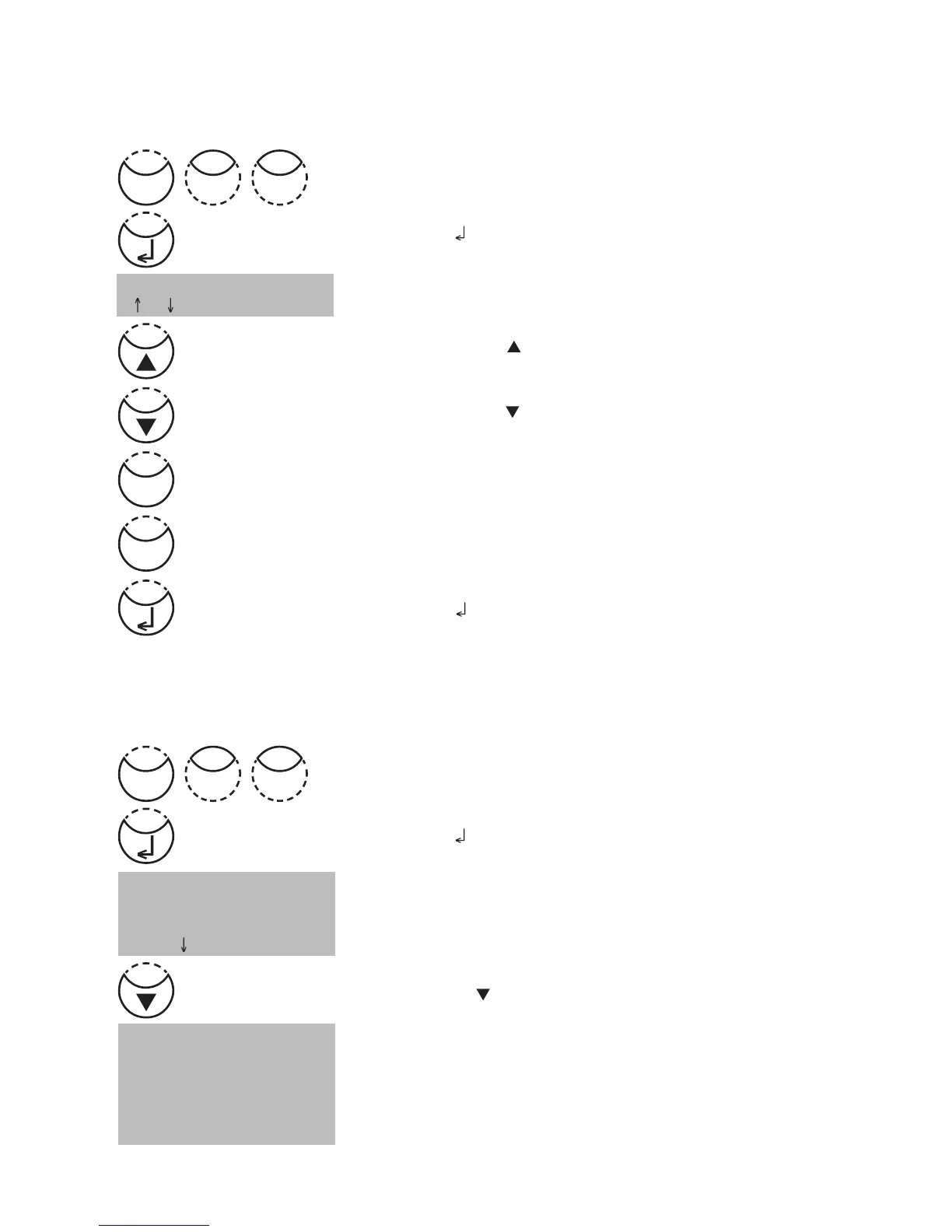
Press [MODE], [Shift] + [8][0] keys.
Confirm with [ ] key.
The display shows:
• Press arrow key [
] to increase contrast of the LCD
display.
• Press arrow key [
] to decrease contrast of the LCD
display.
• Press [Store] key to increase contrast of the LCD display
about ten units.
• Press [Test] key to decrease contrast of the LCD display
about ten units.
Confirm with [
] key.
<LCD contrast>
2.4.10 Instrument special functions /service
Photometer-Information
Press [MODE], [Shift] + [9][1] keys.
Confirm with [
] key.
This method informs you about the current software version,
about the current detected mains power supply, about the
number of performed tests and free memory capacity.
Press arrow key [
] to display the number of performed
tests and free memory capacity.
Finish with [ESC] key.
<System-Info>
Software:
V201.001.1.001.002
more: , cancel: Esc
<System-Info>
Number of Tests:
139
free records left
999
cancel: Esc
Mode
08
Mode
19
Store
Test











 To Next Page