2.4.3 Printing of stored results
Printing all results
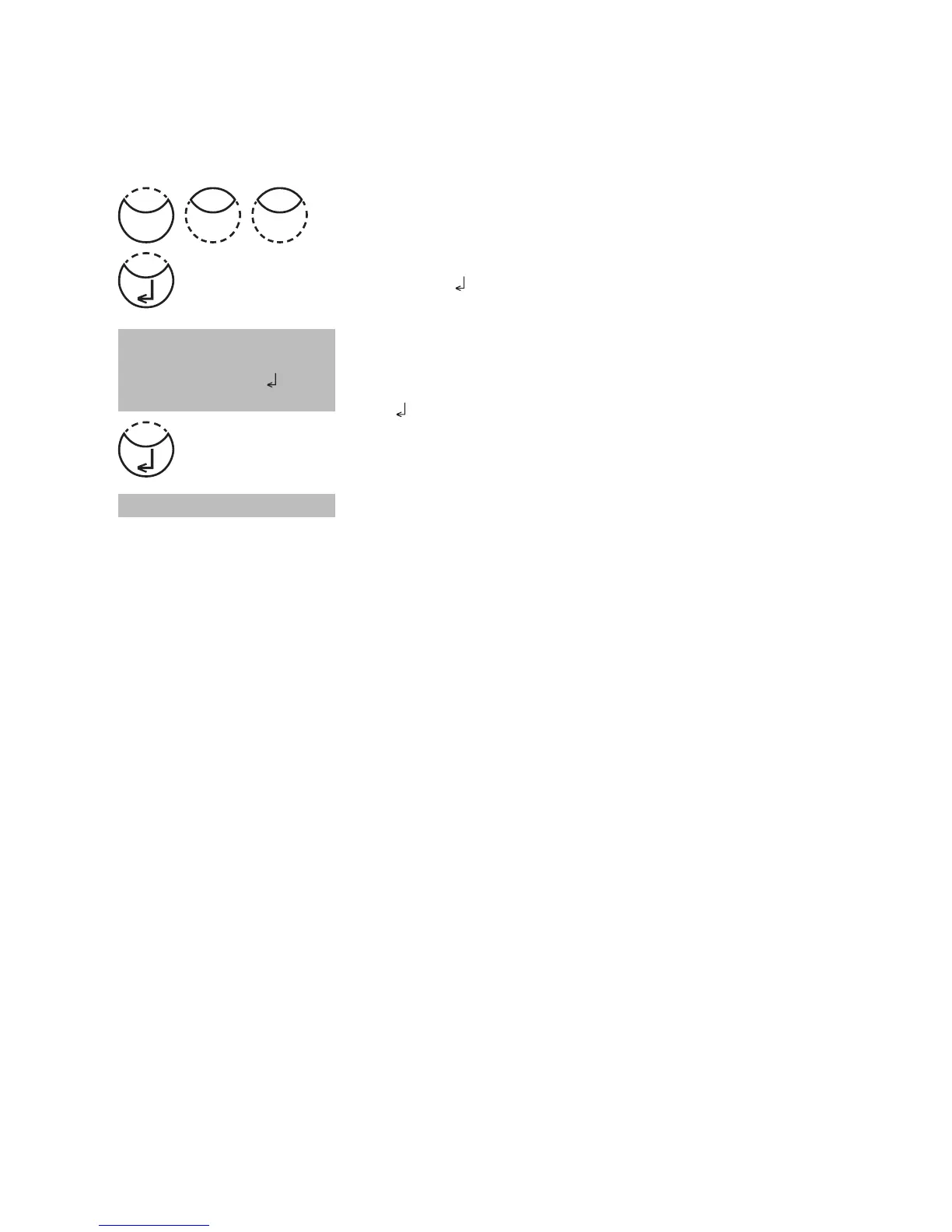
Press [MODE], [Shift] + [2][0] keys.
Confirm with [
] key.
The display shows:
Press [
] key for printing out all stored test results.
The display shows e.g.:
After printing the photometer goes back to <Mode-Menu>
automatically.
Note:
It is possible to cancel the entry by [ESC].
All stored data are printed out.
See chapter 2.5.1 Data Printing.
<Print>
Print all Data
Start:
cancel: ESC
Test No.:
Mode
02











 To Next Page