Key beep
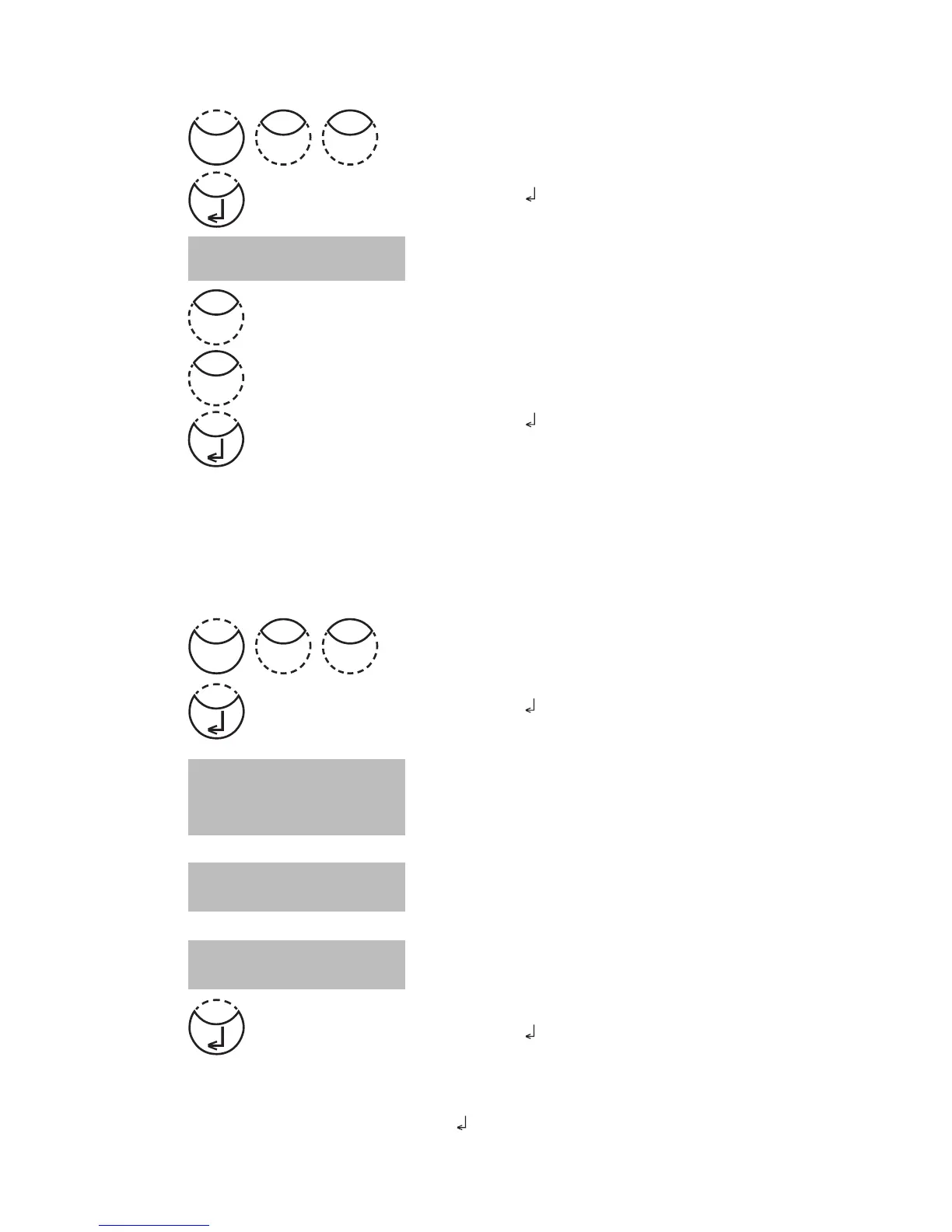
Press [MODE], [Shift] + [1][1] keys.
Confirm with [
] key.
The display shows:
• Press [Shift] + [0] keys to switch the key beep off.
• Press [Shift] + [1] keys to switch the key beep on.
Confirm with [
] key.
Note:
In the case of methods with reaction periods, an acoustic signal still sounds during the last
10 seconds of the countdown even if the key beep is switched off.
Setting date and time
Press [MODE], [Shift] + [1][2] keys.
Confirm with [
] key.
The display shows:
The entry comprises two digits each.
Enter year, month and day,
e.g.: 14. May 2009 = [Shift] + [0][9][0][5][1][4]
Enter hours and minutes
e.g.: 3.07 p.m. = [Shift] + [1][5][0][7]
Confirm with [
] key.
Note:
While confirming date and time with [
] key the seconds are adjusted to zero automatically.
<Key-Beep>
ON: 1 OFF: 0
<clock>
yy-mm-dd hh:mm
_ _-_ _-_ _ _ _:_ _
yy-mm-dd hh:mm
09-05-14 _ _:_ _
yy-mm-dd hh:mm
09-05-14 15:07
0
Mode
21
Mode
11
1











 To Next Page