2.3.5 Performing Tests
When zero calibration is complete, remove the vial from the sample chamber and perform
the tests as described under “Method“.
When the results have been displayed:
- with some methods you can change between different chemical species
- you can store and/or print out the results
- perform further analysis with the same zero
- select a new method
2.3.6 Ensuring reaction periods (countdown)
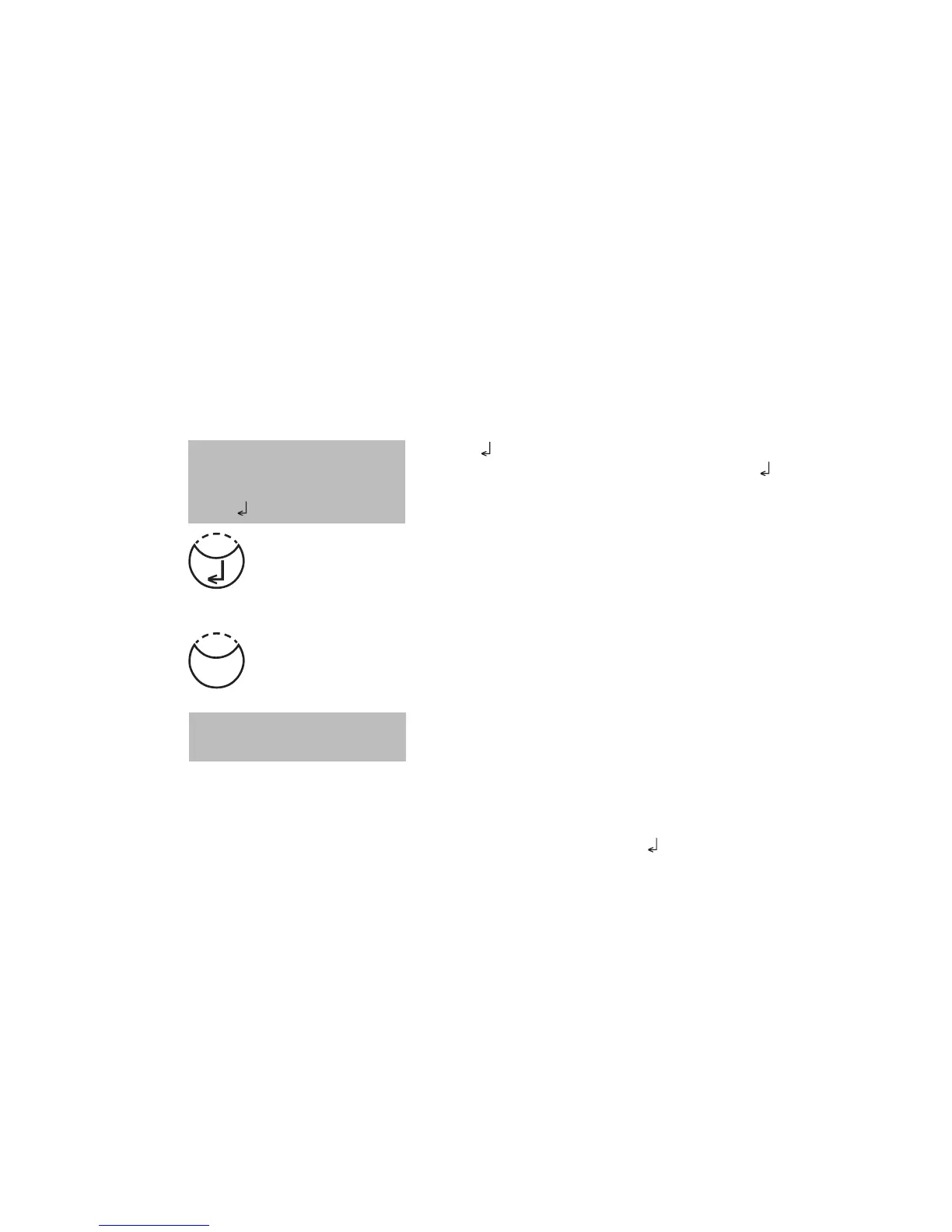
To ensure compliance with reaction periods a time delay is incorporated: the countdown.
There are two kinds of countdowns:
• Press [ ] key.
Prepare water sample, start countdown with [ ] key and
proceed as described in the mode description.
The vial must not be placed in the sample chamber.
• Press [TEST] key.
Prepare the water sample as described in the method
description and place the vial in the sample chamber.
The display shows the countdown by pressing the [TEST]
key and the countdown is started automatically. After
the reaction period is finished the measurement starts
automatically.
Notes:
1. It is possible to finish the working countdown by pressing the [
] key. Reading starts
immediately. In this case the operator is responsible for ensuring the necessary reaction
period.
Non-compliance with reaction periods leads to incorrect test results.
2. The time remaining is displayed continuously.
The beeper indicates the last 10 seconds.
Countdown
1:59
Countdown
2:00
start:
Test











 To Next Page