2.4.7 User operations
User method list
After switching on the instrument a scroll list of all available methods is automatically
shown in the display. To shorten this list according to the requirements of the user it is
possible to create a user defined scroll list.
The program structure requires that this list must have at least one active (switched on)
method. For this reason it is necessary to activate first all required methods and then to
switch off the automatically activated one if this method is not required.
User-method list, adaptation
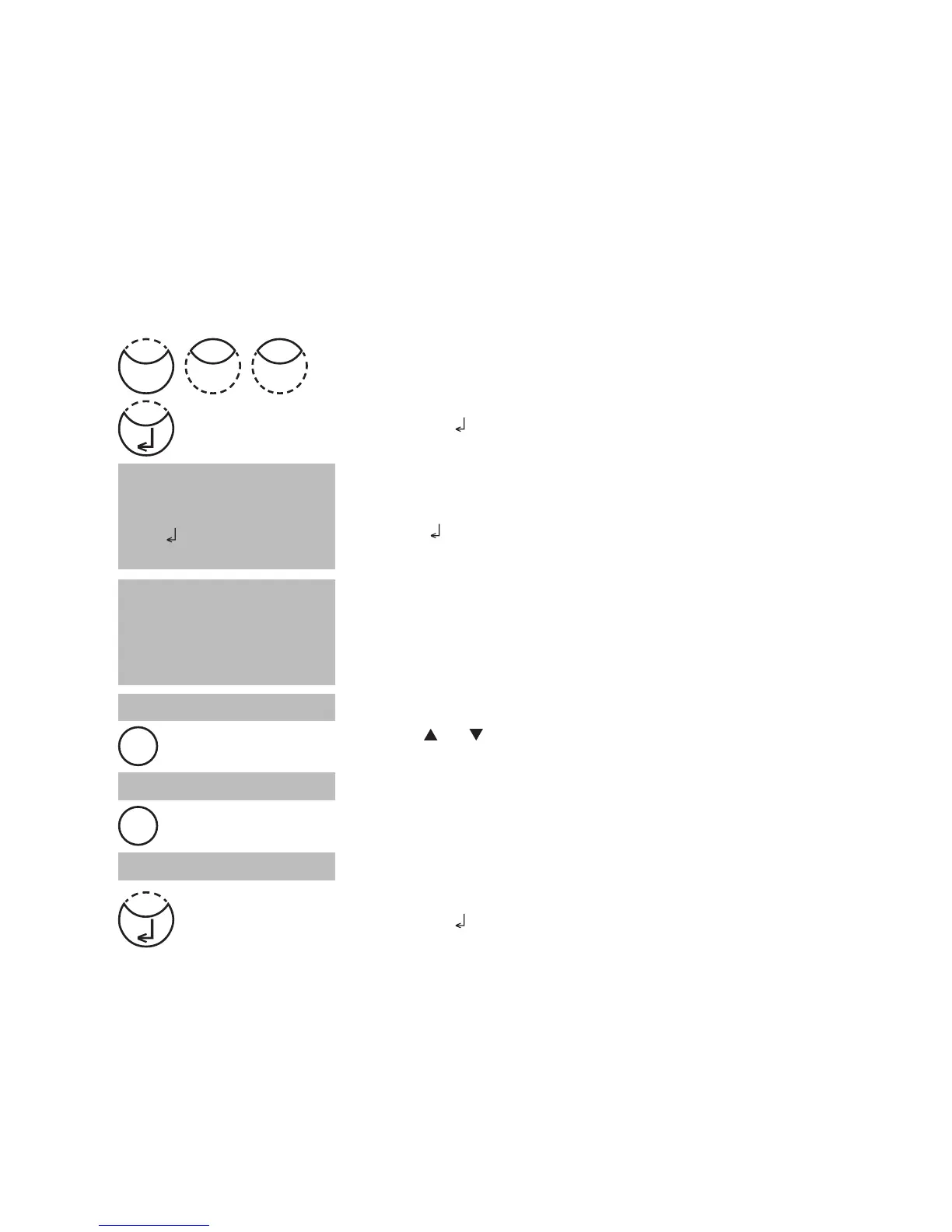
Press [MODE], [Shift] + [6][0] keys.
Confirm with [
] key.
The display shows:
Start with [
] key.
The complete method list is displayed.
Methods with a point [•] behind the method number will be
displayed in the method selection list. Methods without a
point will not be displayed in the method selection list.
Press key [
] or [ ] to select the required method from the
displayed list.
Switch with [F2] key between “active” [•] and “inactive” [ ].
Select next method, activate or inactivate it and continue.
Confirm with [
] key.
Cancel without storing by pressing [ESC] key.
Recommendation:
If only a few methods are required it is recommended to perform Mode 62 first, followed
by Mode 60.
All user Polynomials (1-25) and Concentrations (1-10) are displayed in the method list, although
they are not programmed by the user. Non-programmed user methods can’t be activated!
<Method list>
selected: •
toggle: F2
save:
cancel: ESC
<Method list>
>> 30•Alkalinity-tot
40•Aluminium
50•Ammonium
....
>> 30•Alkalinity-tot
>> 30 Alkalinity-tot
>> 30•Alkalinity-tot
Mode
06
F2
F2











 To Next Page