User method list, switch all methods on
This mode function activates all methods. After switching on the instrument a scroll list of
all available methods is automatically shown in the display.
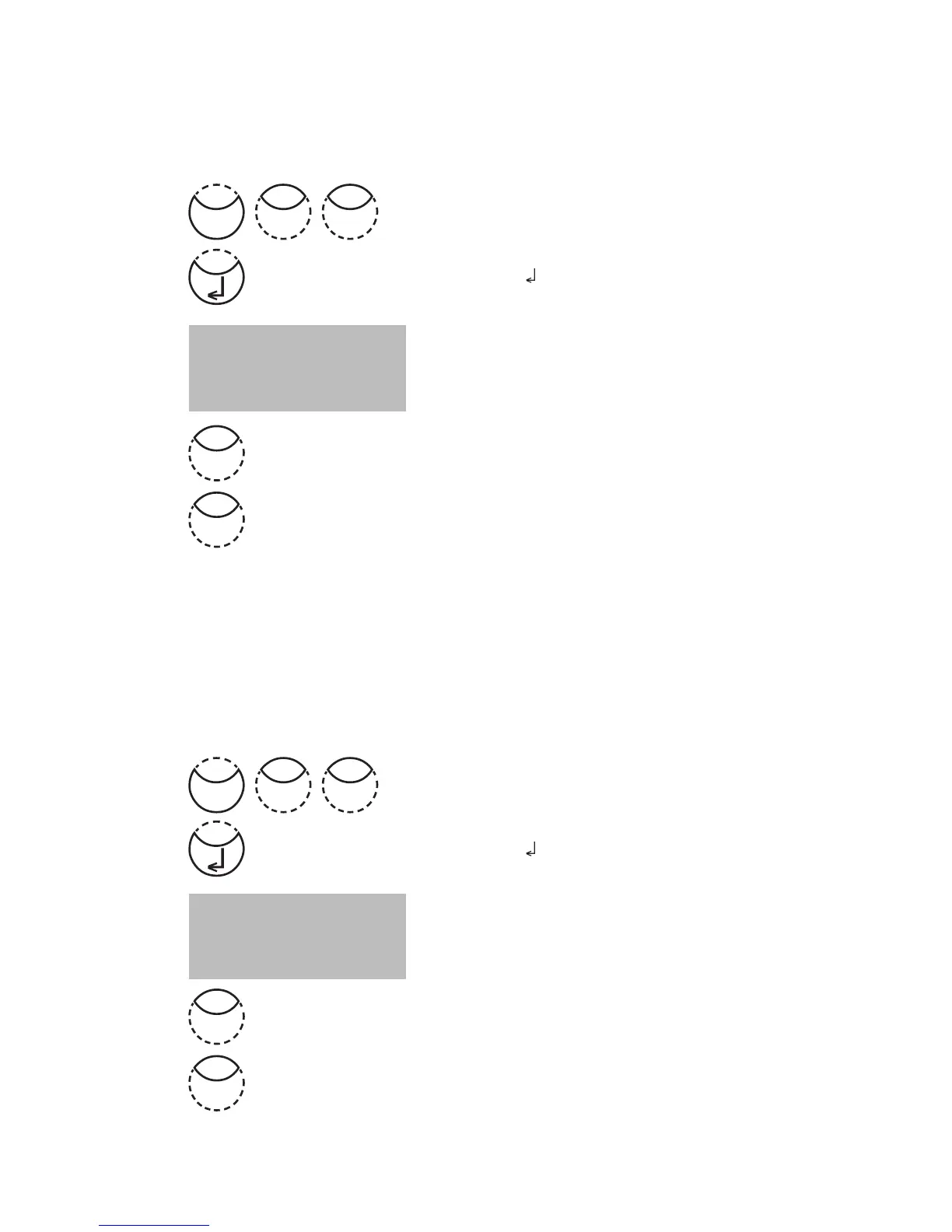
Press [MODE], [Shift] + [6][1] keys.
Confirm with [
] key.
The display shows:
• Press [Shift] + [1] keys to display all methods in the method
selection list.
• Press [Shift] + [0] keys to keep the valid method selection
list.
The instrument goes back to mode menu automatically.
User method list, switch all methods off
The program structure requires that the method list must have at least one active (switched
on) method. For this reason the instrument activates one method automatically.
Press [MODE], [Shift] + [6][2] keys.
Confirm with [
] key.
The display shows:
• Press [Shift] + [1] keys to display only one method in the
method selection list.
• Press [Shift] + [0] keys to keep the valid method selection
list.
The instrument goes back to mode menu automatically.
<Mlist all on>
switch on all
methods
YES: 1, NO: 0
<Mlist all off>
switch off all
methods
YES: 1, NO: 0
0
0
Mode
16
Mode
26
1
1











 To Next Page