User Concentration Methods
It is possible to enter and store up to 10 User Concentration Methods.
Therefor you need 2 to 14 standards of known concentration and one blank (deionised water
or reagent blank value). The Standards should be measured with increasing concentrations
and from the brightest to the darkest colouration.
The measuring range for „Underrange“ and „Overrange“ is defined with –2600 mAbs* and
+2600 mAbs*. After selection of a method the concentration of the lowest and highest used
standard is displayed as measuring range. The operation range should be within this range
to achieve best results.
*1000 mAbs = 1 Abs = 1 E (displayed)
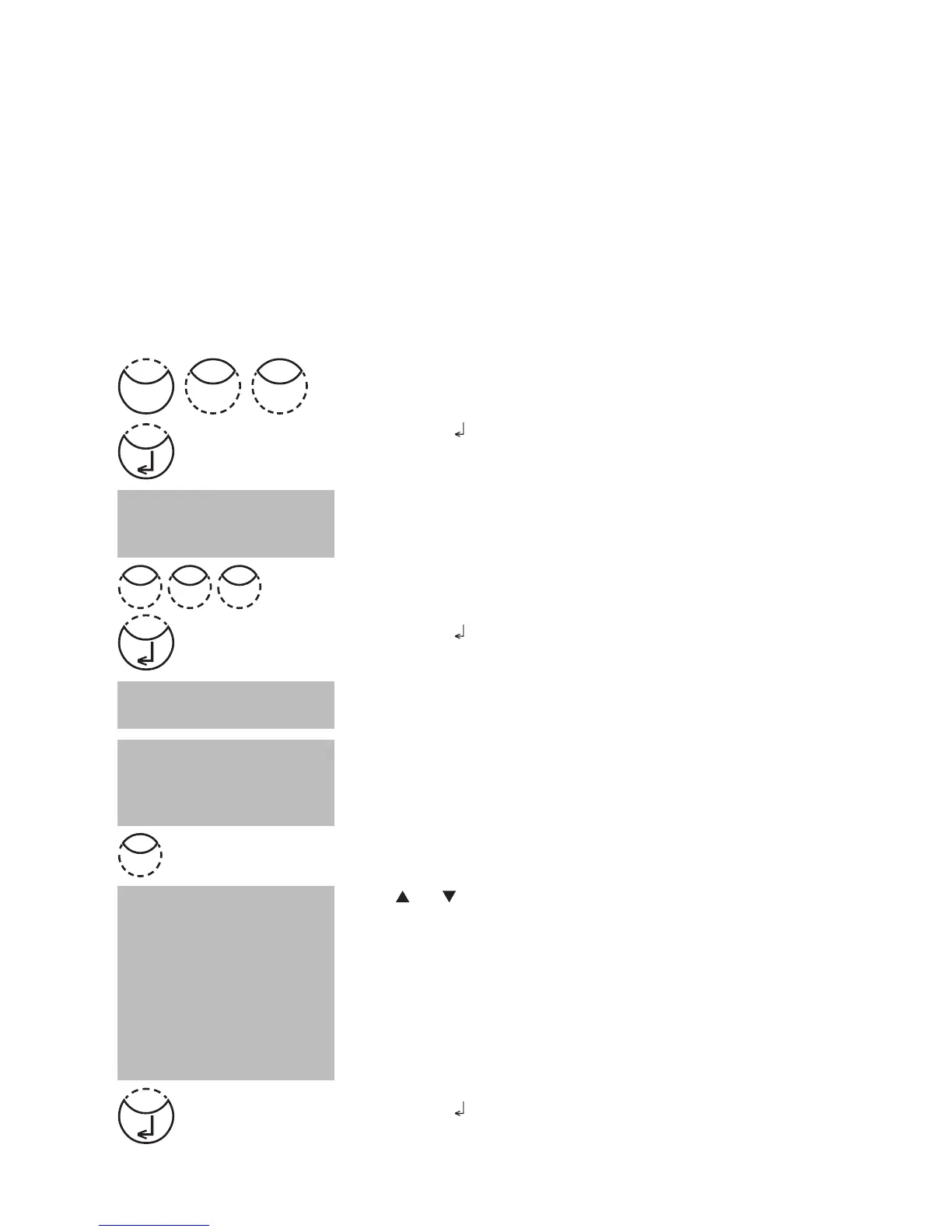
Entering a User Concentration:
Press [MODE], [Shift] + [6][4] keys.
Confirm with [
] key.
Entry Procedure:
The display shows:
Enter a method number in the range from 850 to 859,
e.g.: [Shift] + [8][5][0]
Confirm with [
] key.
Note:
if the entered number has already been used to save a
concentration the display shows the query:
• Press [Shift] + [0] or [ESC] keys to go back to method no.
query.
• Press [Shift] + [1] keys to start entry mode.
Enter the required wavelength, e.g.: [Shift] + [2] for
560 nm.
Press [
] or [ ] keys to select the required unit.
Confirm with [
] key.
< User concentr.>
choose no.: ____
(850-859)
choose unit:
>>
mg/l
g/l
mmol/l
mAbs
µg/l
E
A
%
Overwrite conc. meth.?
YES: 1, NO: 0
wavelength:
1: 530 nm 4: 430 nm
2: 560 nm 5: 580 nm
3: 610 nm 6: 660 nm
Mode
46
2
8 05











 To Next Page