2.3 Operation mode
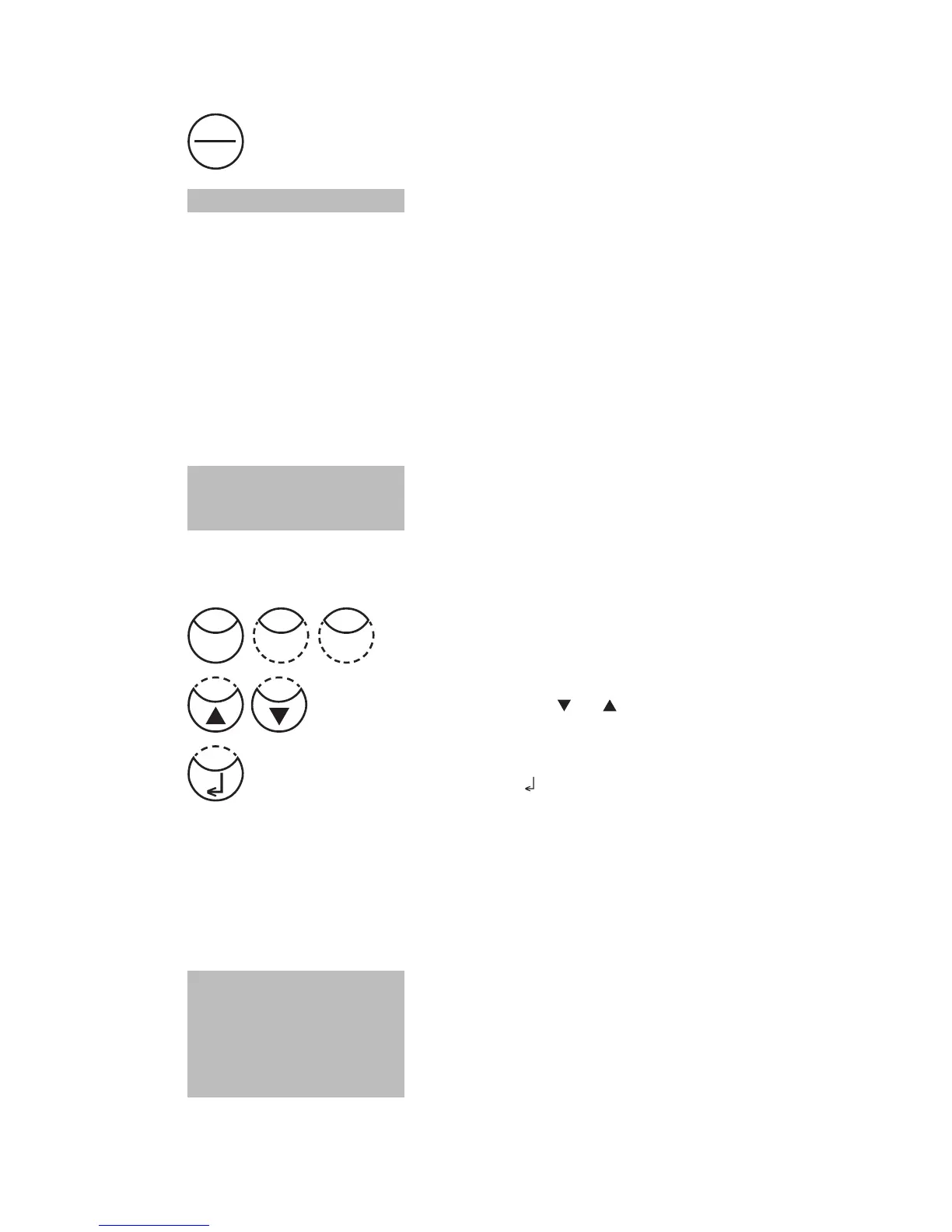
Switch the photometer on by pressing the [ON/OFF] key.
The photometer performs an electronic self-test.
2.3.1 Automatic switch off
The instrument switches off automatically after 20 minutes. This is indicated 30 seconds before
by a beeper. Press any key to avoid the instrument switching off.
As long as the instrument is working (for example countdown or printing) the automatic
switch off is inactive.
2.3.2 Selecting a method
The display shows a selection:
There are two possibilities to select the required method:
a) enter method-number directly
e.g.: [Shift] + [8] [0] to select Bromine
b) press arrow key [
] or [ ] to select the required method
from the displayed list.
Confirm with [ ] key.
2.3.2.1 Method Information (F1)
Use [F1] key to switch between the compact and the detailed list for method selection.
Example:
Line 1: Method number, Method name
Line 2: Range
Line 3: Kind of reagent
Line 4: Vial
Line 5-7: Used reagent
tube = reagent vial contained in tube test
selftest ...
>> 30 Alkalinity-m
35 Alkalinity-p
40 Aluminium
100 Chlorine
0.02-6 mg/l Cl
2
Tablet
24 mm
DPD No 1
DPD No 3
ON
OFF
Shift
8 0











 To Next Page