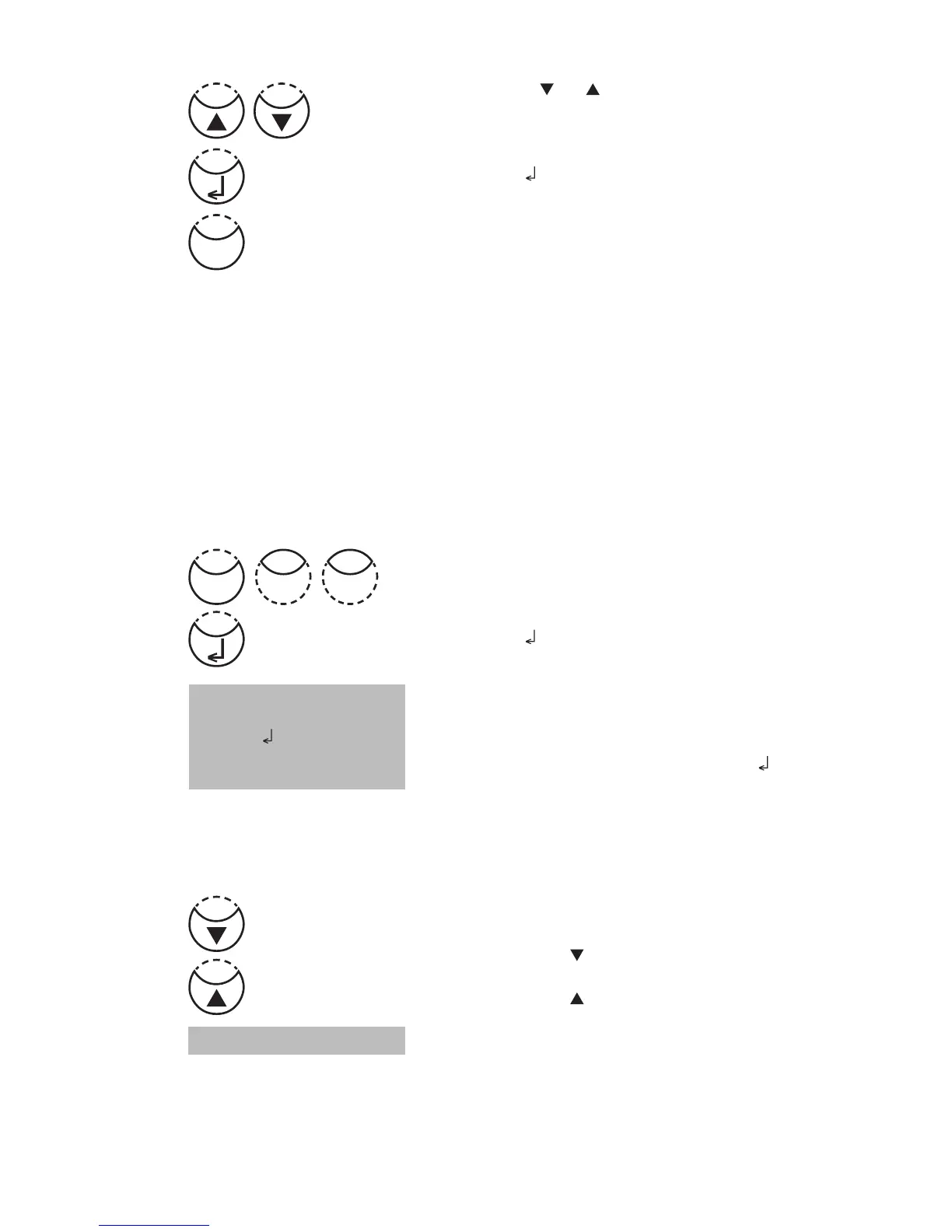
Press arrow key [ ] or [ ] to select the required baud rate.
(1200, 2400, 4800, 9600, 14400, 19200)
Confirm with [
] key.
End with [ESC] key.
Back to Mode Menu with [ESC] key.
Back to method selection with [ESC] key.
2.4.4 Recall / delete stored results
Recall all stored results
Press [MODE], [Shift] + [3][0] keys.
Confirm with [
] key.
The display shows:
The stored data sets are displayed in chronological order,
starting with the latest stored test result. Press [
] key and
all stored results are displayed.
• Press [F3] key to print the displayed result.
• Press [F2] key to print all results.
• End with [ESC].
• Press arrow key [
]
to display the following test result.
• Press arrow key [ ] to display the previous test result.
If there are no test results in memory the display shows:
no data
<Storage>
display all data
Start: cancel: ESC
print: F3
print all: F2
Mode
03
Esc











 To Next Page