Recall results of a selected time period
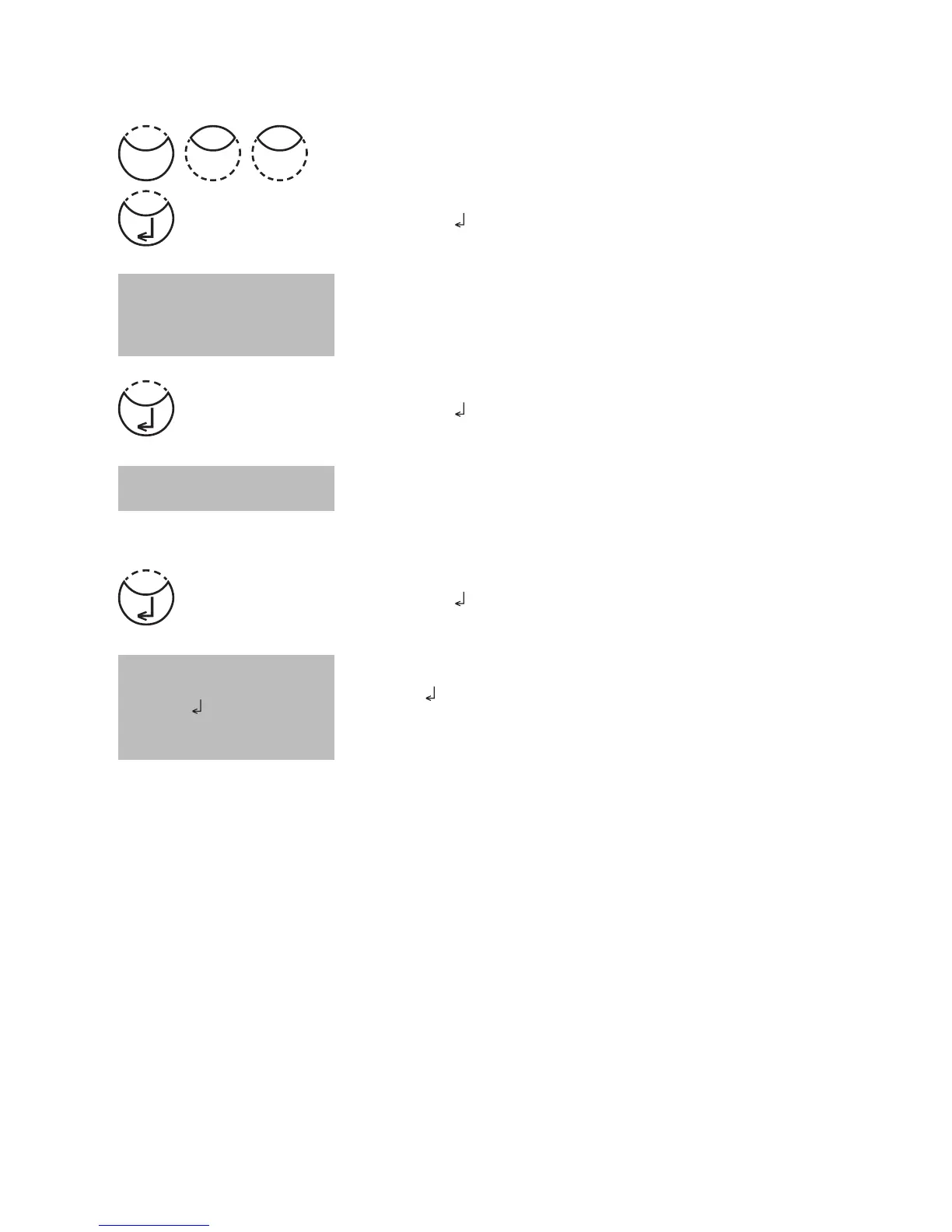
Press [MODE], [Shift] + [3][1] keys.
Confirm with [
] key.
The display shows:
Enter year, month and day for the first day of the required
period, e.g.: 14 May 2009 = [Shift] + [0][9][0][5][1][4]
Confirm with [
] key.
The display shows:
Enter year, month and day for the last day of the required
period, e.g.: 19 May 2009 = [Shift] +[0][9[0][5][1][9]
Confirm with [
] key.
The display shows:
• Press [
] key and all stored results in the selected date
range are displayed.
• Press [F3] key to print the displayed result.
• Press [F2] key to print all selected results.
• End with [ESC].
Note:
It is possible to cancel the entry by [ESC].
If you want to recall only results of one day enter the same date twice to determine the
time period.
<Storage>
sorted: date
from yy-mm-dd
__-__-__
to yy-mm-dd
__-__-__
from 2009-05-14
to 2009-05-19
Start: cancel: ESC
print: F3
print all: F2
Mode
13











 To Next Page