2.4.1 blank because of technical requirements
2.4.2 Instrument basic settings 1
Selecting a language
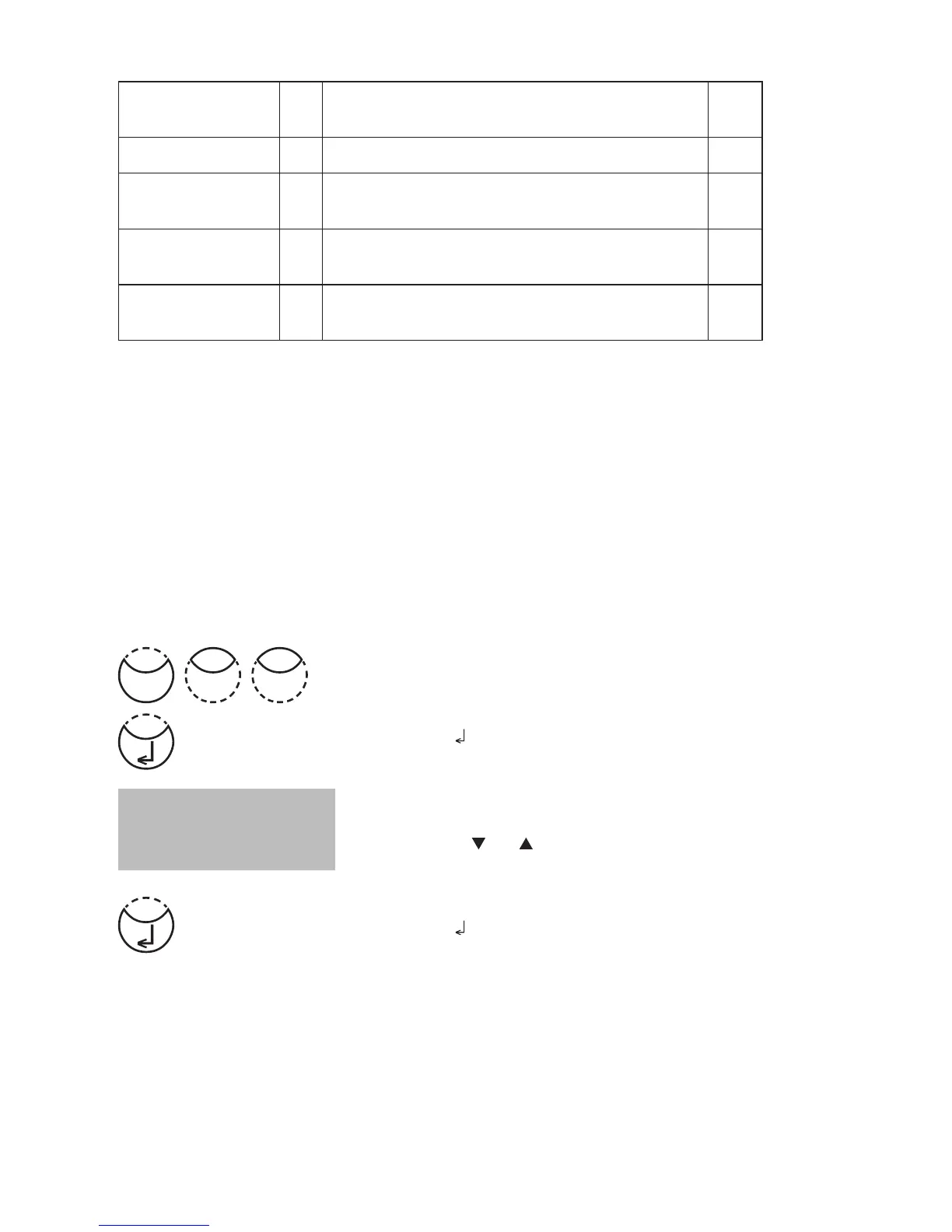
Press [MODE], [Shift] + [1][0] keys.
Confirm with [
] key.
The display shows:
Press arrow key [
] or [ ] to select the required language
from the displayed list.
Confirm with [
] key.
<Language>
Deutsch
>> English
Francais
User concentration 64 Entering the data necessary to run
a user concentration method
244
User polynoms 65 Entering the data necessary to run a user polynomial 246
User methods clear 66 Delete all data of a user polynomial or
of a concentration method
249
User methods print 67 Print out all data stored with mode 64
(concentration) or mode 65 (polynomial)
250
User methods init 69 Initialise the user method system
(polynomial and concentration)
251
The selected settings are kept by the photometer even when switched off. To change
photometer settings a new setting is required.
Mode
01











 To Next Page