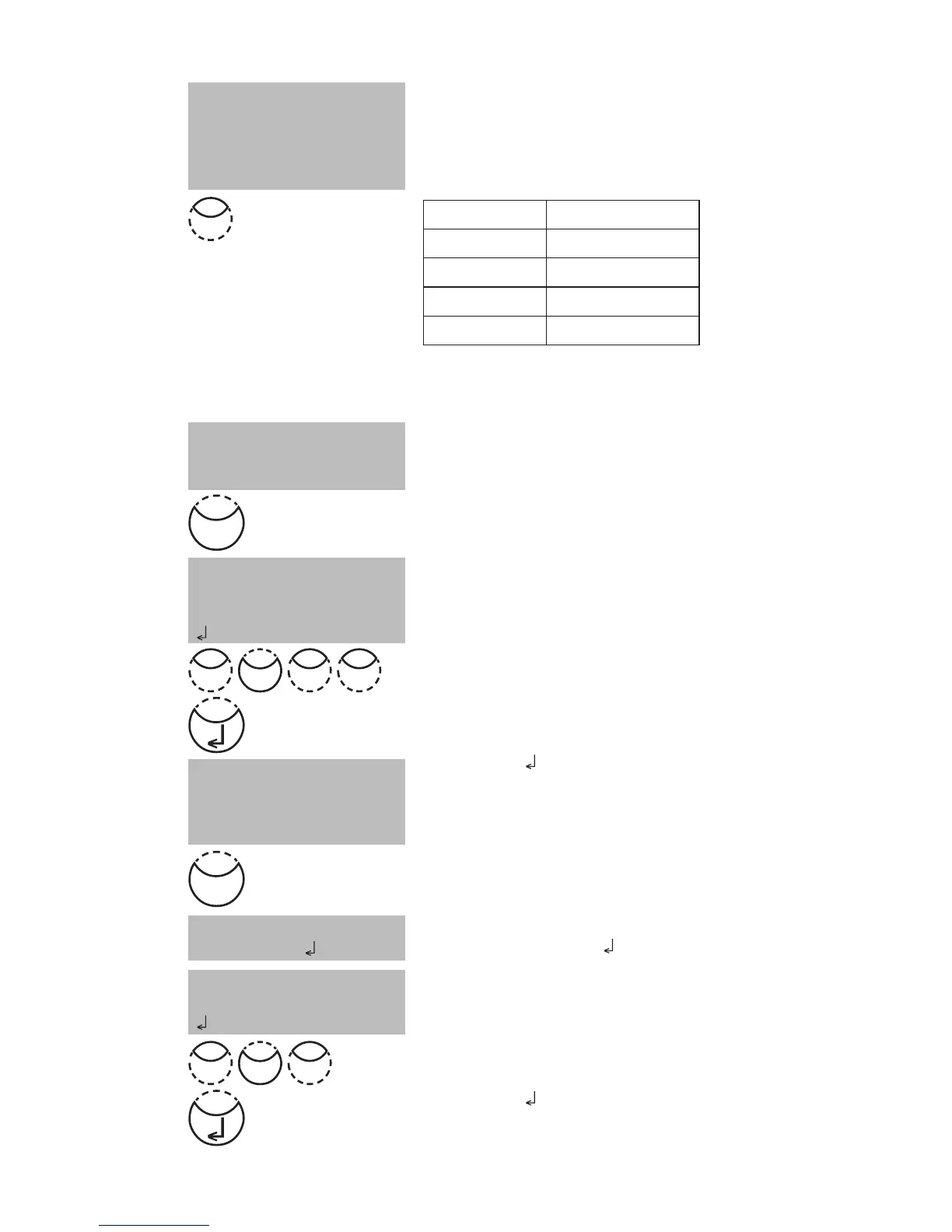
Press the appropriate numerical key to select the required
resolution, e.g.: [Shift] + [3] for 0.01.
Note:
Please enter the required resolution according to the in-
strument pre-sets:
range max. resolutions
0.000 ...9.999 0.001
10.00 ...99.99 0.01
100.0... 999.9 0.1
1000 ...9999 1
Measurement procedure with standards of
known concentration:
The display shows:
Prepare Zero and press [Zero] key.
Note:
Use deionised water or reagent blank value.
The display shows:
Enter the concentration of the first standard;
e.g.: [Shift] + [0][.][0][5]
• One step back with [ESC].
• Press [F1] key to reset numerical input.
Confirm with [
] key.
The display shows:
Prepare the first standard and press [Test] key.
The display shows the input value and the measured absorp-
tion value. Confirm with [
] key.
Enter the concentration of the second standard;
e.g.: [Shift] + [0][.][1]
• One step back with [ESC].
• Press [F1] key to reset numerical input.
Confirm with [
] key.
< User concentr.>
prepare Zero
press ZERO
choose resolution
1: 1
2: 0.1
3: 0.01
4: 0.001
< User concentr.>
S1: 0.05 mg/l
prepare
press TEST
< User concentr.>
Zero accepted
S1: +________
| ESC | F1
S1 accepted
S2: +________
| ESC | F1
S1: 0.05 mg/l
mAbs: 12
3
0 0 5
.
0 1
.
Test
Zero











 To Next Page