LPKF Laser & Electronics AG | V. 1.0
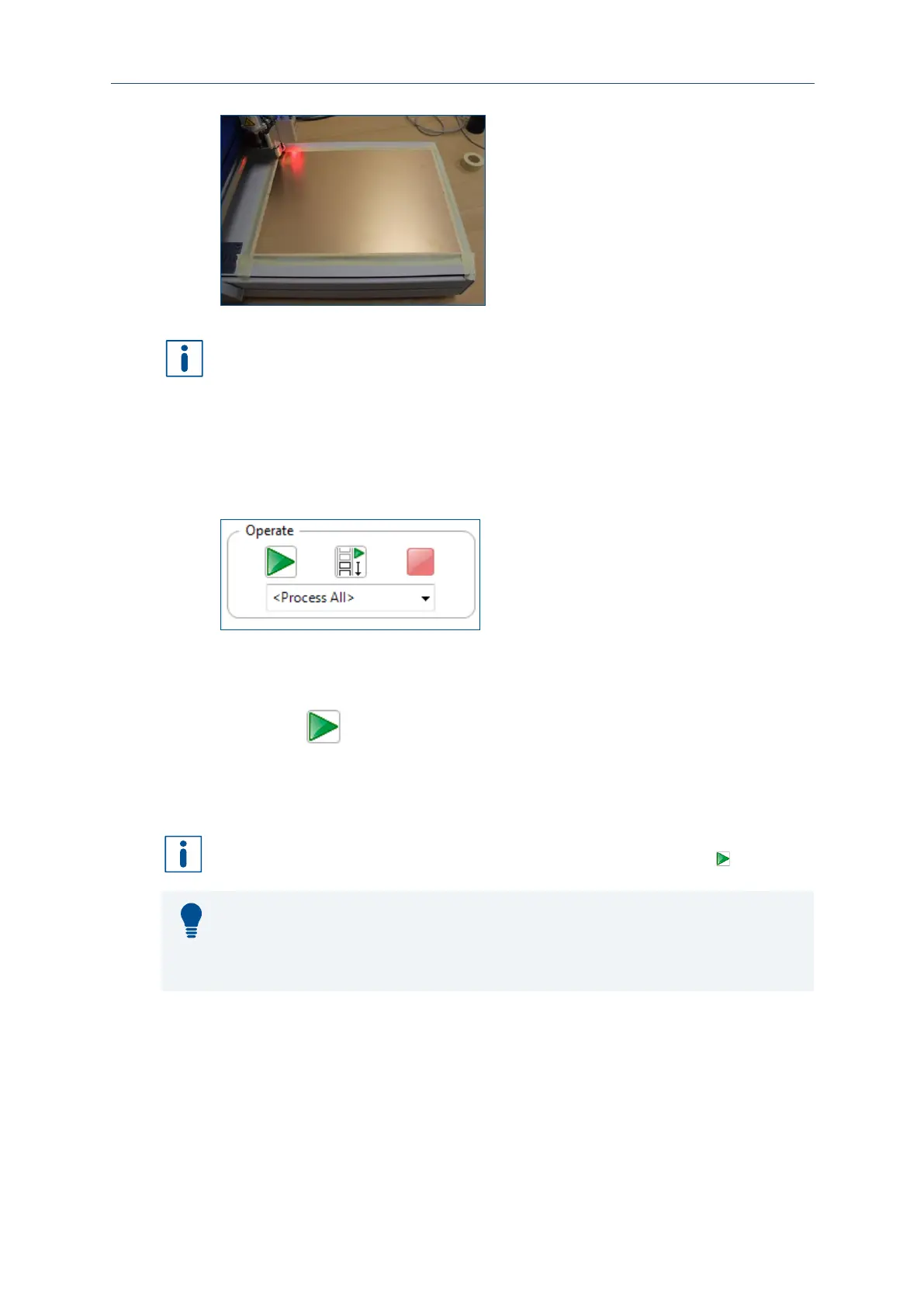
Fig. 36: Fastening the material
The adhesive tape must be fully removable. Use the provided adhesive tape or an
equivalent adhesive tape.
The material is fastened onto the processing table.
Starting processing
1. Click on Machining > Process all.
Ensure that the value Process all is selected in the group Operate so that all phases
are processed.
2. Click on .
The phase MountMaterial is started.
The processing is started.
Instead of processing all phases automatically, individual phases can be processed as
well. To do this, select the phase that you want to start with and click on .
Process planning wizard
CircuitPro PM facilitates setting the parameters via the Process planning wizard.
For detailed information on using the Process planning wizard refer to the CircuitPro
PM compendium.
Once you have started processing, the system processes the job in different phases.
These phases are displayed as messages.
Depending on the system used, the displayed messages and phases can differ from
the following. Follow the instructions on your screen. From time to time, you are
prompted to exchange the tool in the collet.



 To Next Page