V. 1.0 | LPKF Laser & Electronics AG
13. Wait until the processing head moves to the front and the following message is
displayed:
Fig. 51: Prompt for cleaning the tool
14. Clean the tool with a soft brush.
Fig. 52: Cleaning the tool
15. Confirm by clicking on [OK].
The second reference hole is drilled.
16. Clean the tool with a soft brush.
17. Confirm by clicking on [OK].
The reference holes have been drilled.
Inserting the dowel pins
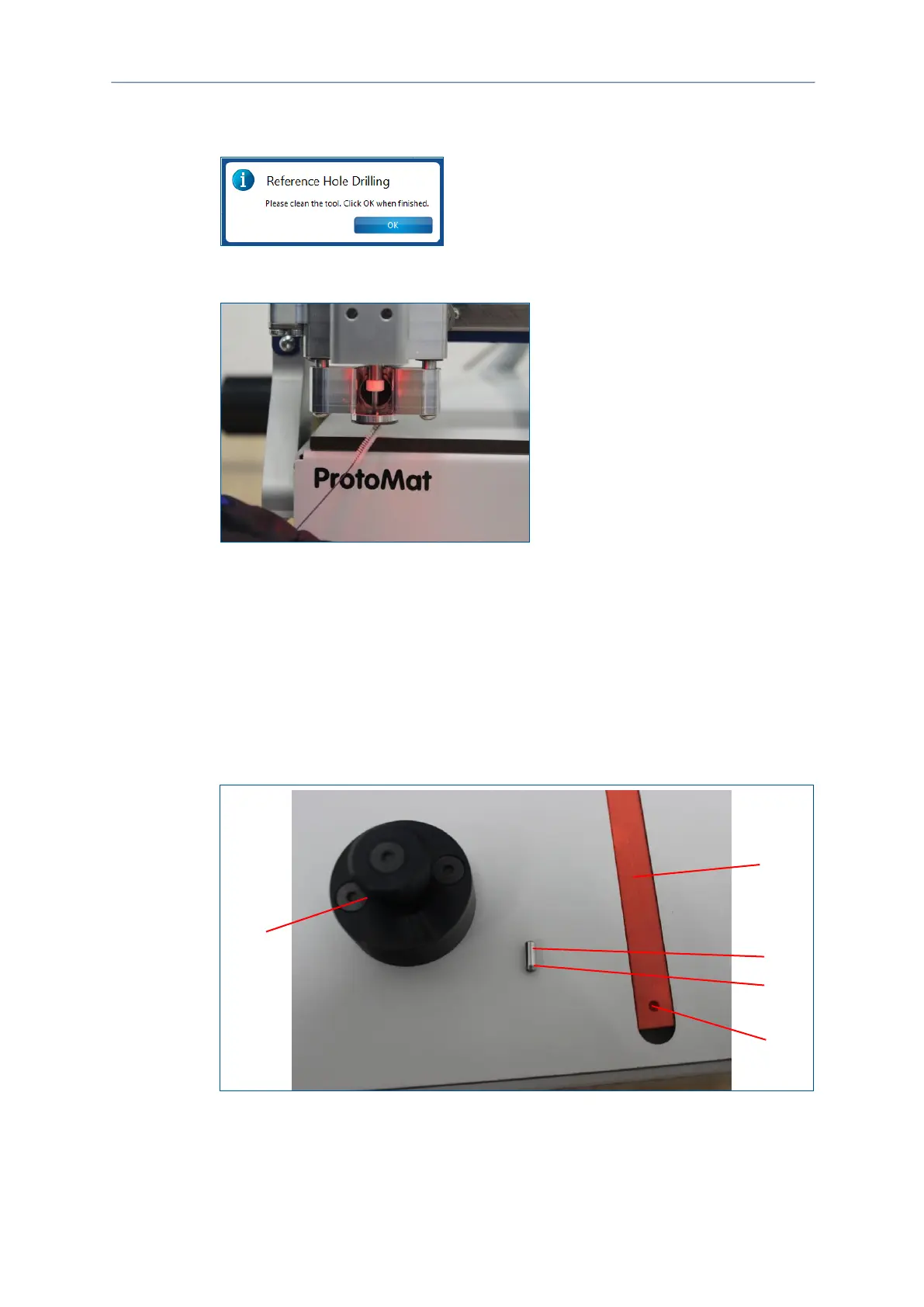
Fig. 53: Dowel pin and insertion tool
1 Reference-hole strip
2 Dowel pin
3 Conical end
4 Reference hole
5 Insertion tool



 To Next Page