LPKF Laser & Electronics AG | V. 1.0
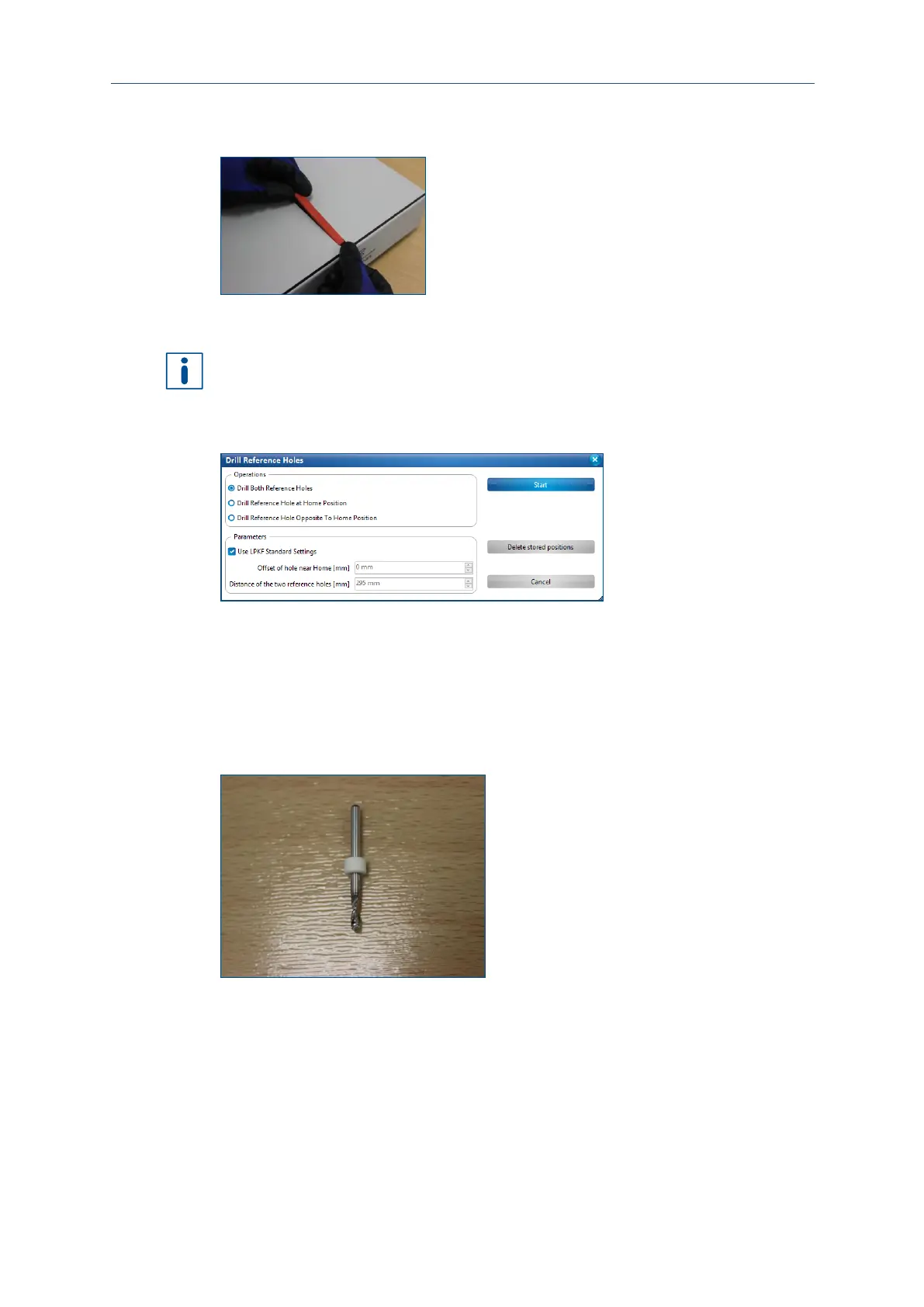
Push the reference-hole strip within the recess towards the edge of the processing
table as far as possible.
Fig. 48: Inserting the reference-hole strip
6. Insert the second reference-hole strip into the empty recess.
The following instructions require that CircuitPro PM has been started and connected
to the system. For more information on starting the system refer to page 44.
7. Click on Machining > Drill reference holes.
The dialog Drill reference holes is displayed:
Fig. 49: Dialog Drill reference holes
8. Activate the function Drill both reference holes.
9. Activate Use LPKF standard settings.
10. Confirm by clicking on [Start].
11. If not already done, insert the reference hole drill (Ø 2.95 mm) into the collet.
For more information on inserting a tool refer to page 65.
12. Confirm by clicking on [OK].
Fig. 50: Reference-hole drill
The first reference hole is drilled.



 To Next Page