V. 1.0 | LPKF Laser & Electronics AG
Inserting a tool into the collet
Systems without tool magazine require that the tools are inserted manually according
to the project requirements. The processing head has to be moved to the Zero
position for a tool change.
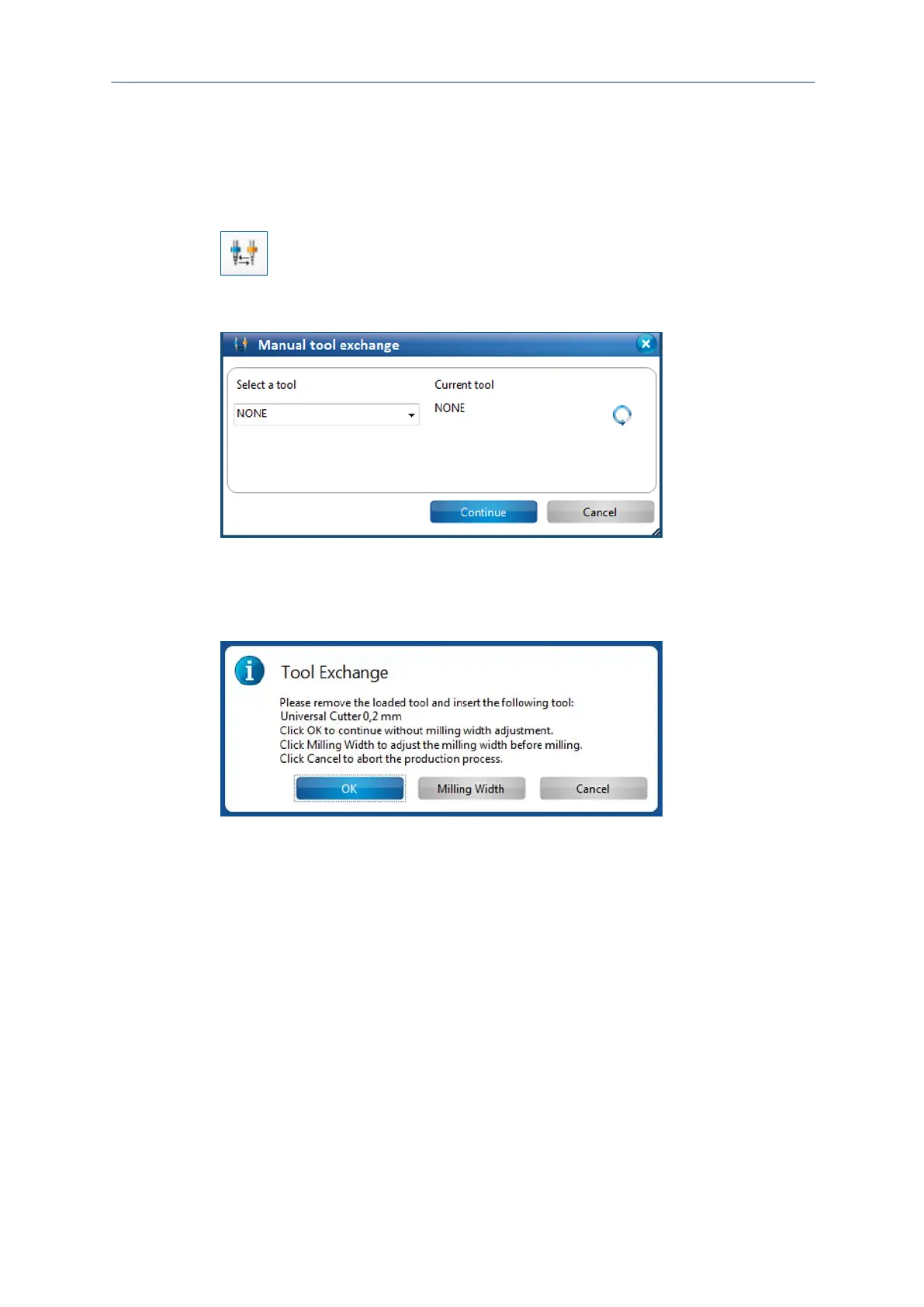
1. Click on Tool magazine.
Fig. 57: Icon tool magazine
The following dialog is displayed:
Fig. 58: Manual tool exchange
2. In the drop-down list select the tool that you want to use.
3. Click on [Continue].
The following dialog is displayed:
4. Insert the tool that you want to use into the provided insertion tool (2).



 To Next Page