Service Manual – 20 / 63
XE_ABS_MT_AN_200224
10. PROBES MANAGEMENT AND CALIBRATION
10.1. Standardized (A-Std) / regular biometry (A) probe
WARNING
Anytime a probe is replaced or changed, it is necessary to check / adjust the calibration.
10.1.1. Adding or removing a standardized / regular biometry probe &
calibration
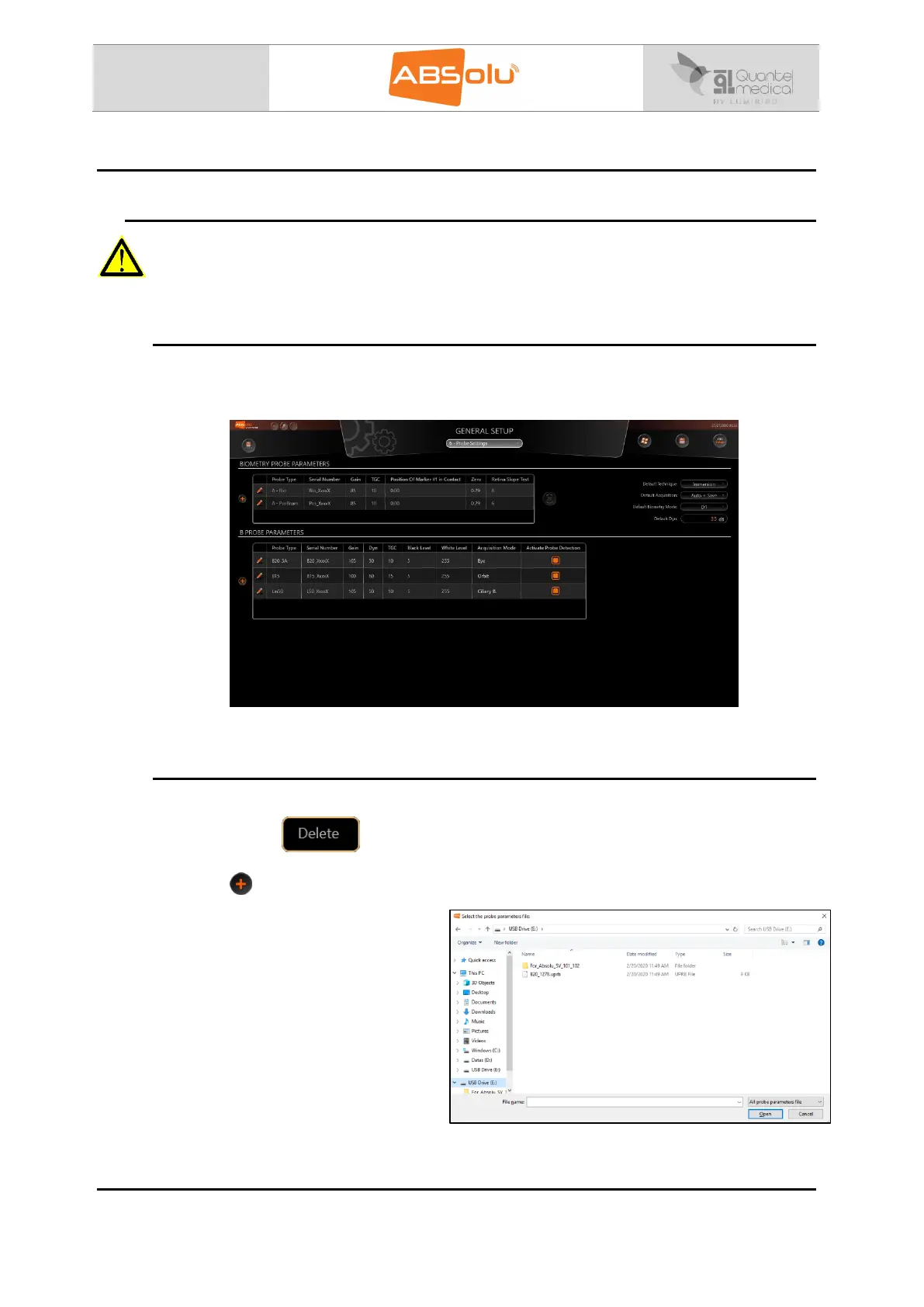
Each probe has specific parameters. The list of already installed probes parameters is
displayed in the probe settings menu of the general setup screen:
This list should correspond to the serial numbers of the probes currently in use on the unit.
10.1.2. Delete or add a new standardized or regular biometry probe
To delete a probe, click right on it and then select “delete” (you can also press the delete key
of your keyboard):
To install a new probe, connect the USB stick (delivered with the probe) into the drive and
press the “ ” button:
This window will then be displayed:
Select the file (with the probe’s serial
number that has to be installed) and
select: “Open”. The probe will
consequently be added to the probe in
use list.



 To Next Page