Service Manual – 46 / 63
XE_ABS_MT_AN_200224
12. UPDATE SOFTWARE
The “Update Software” will allow you to:
Make an automatic backup of the ABSolu data (settings, exams, reports…)
Install the new software.
Refer to the document Software Information Guide (XE_ECHO_SIG_AN) to be aware of all
existing ABSolu software.
12.1. Procedure to install the new software
1. Close the ABSolu application, by using: Alt+F4.
2. Connect the USB key, which contains the last ABSolu Software.
3. Copy the “ABSolu VXXX_20XXXXXX.zip” (for example: ABSolu V103_20190423.zip) file in
the “D:\” hard disk, and extract the file in the same folder.
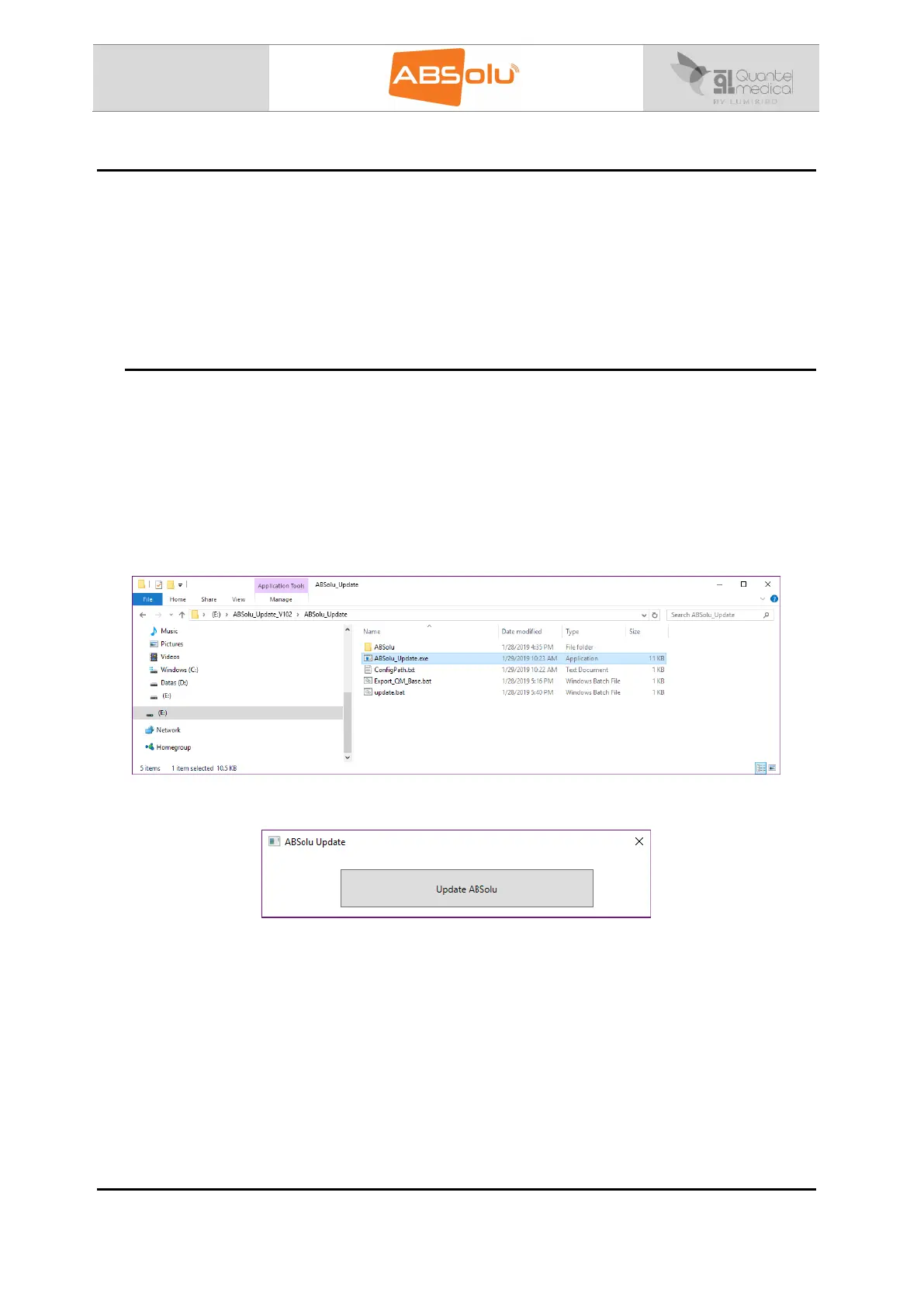
4. Launch the “ABSolu_Update.exe” file, located in the
“ABSolu_Update_VXXX\ABSolu_Update” directory:
5. The following window appears:



 To Next Page