5. Delete the B20-5A service probe when the check has been carried out.
6. Reinstall the B20-5A probe parameters you will find under the following link:
C:\Quantel\ABSolu\AppData\ProbeFile
NOTE
Check that the B20-5A probe serial number on the ABSolu software is the same mentioned on
the probe label. If not, the measures can be wrong.
10.5. Solving noise problems (with B and Linear probes in acquisition
mode)
NOTE
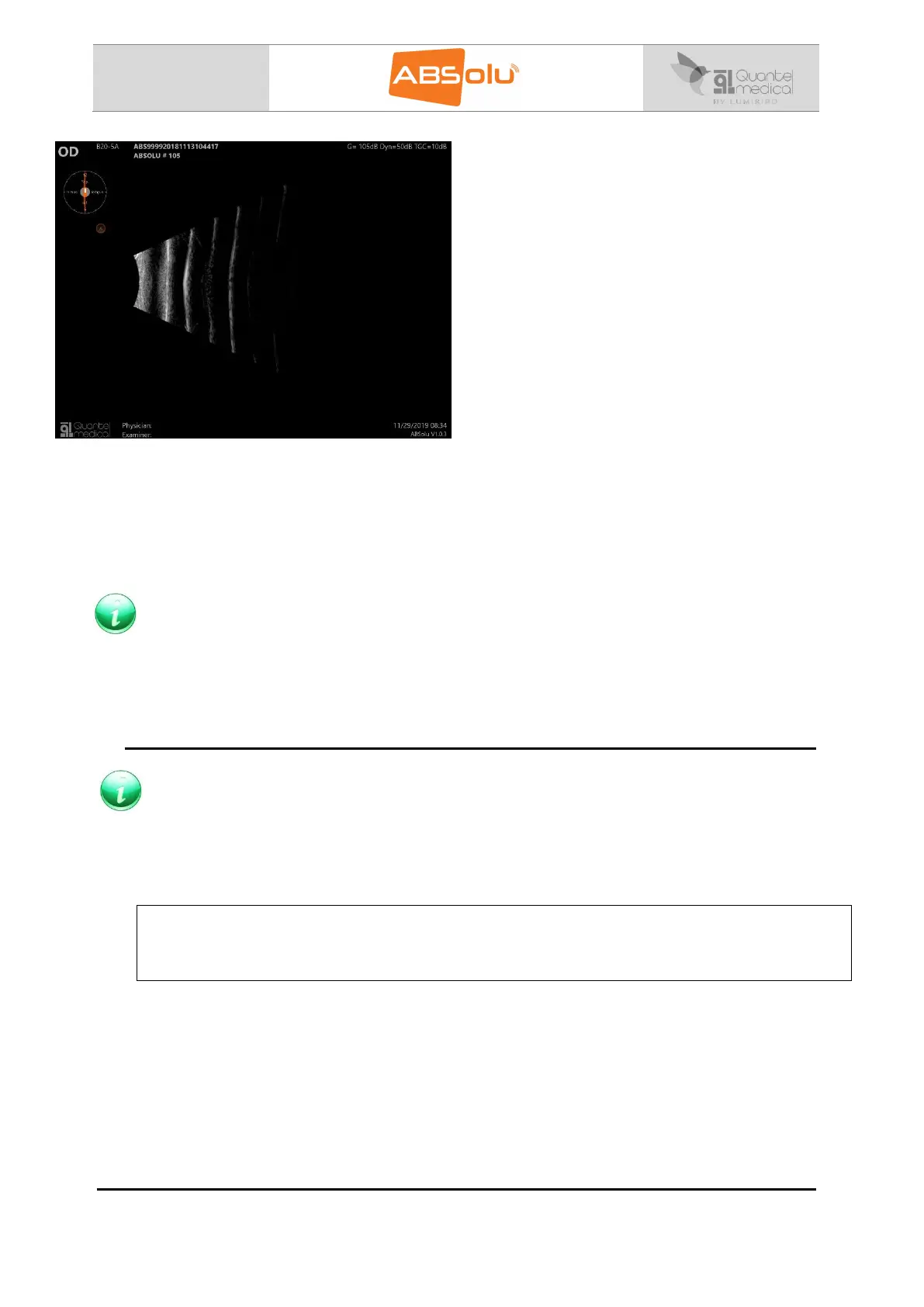
The ABSOLU tolerance should display 5dB as maximum noise; it means that when the image
is displayed on the screen at 105dB, the noise has to be very low.
Noise may be reduced when using the probes. To check and simulate that the noise level is
correct for examination:
For linear probe:
Prepare the probe (as for an exam): fill the probe with demineralised water and install the
removable window.
Put the removable membrane in contact with your hand.
Start the probe and check if the noise is increased or not when the probe is in contact
with your hand.
If the noise is increased when in contact with your hand: noise will be present during
patient examination. It is then necessary to investigate which of the following elements
is generating noise to reduce it as much as possible:
Check the room grounding is correct, (the earth impedance has to be lower than 0.1
ohms).
Try to connect the unit on another plug in the room or try to change room if the problem
persists,



 To Next Page