Service Manual – 45 / 63
XE_ABS_MT_AN_200224
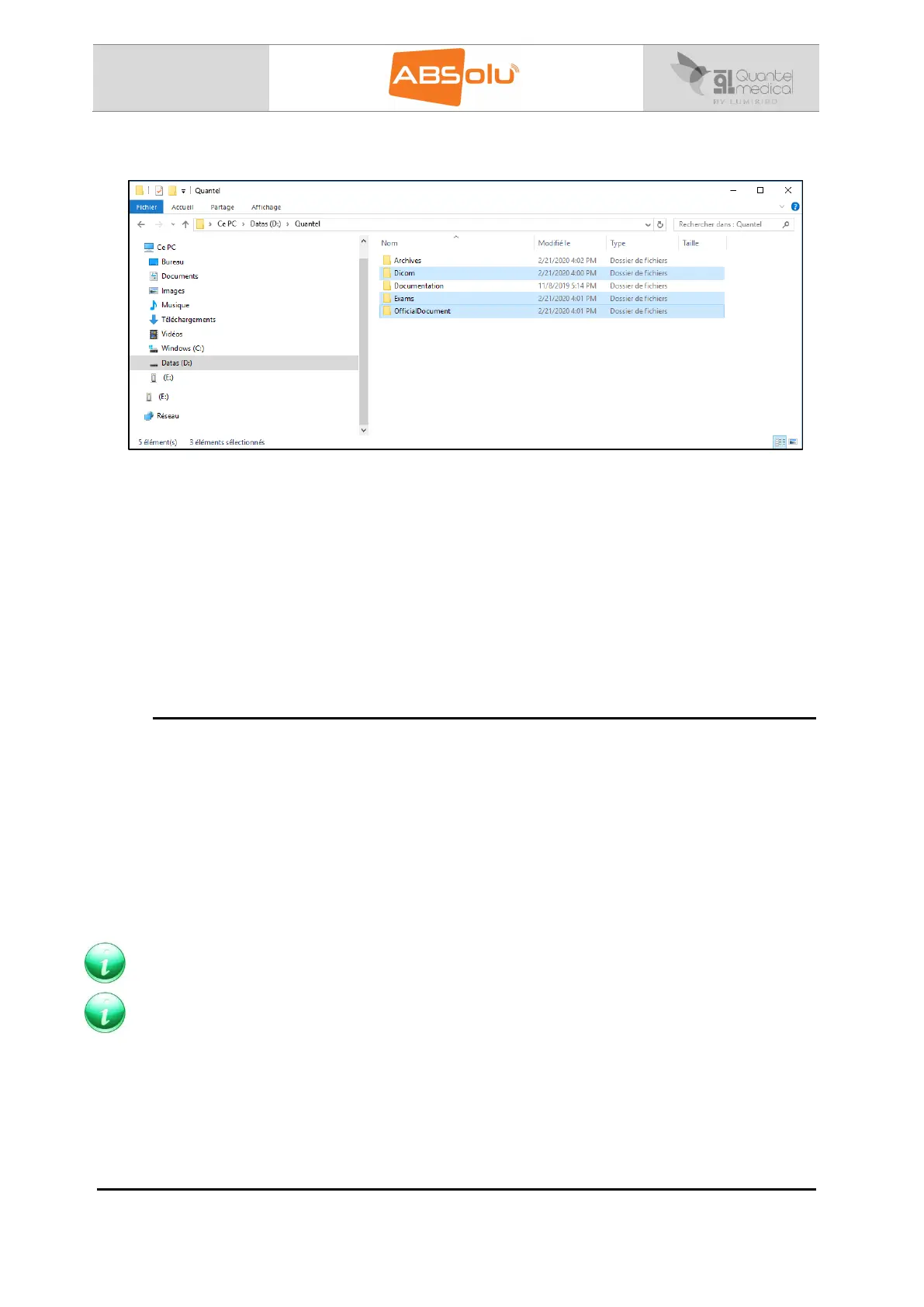
15. Paste them in the “D:\Quantel” directory of the “Destination ABSolu”:
Note: Paste the “AVI”, “EMR”, “Hotline”, “JPEG” and “PDF” folders of the “Master ABSolu” in the
“Destination ABSolu”, if you have previously saved them. Located, by default, in the folder
“ABSolu” under the D:\ server.
16. Launch “ABSolu” software,
17. If the connected probes, do not correspond to the installed probe, install the probe
parameters, in the “Probe Settings” tab of the General Setup screen,
18. Check that the Users, patients, images and official documents are present in the
ABSolu application.
11.4.3. Calibration of the “A-Bio” and “A-ProBeam” probes
After installing the A-Bio and / or A-ProBeam and / or A-Std probes in the unit, these ones
have to be calibrated:
Perform the A-Bio / A-ProBeam probe calibration in the “Probe Settings” menu of the
General Setup screen: refer to ABSolu user manual – Chapter V – Section 1.6 – Probe
settings (Installation / Calibration)
Perform the Tissue Sensitivity Determination of the A-Std probe in the “Probe Settings”
menu of the General Setup screen: refer to ABSolu user manual – Chapter V – Section
1.6 – Probe settings (Installation / Calibration)
Note: The documentation will still be present in the “?” of the ABSolu software, if the
“Documentation” folder has not been erased in the “D:\Quantel” directory.
Note: The Keycode is not modified, no more lost, when installing the database of the “Master
ABSolu”.



 To Next Page