Service Manual – 57 / 63
XE_ABS_MT_AN_200224
15. ABSOLU SETUP
The “ABSOLU” shortcut is displayed on the computer desktop. However, another shortcut
can be found in the folder:
C:\Quantel\ABSolu
Close the regular ABSOLU program (Alt+F4) and double click on the
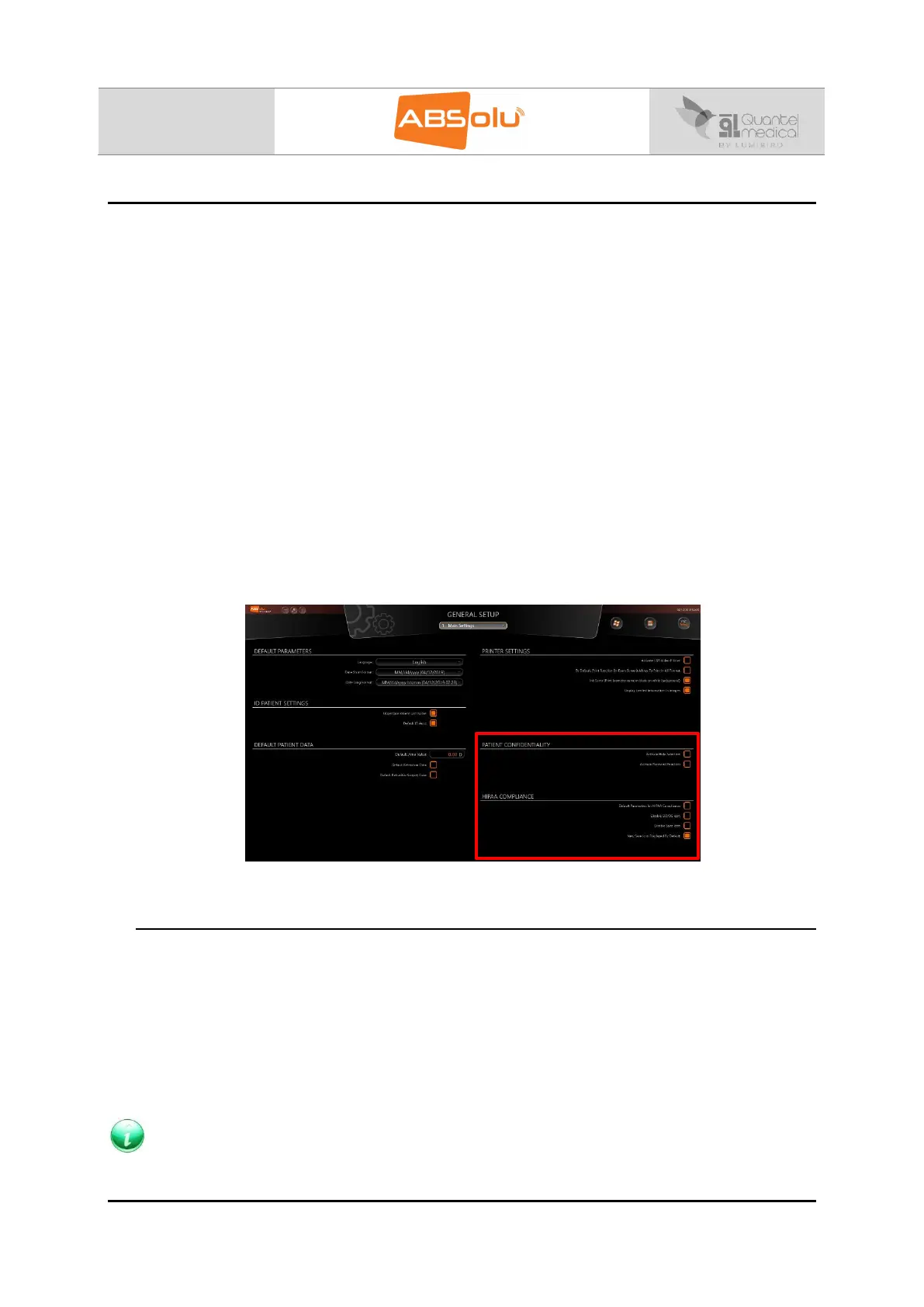
“Absolu.Presentation.Main.Setup” shortcut. This other shortcut allows the user to access
some hidden features (for service only) that are not available in normal use:
1. Main Settings:
o Patient confidentiality
o HIPAA compliance
6. Probe Settings
o Test block
o Dyn D2
o Tumor Q1
o Axial length
o Zero
o Retina slope
“Contact us” message
All those features are only available from the “ABSOLU_Setup” main menu, under “Setup”:
15.1. “Retina Slope Test”
The default value in this field is 6. It defines the sharpness of the retinal peaks in order to
freeze the A-scan when the probe direction is in the visual axis, reaching the macula area.
This value means that the slope is raised up by 6 digital points. It appears that the retina
slope test of 4 is perfect for physicians using the Prager shell with the immersion technique.
This shell holds the probe in its axis and helps to keep it perpendicular to the macula. If the
physician is not using the immersion technique, but the contact one, and has difficulties to
find the visual axis, the Retina Slope Test should be set to 6. Increasing this value will ease
the freezing action.
NOTE
Contact Quantel Medical before any modification of the Retina Slope Test.



 To Next Page