Service Manual – 34 / 63
XE_ABS_MT_AN_200224
11. DATABASE MANAGEMENT
11.1. Data information
11.2. Saving the database
11.2.1. Procedure to save only the database (without data)
The database has to be saved by using the “Export_QM_Base.bat” software located in the
C:\QM_tools directory.
When the database backup is done, a “Absolu_export.bat” file is created close to the
“Export_QM_Base.bat”.
NOTES
In this case, only the database is saved: Images / IOL / Cineloop / Reports. Draft and official
documents are not saved.
To copy all data, refer to Section 11.2.3 – Procedure to save all data (database + data: images,
Cineloop…)
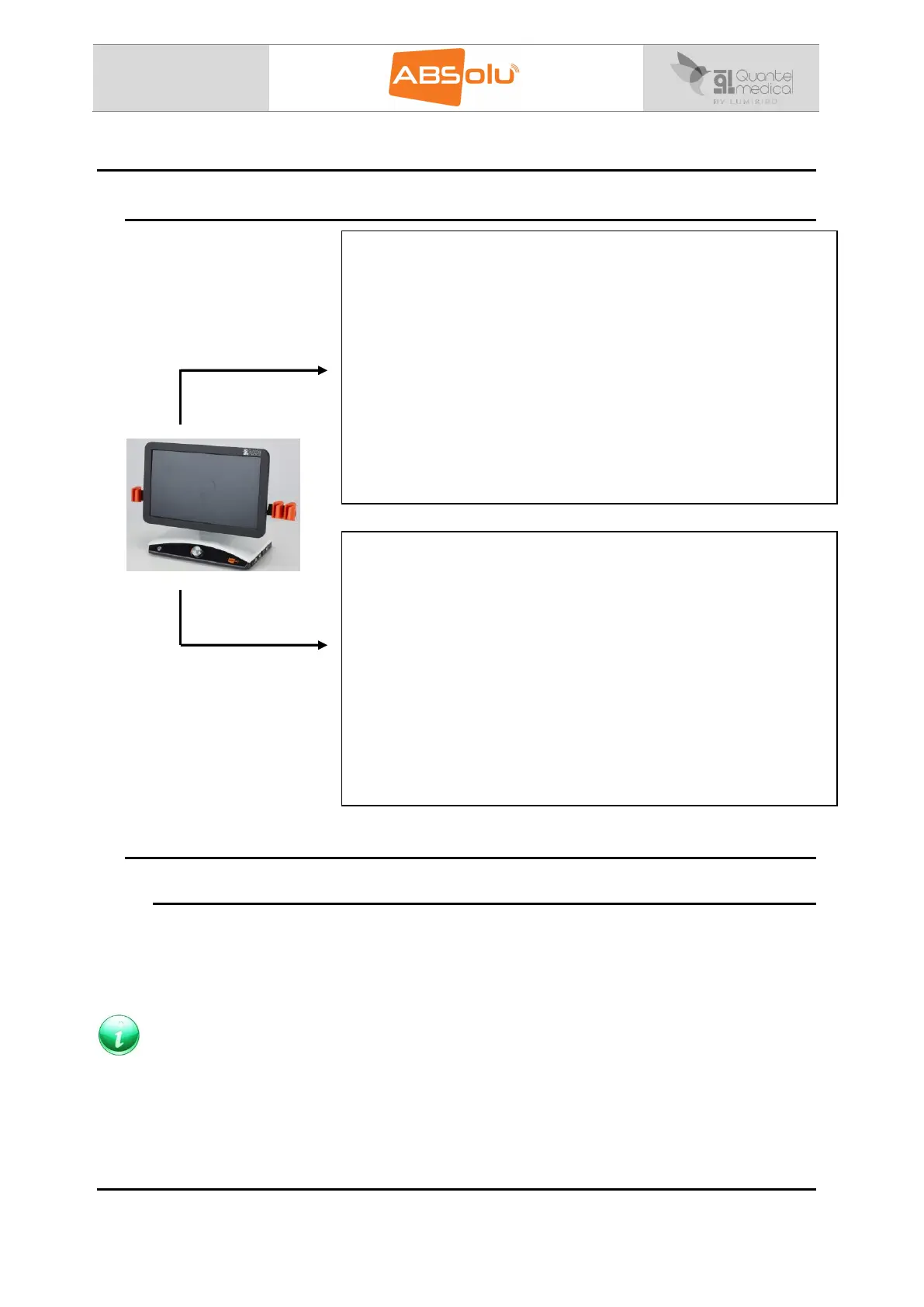
Database:
The database information is stored in the “D:\Quantel” folder:
“ABSolu” folder includes the AVI, EMR, JPEG, PDF, Hotline
folders,
“Dicom” folder includes the DICOM file, if the DICOM is not
activated, this file will not be present.
“Documentation” folder includes the documentation files,
which are available in the “?” menu,
“Exams” folder includes the images and Cineloop, present in
the exam screen of the patient files,
“Official Document” folder includes the reports and drafts
present in the patient files.
The database cannot be manually copied.
Data:
Exported data (such as JPEG, PDF…) are located by default under
the “D:\ABSolu” folder. However, this location can be customized
by the Physician (“Export Settings” menu in the general setup
screen).
This ABSOLU directory contains the following folders:
Cineloop folder, which contains all exported exams in AVI
format,
EMR folder, which contains all exported exams in EMR
format (JPEG + xml files),
JPEG folder, which contains all exported exams in JPEG
format,
PDF folder, which contains all exported exams in PDF format.
Hotline folder, which contains ell exported files for service.



 To Next Page