Service Manual – 37 / 63
XE_ABS_MT_AN_200224
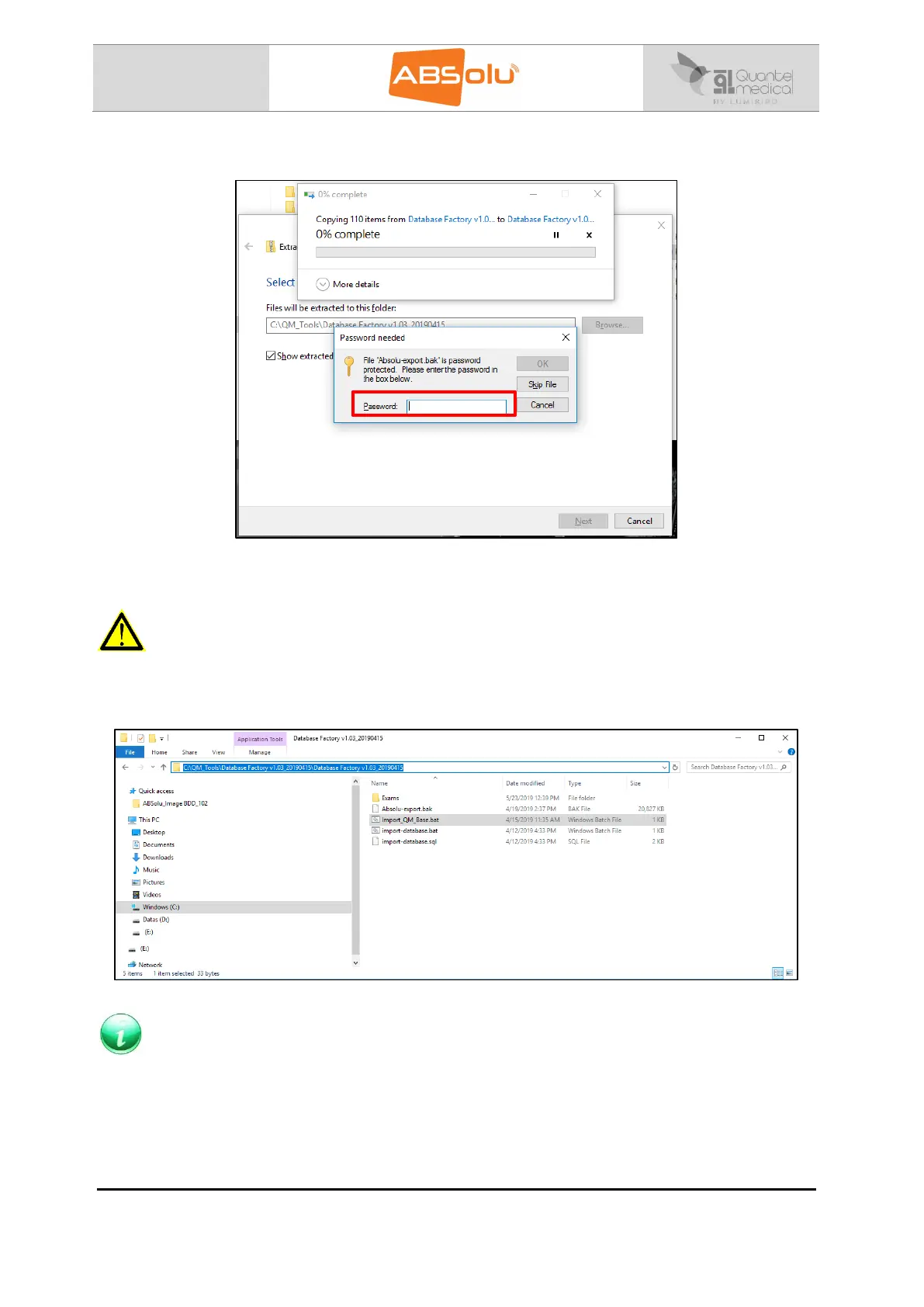
5. The following window will be displayed, enter the password “EKOAdmin”
6. Click on “Ok”, the “Database Factory V1.03_20190415” folder is created in the “C:\QM Tools”
directory.
WARNING
The next action will definitively erase all data.
7. Launch the “Import_QM_Base.bat” software, which is located in the “C:\QM Tools\Database
Factory V1.03_20190415\ Database Factory V1.03_20190415” directory:
NOTE
This process allows you to install the factory database in the ABSolu software.



 To Next Page