Service Manual – 39 / 63
XE_ABS_MT_AN_200224
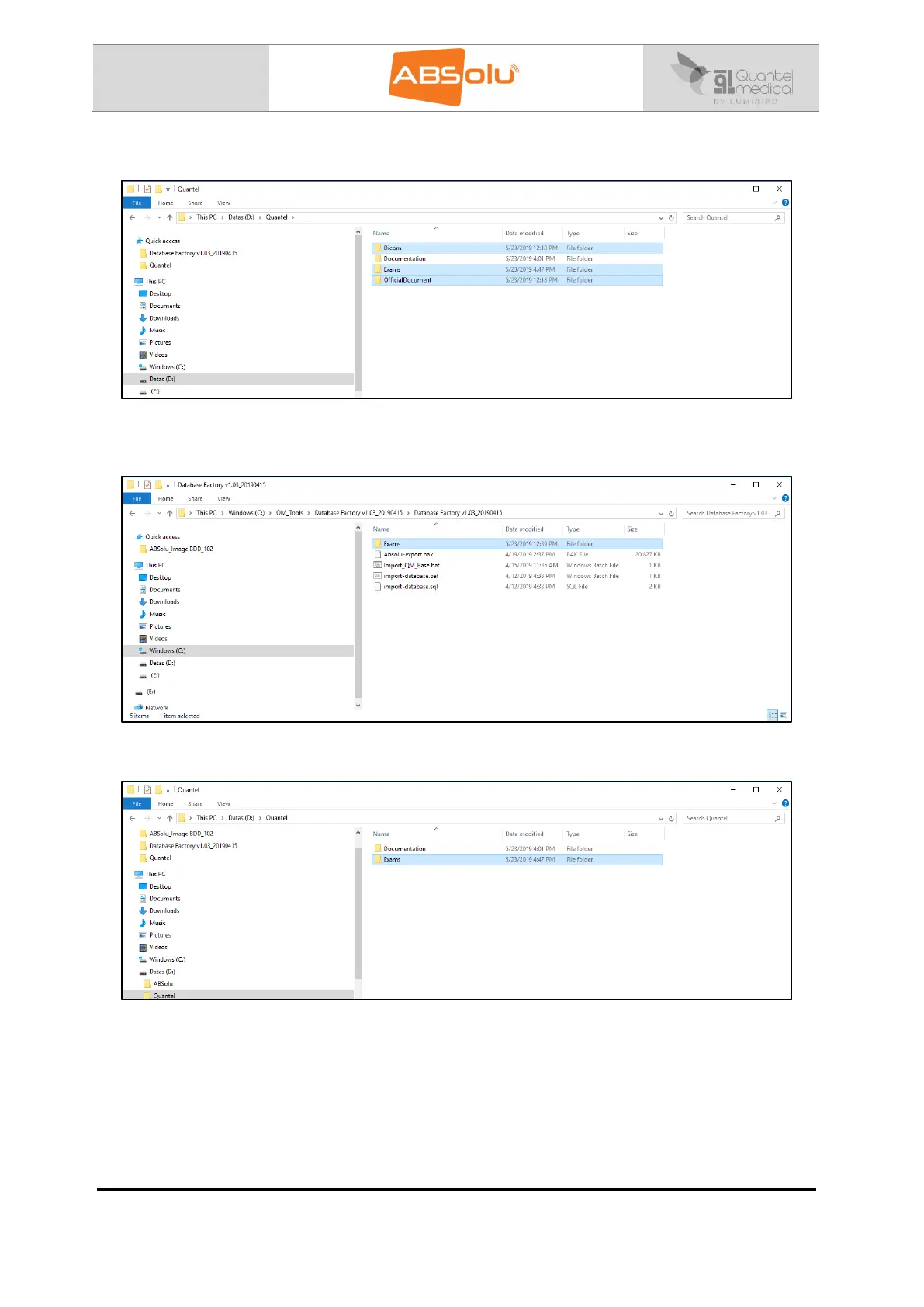
13. Erase all folders located in the “D:\Quantel” directory, except “Documentation” folder:
14. Copy the “Exams” folder, which is located in the “C:\QM Tools\Database Factory
V1.03_20190415\ Database Factory V1.03_20190415” directory:
15. Paste it in the “D:\Quantel” directory:
16. Erase the files located in the folders called: “AVI”, “EMR”, “Hotline”, “JPEG” and “PDF”, which
are located in the “D:\Quantel” directory. Do erase only files and not the folders.
17. Launch “ABSolu” software,
18. Install the probes, in the “Probe Settings” tab of the General Setup screen,
19. Check that the Quantel Medical demo images are present in the patient file called “ABSolu#”.



 To Next Page