214328 55 Revision A
5.6 Checking and Adjusting Timed Double-Knife Drive Belt
Tension
This procedure applies to double-knife drive headers with timed knife drives. Use this procedure at each end
of header.
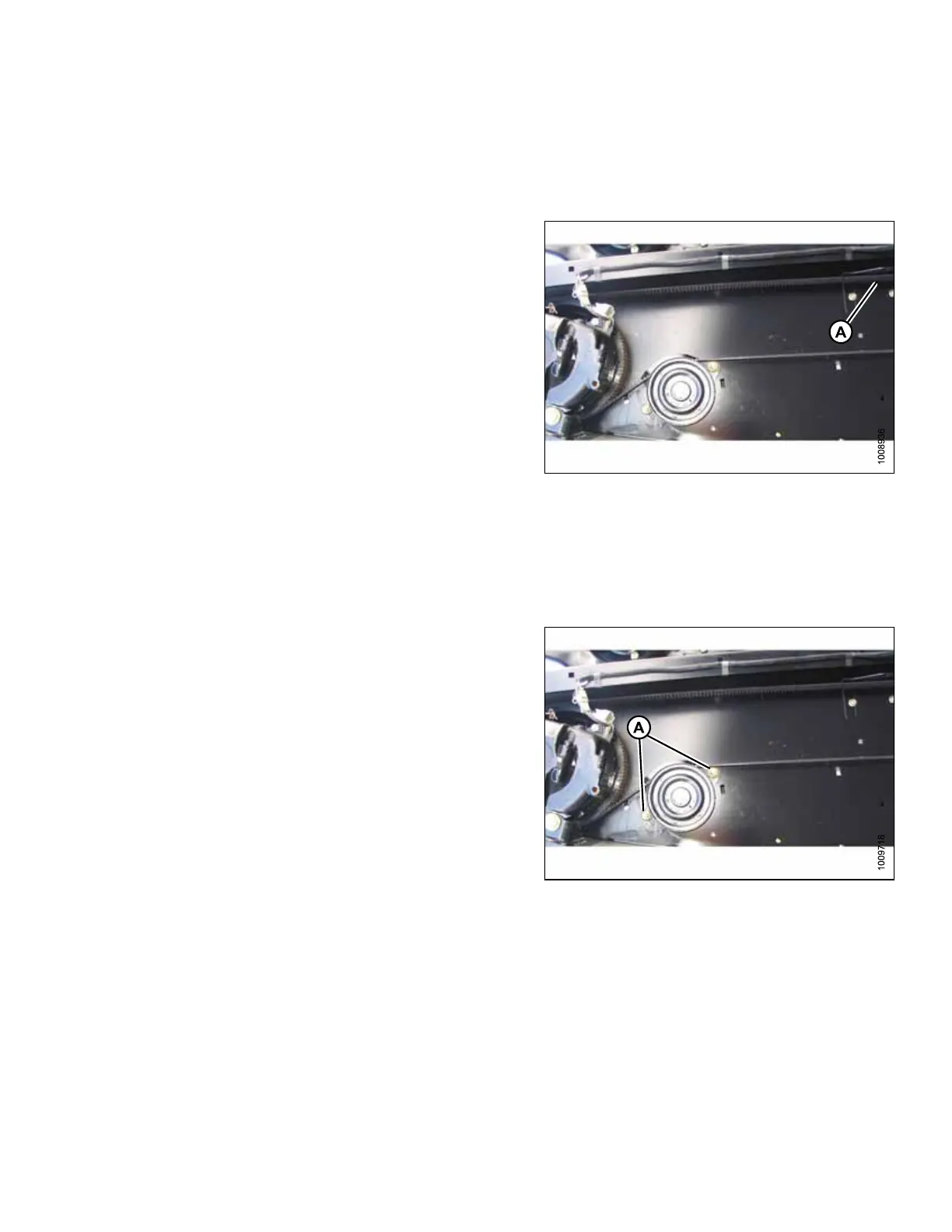
Figure 5.8: Knife Drive (Left Shown – Right
Opposite)
1. Open endshield(s). Refer to 3.3 Opening Endshield,
page 25.
2. Apply a force of 27 N (6 lbf) to timing belt at
midspan (A). Belt should deflect 13 mm (1/2 in.).
If necessary, adjust belt tension at both ends of header as follows:
IMPORTANT:
To prolong belt and drive life, do NOT over-tighten belt.
Figure 5.9: Knife Drive
3. Loosen two nuts (A) on knife drive belt idler
mounting bracket. Belt will loosen.
PERFORMING PREDELIVERY CHECKS



 To Next Page