Chapter 9 Advanced features
Page 9-10 MAN 0384
A size band can be removed using this dialogue by selecting a size from the List of
User Sizes list box and pressing the Remove button.
Pressing the Clear button removes all entries in the List of User Sizes list box.
Note
The default size bands can be loaded by pressing the Clear button then
OK. The software asks if the user wants to load the default size bands.
User-defined size bands can be saved and loaded using this dialogue.
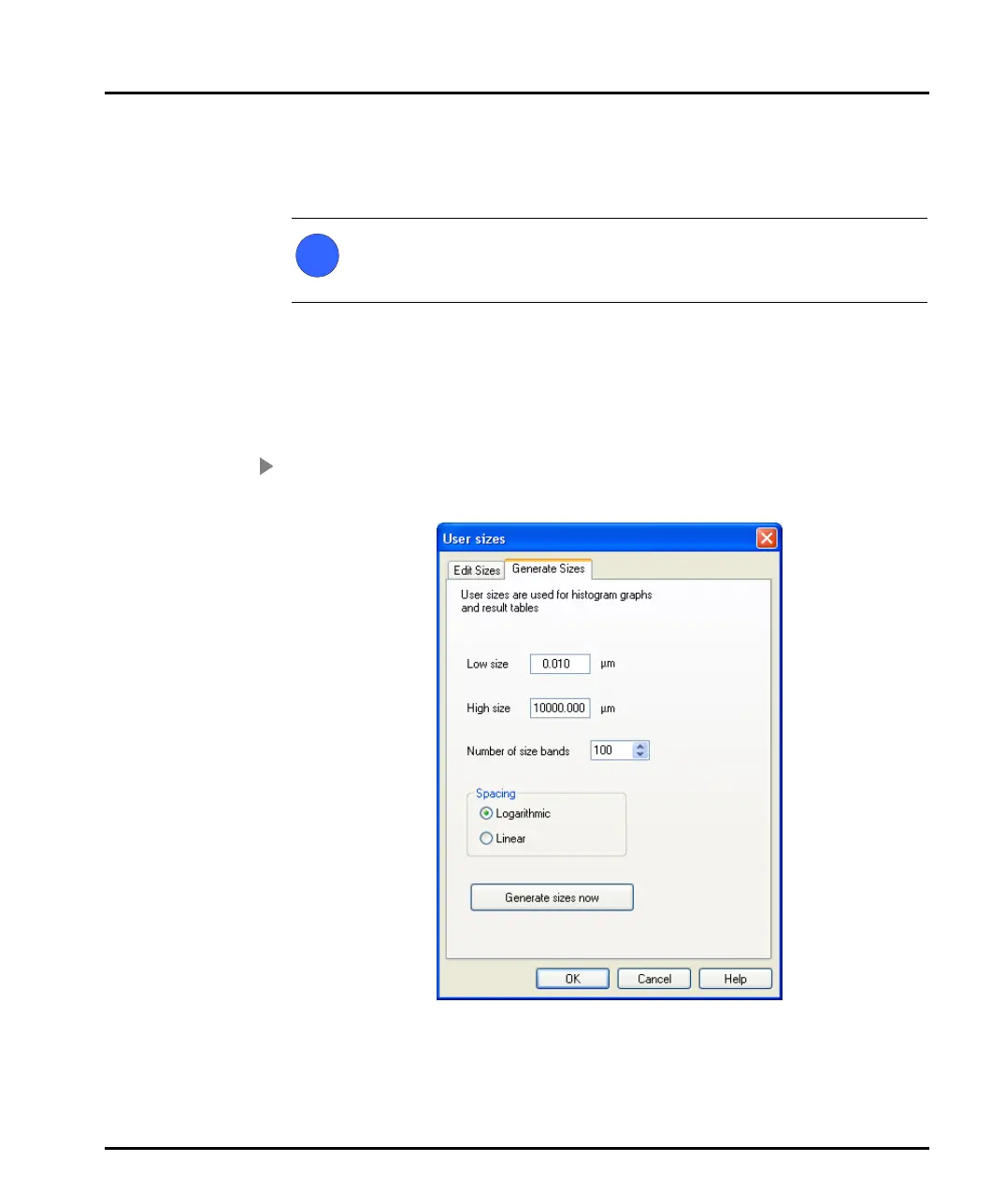
Generating size bands
Using the Generate facility ensures that the size classes are as evenly distributed as
possible. This approach is quicker than creating a range of sizes manually.
To generate size bands:
1. Select the Generate Sizes tab in the User sizes dialogue (shown below).
2. Choose the upper and lower limits for the whole distribution using the Low
size and High size boxes.
3. Define the number of size bands by changing the Number of size bands
value.
i
MAN0384-1.0 Mastersizer 2000.book Page 10 Tuesday, March 20, 2007 8:56 AM



 To Next Page