Chapter 4 Making measurements - a tutorial
Page 4-4 MAN 0384
Measurements on a Mastersizer 2000
Instrument preparation
Before starting a measurement, ensure that the correct cell is installed in the cell
area then power up the system as outlined below. (If an SOP is run, the software
will check that the correct cell is connected, informing the user if it is not).
To power up the system:
1. Switch on the dispersion unit(s).
2. Switch on the optical bench.
3. Switch on the computer and start the software by double-clicking on the Mas-
tersizer 2000 icon.
Making a basic SOP measurement
Start an SOP by selecting Measure-Start SOP. In the dialogue which appears
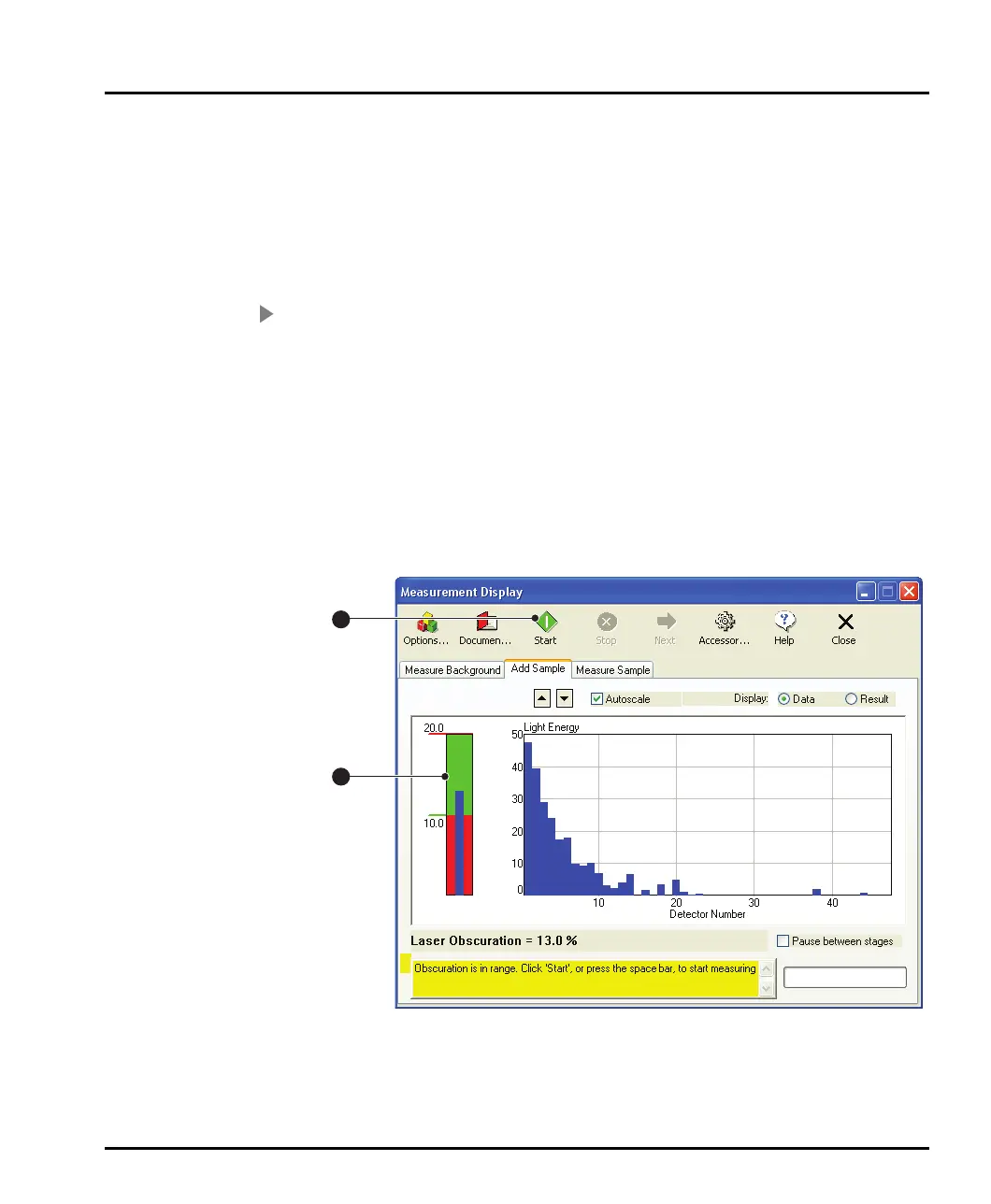
select an SOP. The Measurement Display dialogue will appear:
ill 7753
1
2
MAN0384-1.0 Mastersizer 2000.book Page 4 Tuesday, March 20, 2007 8:56 AM



 To Next Page