Chapter 10 Security
Page 10-4 MAN 0384
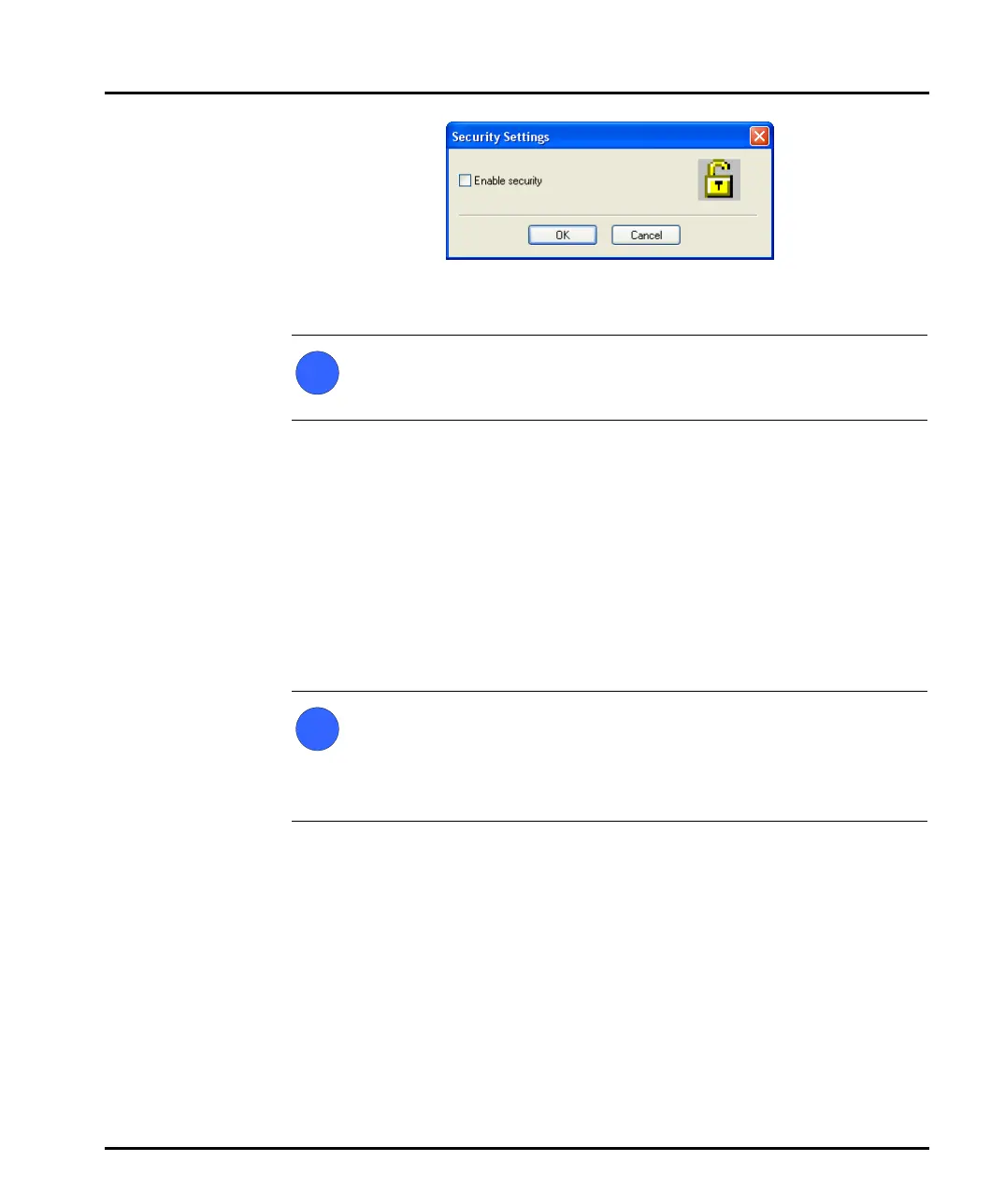
Security is now enabled on the system. This forces subsequent users to log in
to access the software.
Note
If the 21 CFR part 11 feature key is installed a different dialogue is dis-
played. Once 21 CFR part 11 security is enabled, it cannot be disabled.
Security guidelines
Once security is enabled each user must log in when the software starts. Once the
user is logged in, only functions matching their relevant permissions will be acces-
sible; all other functions will be greyed out.
To change from one user to another without closing down the software, the first
user must select Security-Logout and then the second user must select Security-
Login and enter the appropriate username/password.
Note
It is preferable to assign at least two users to the Administrators group.
These users’ user names and passwords should be stored in a secure loca-
tion. This is to safeguard against accidental lockout or deletion of permis-
sions that may prevent the security settings being available.
Remember that after any changes to the security system – adding users, changing
permissions, etc. – the new changes must be saved (by selecting User-Save). A dia-
logue will appear on exit reminding the user to save changes.
i
i
MAN0384-1.0 Mastersizer 2000.book Page 4 Tuesday, March 20, 2007 8:56 AM



 To Next Page