Chapter 4 Making measurements - a tutorial
Page 4-18 MAN 0384
Measurement options
This section shows each of the dialogues that appear when the SOP Wizard is run
and explains the basic options available. As stated above, the choices for the options
of both manual and SOP measurements are basically the same; most information
in this section applies equally to manual measurements.
More details on how to select these options can be found in the online help,
accessed by pressing the Help or Advice button in any dialogue.
A series of dialogues, listed below, is displayed in the SOP Wizard. Identical tab
versions of these dialogues are displayed during a manual measurement.
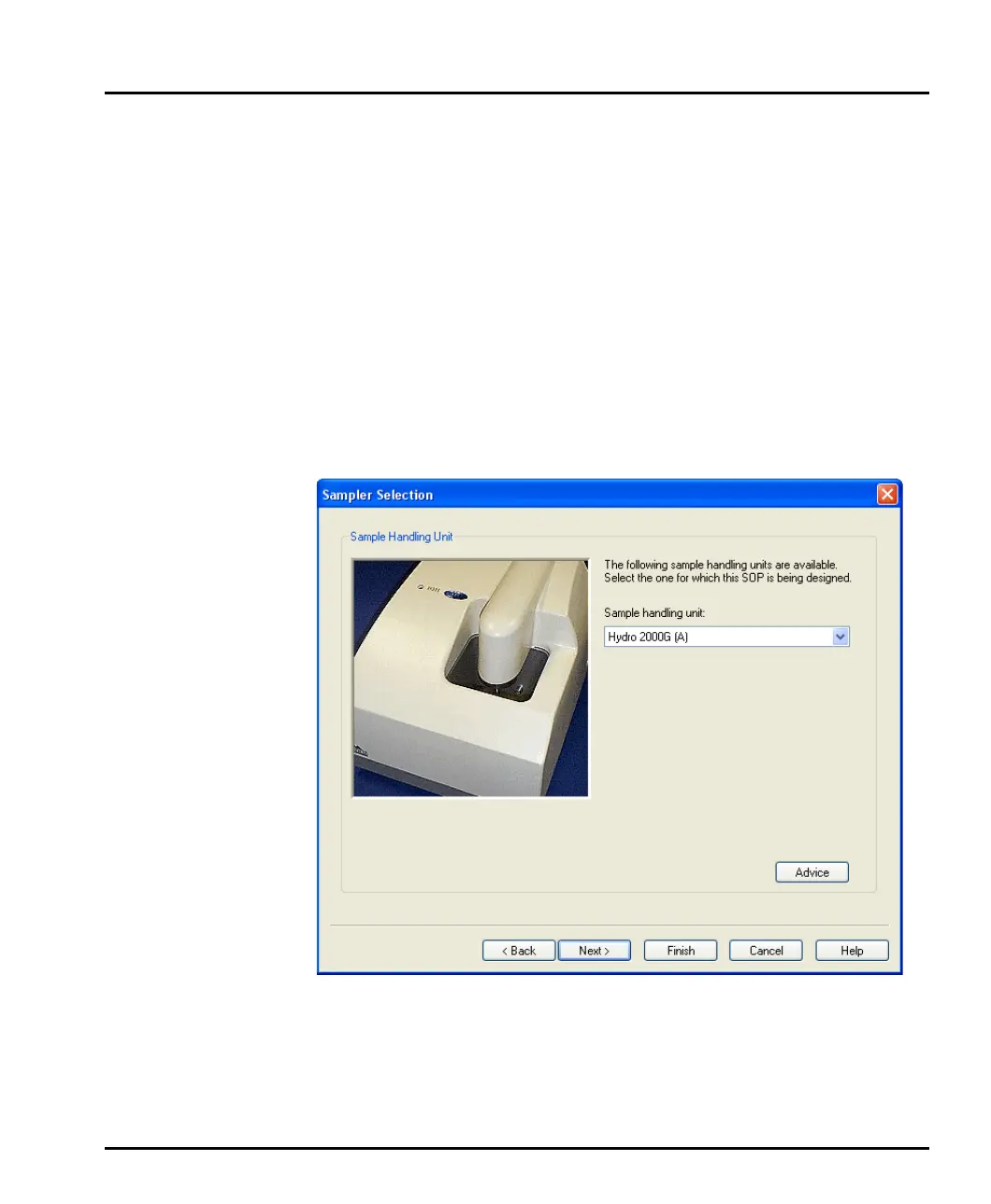
Sampler Selection dialogue
Use this dialogue to select a sample dispersion unit:
Up to two samplers (designated A and B) of each type can be selected, allowing for
two different configurations. This may be appropriate, for example, if a specific
sampler is dedicated to one sample material or dispersant. Clicking on the Sample
handling unit list box displays a list of available samplers. Selecting one of these
closes the box. For advice on the choice of sampler, click the Advice button.
MAN0384-1.0 Mastersizer 2000.book Page 18 Tuesday, March 20, 2007 8:56 AM



 To Next Page